Adobe InDesign 2026
Profiles for Stream Deck XL/Regular/Plus/XL+(Mac/Win)
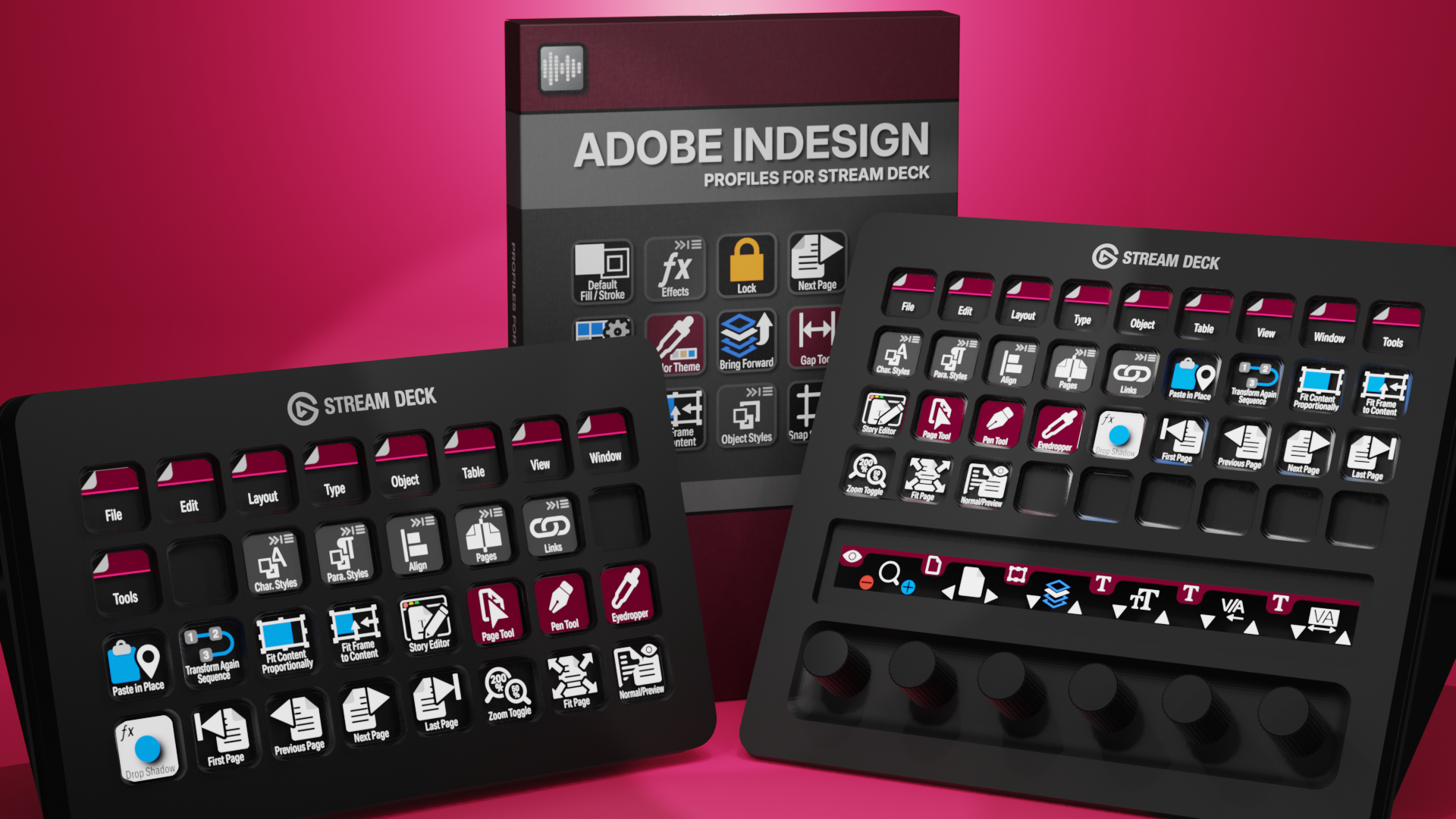

InDesign Profiles for Stream Deck XL - Reg - Plus - XL+
English (QWERTY) keyboard layout required for profiles.
What’s Included
com.schwabmusic.indesign.streamDeckIconPack
Labelled / Unlabelled Icons
Stream Deck XL Profile and Stream Deck Regular Profile (Mac/Win)
Stream Deck Plus Profile (Mac/Win)
Stream Deck XL+ Profile (Mac/Win)
com.deckly.indesign.commands.streamDeckPlugin
Manuals
Streamline your design workflow in Adobe InDesign with the Elgato Stream Deck and over 400 custom icons. Instantly access tools, menus, and shortcuts with a single press, keeping your workspace organized and boosting productivity. These custom Stream Deck profiles for InDesign reduce repetitive keystrokes, speed up layout and typography tasks, and give you intuitive control over every aspect of your design projects.
The profile pack includes the InDesign Commands plugin — just install it first, then load your profiles. The plugins give your Stream Deck direct access to over 1400 InDesign commands, tool switching, keyboard shortcuts, custom scripting, and one-press color application. Profiles are fully cross-platform and work on both macOS and Windows without modification, so you only need one set regardless of your operating system.
Also available is a separate ICON PACK (icons only).
Browse the store for a FREE SAMPLER.
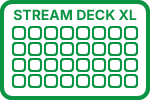
420+ Programmed Keys
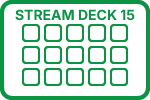
420+ Programmed Keys
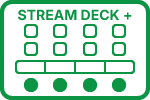
420+ Programmed Keys
420+ Programmed Keys

430+ Labelled Icons
430+ Unlabelled Icons
English (QWERTY) keyboard layout required.
Stream Deck XL or Stream Deck Regular required for profile.
Stream Deck XL / Regular Profiles (cross-platform)
Stream Deck Plus Profiles (cross-platform)
Stream Deck XL+ Profiles (cross-platform)
Keyboard Shortcuts
420 + programmed commands for the Stream Deck XL, Stream Deck Regular, Stream Deck Plus and Stream Deck XL+. Many of the menu items available via shortcut keys in InDesign at the tip of a finger. Organized into folders for easy access.

TYPE
Access all of the most common Type commands used in Adobe InDesign with the click of a button.
OBJECT
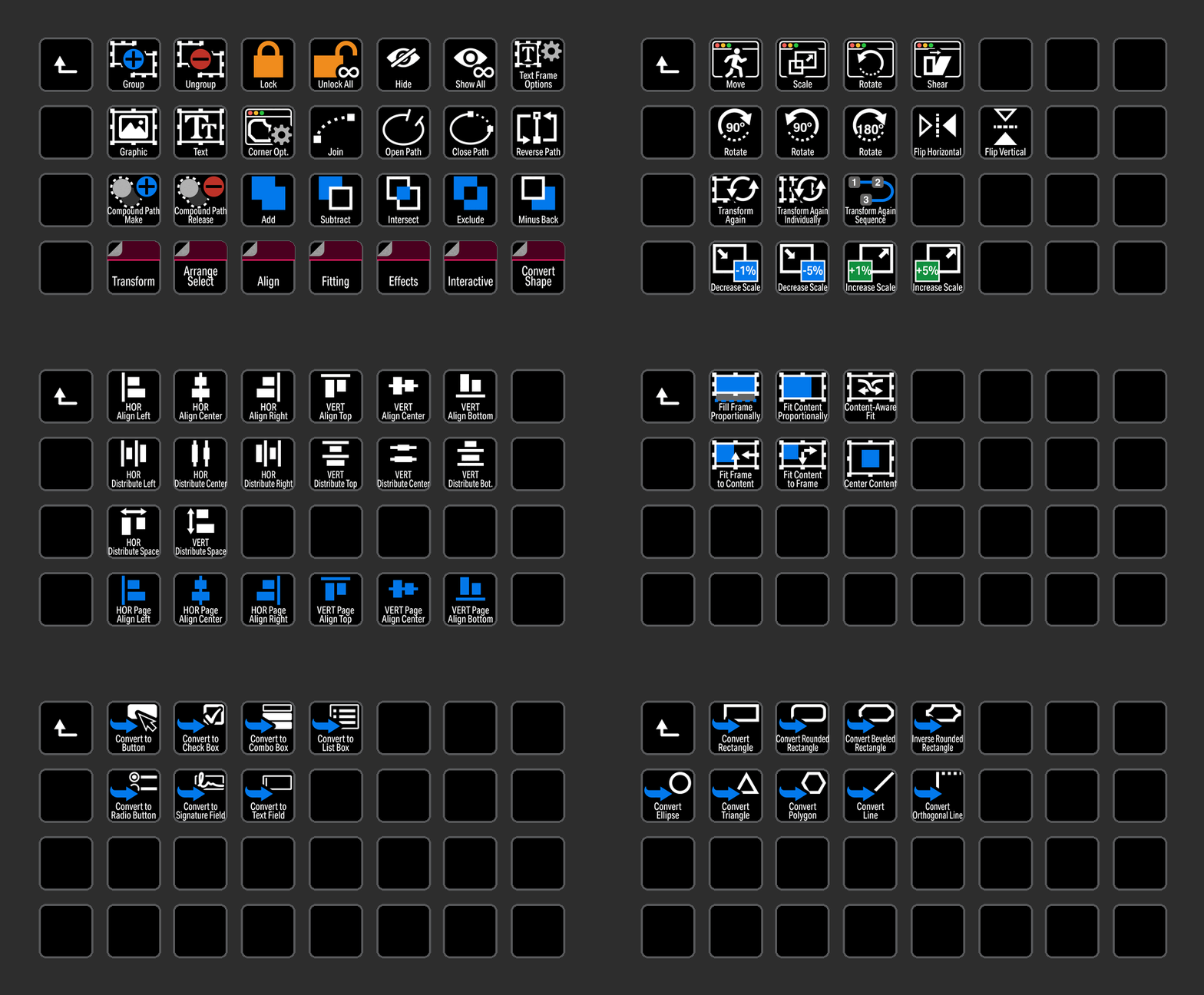
Object menu commands available in an organized folder for easy access.
TOOLS
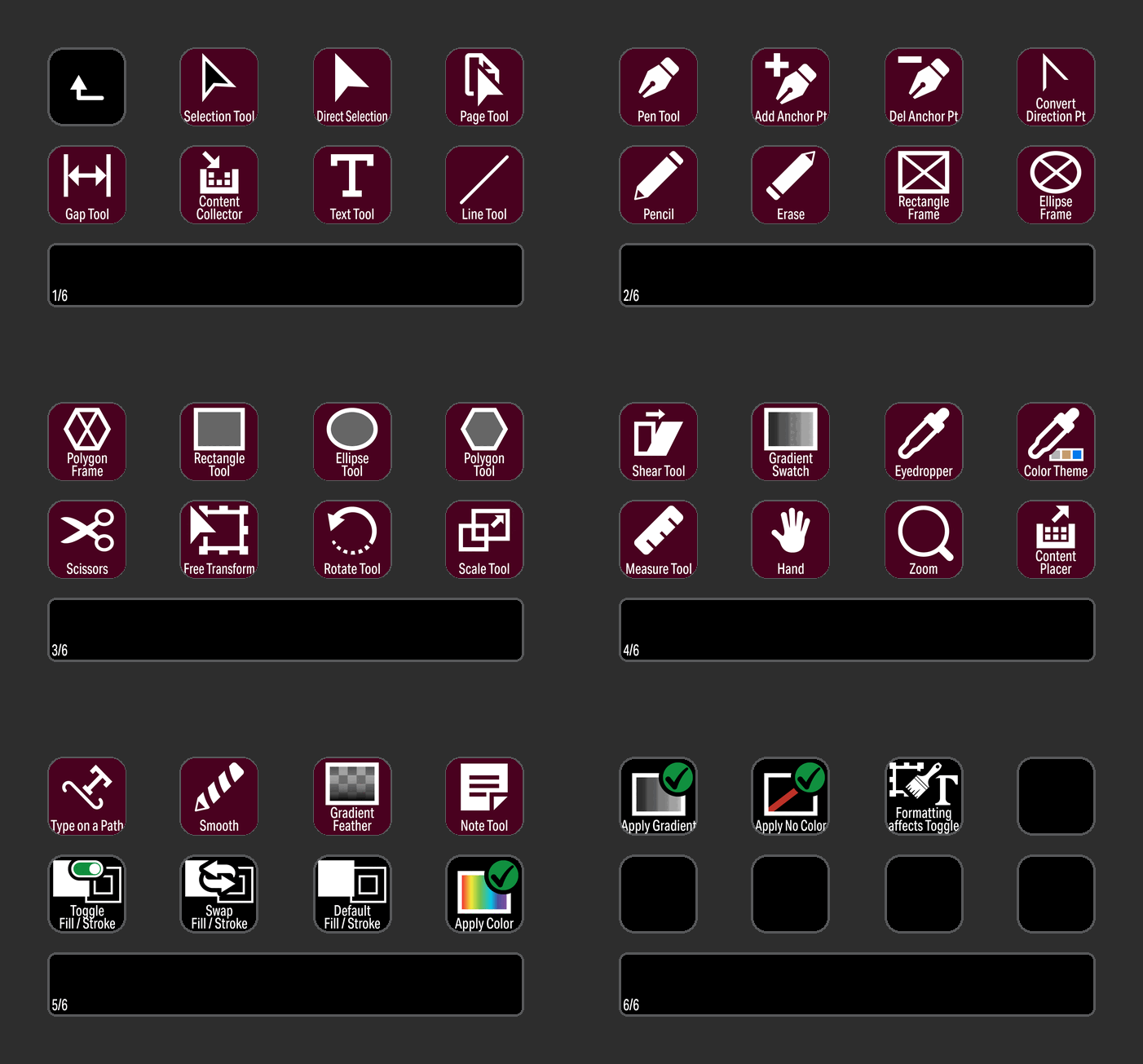
Select command Tools easily in a Stream Deck Plus profile with easily identifiable icons.
EDIT
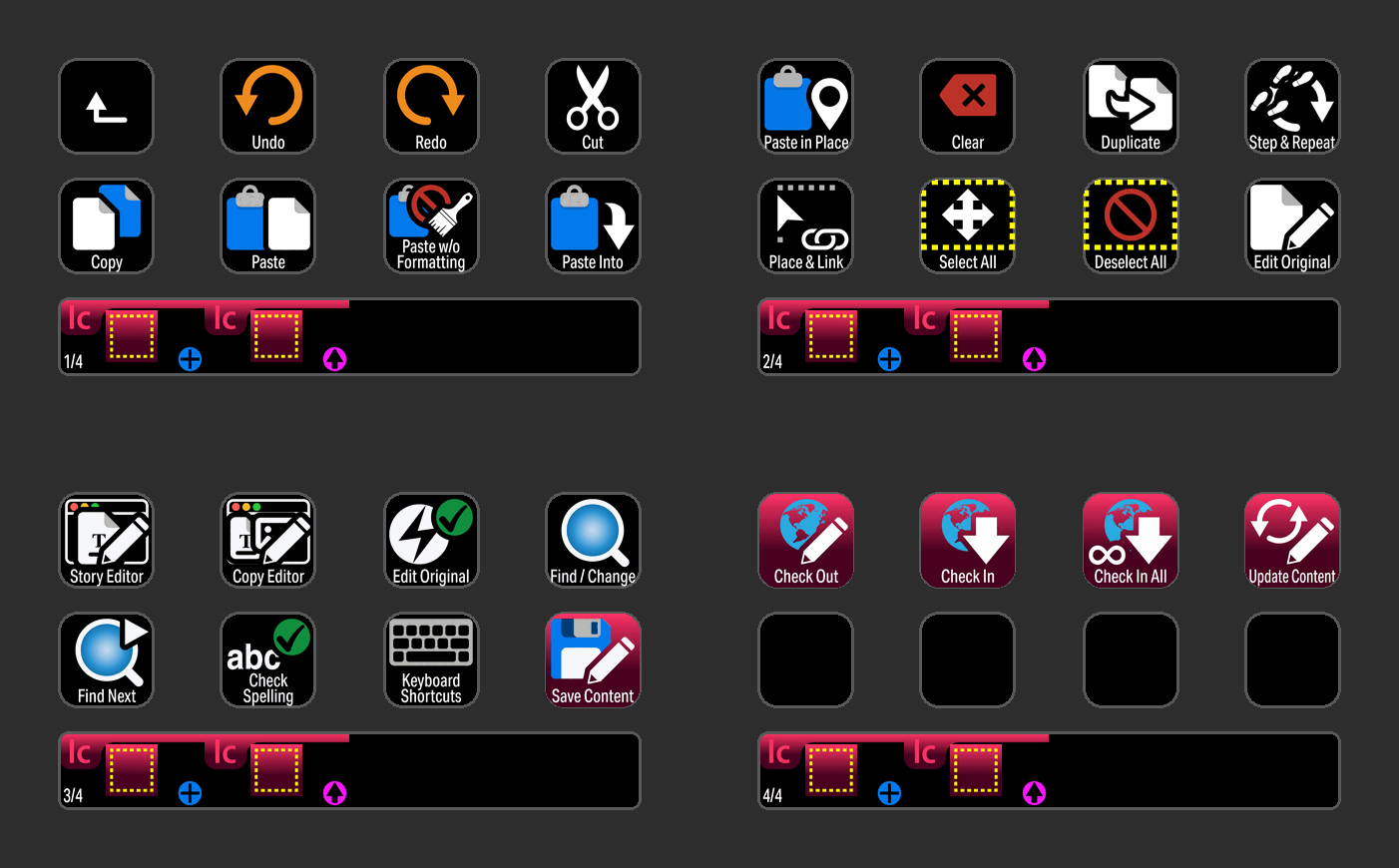
Edit commands including InCopy available at the touch of a button.
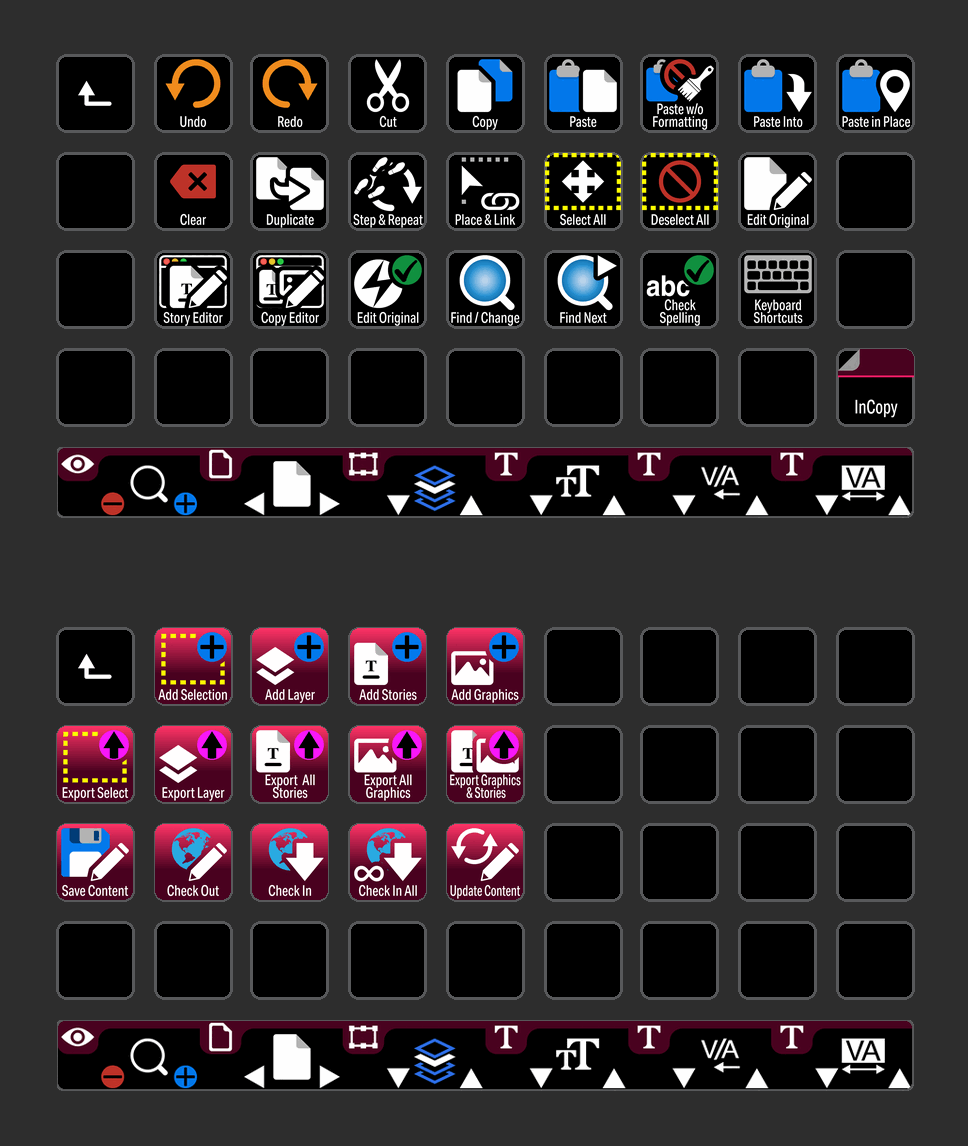
EDIT
Edit commands including InCopy available at the touch of a button for the Stream Deck XL+.
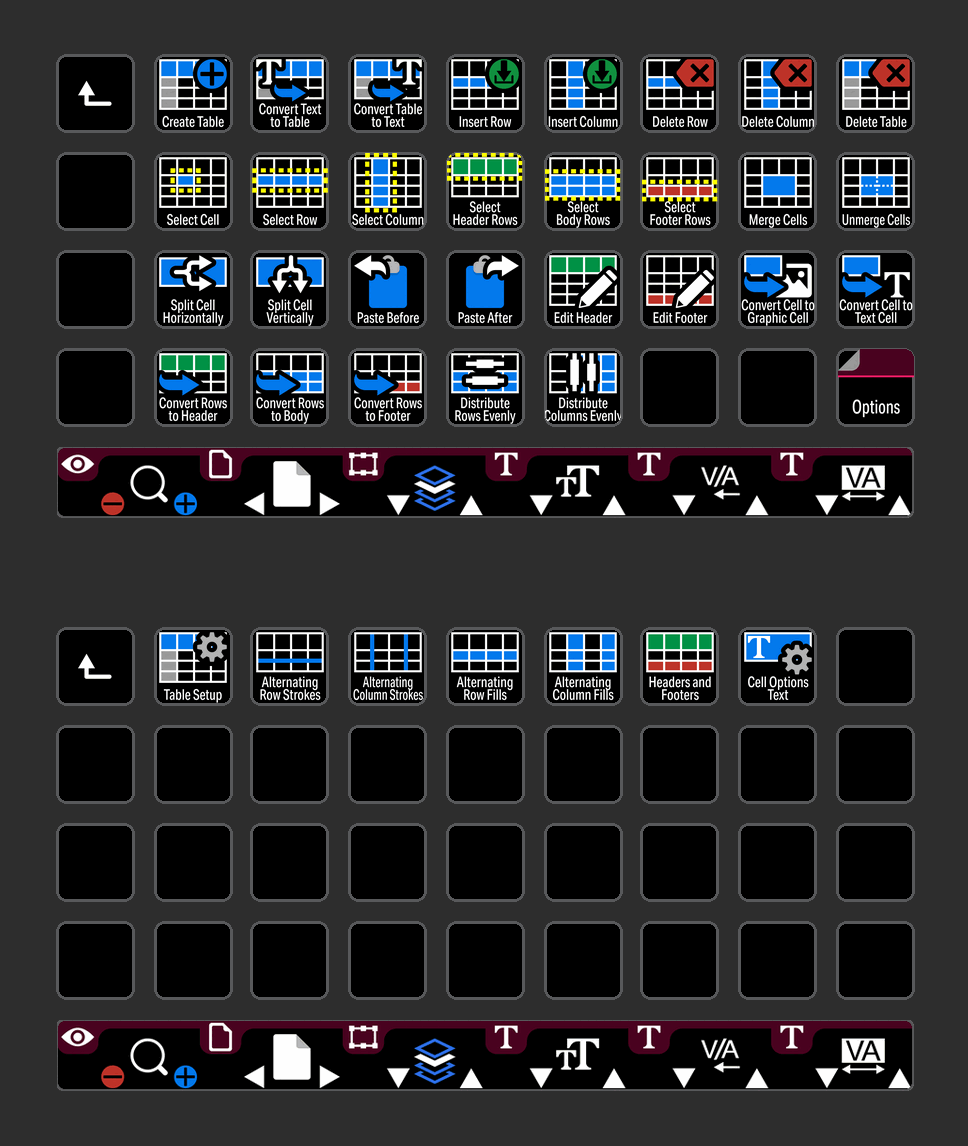
TABLE
Adobe InDesign Table commands at the touch of a button on the Stream Deck XL+.
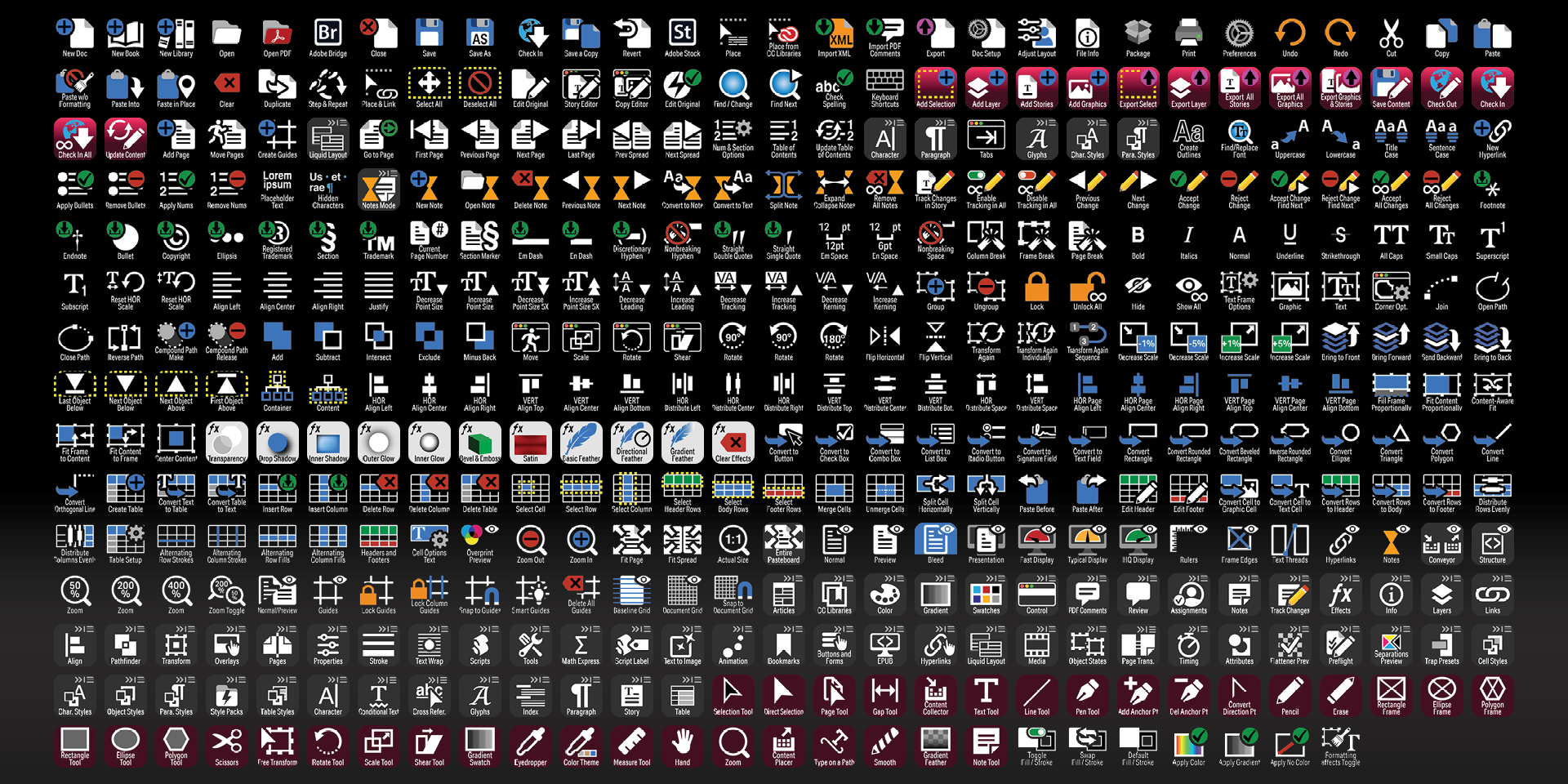
Labelled
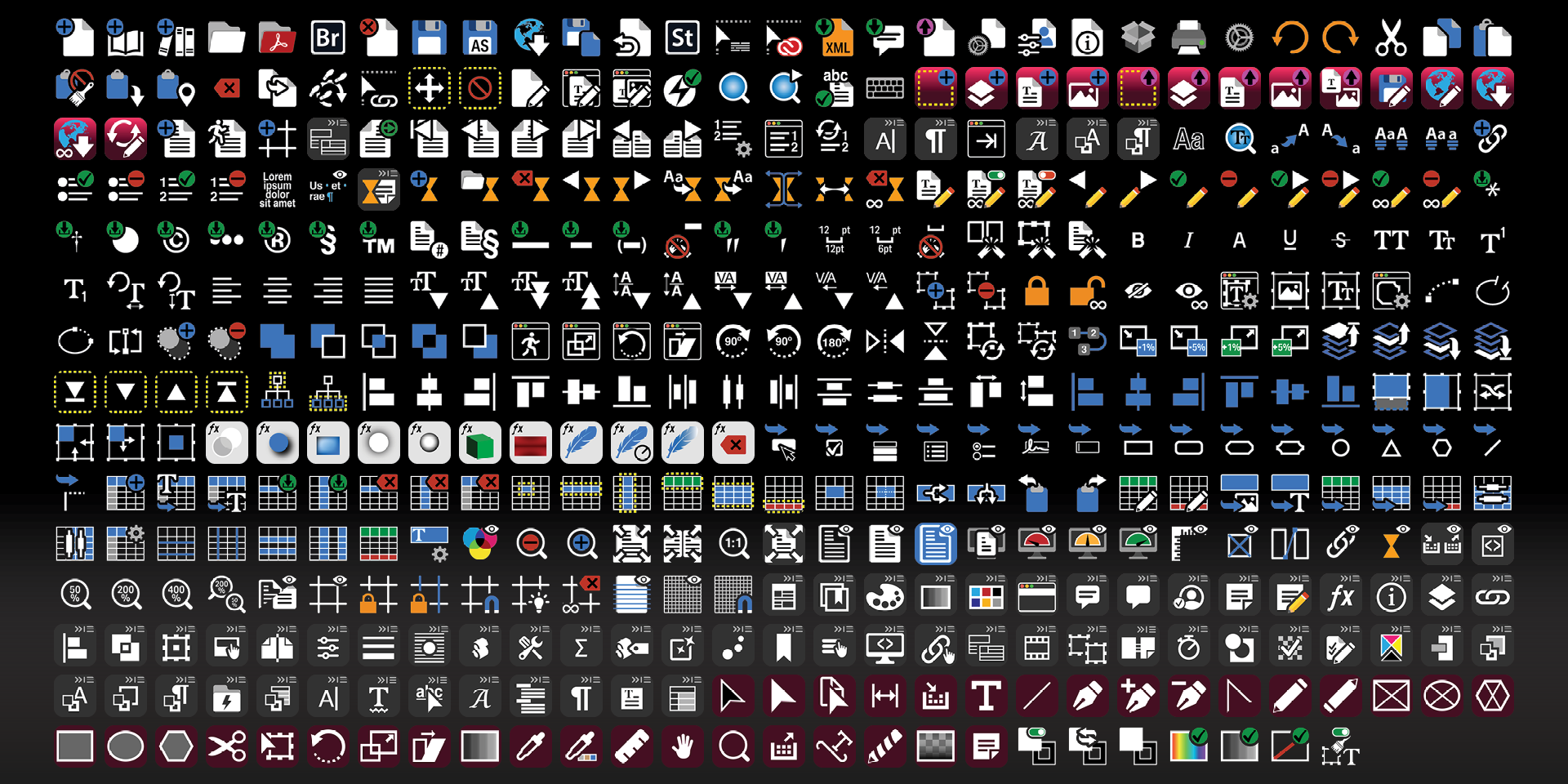
Unlabelled
What’s Included
.streamDeckIconPack File
Labelled / Unlabelled Icons
Stream Deck XL Profile and Stream Deck Regular Profile (cross-platform) for both Labelled and Unlabelled Icon Sets
Stream Deck Plus Profile (cross-platform)
Stream Deck XL+ Profile (cross-platform) for both Labelled and Unlabelled Icon Sets
com.deckly.indesign.commands.streamDeckPlugin
Manuals