Installation
Overview
InDesign Commands gives you direct access to InDesign's menu actions, scripting engine, and keyboard shortcuts from any Stream Deck model. Three actions cover every use case:
ID Run Menu Command for built-in menu actions, locale-independent strings, action IDs, and hotkeys
ID Run Script for inline ExtendScript or external `.jsx` files
ID Dial Command for Stream Deck+ rotary controls
The plugin works on both macOS and Windows. Menu actions go through InDesign's scripting engine — every action is wrapped in `app.doScript(..., UndoModes.ENTIRE_SCRIPT, ...)` so you get one Cmd-Z to undo. Hotkeys execute at native keyboard speed for moments when the menu action isn't available (no document open, action disabled, InDesign not focused).
Requirements
macOS 11 (Big Sur) or later
Windows 10 or 11
Elgato Stream Deck software 6.9 or later
Adobe InDesign 2020 (15.0) or later. Tested with InDesign 2025 and 2026.
All Stream Deck models: MK.2, +, XL, Mini, Neo
Dial features require Stream Deck+ or compatible model with encoder dials
Run Menu Command (Button)
The primary action. Assign any InDesign menu action, dialog, panel command, or keyboard shortcut to a Stream Deck button.
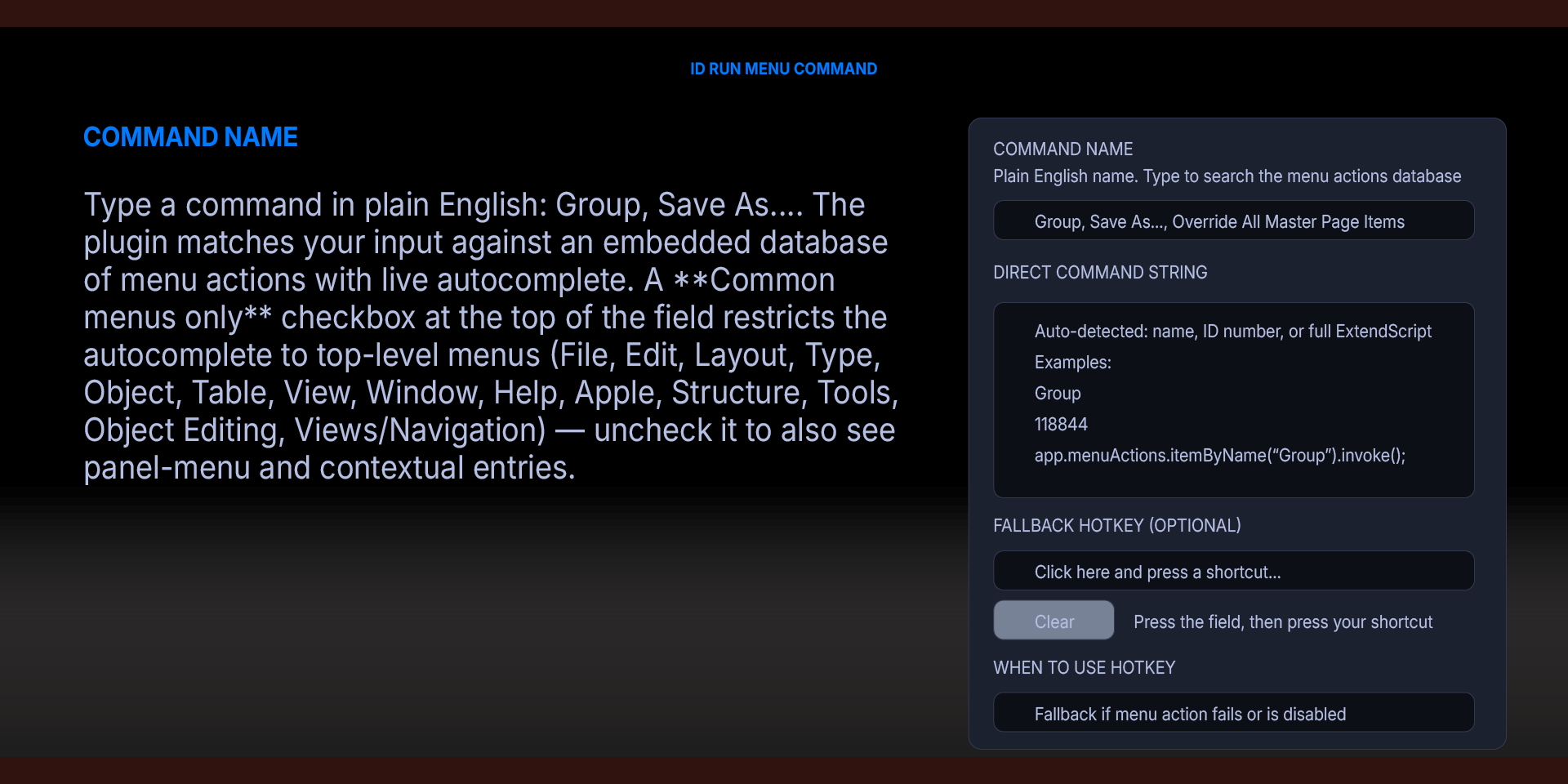
Command Name — Type a command in plain English: Group, Save As..., Override All Master Page Items, Update All Cross-References. The plugin matches your input against an embedded database of menu actions with live autocomplete. A Common menus only checkbox at the top of the field restricts the autocomplete to top-level menus (File, Edit, Layout, Type, Object, Table, View, Window, Help, Apple, Structure, Tools, Object Editing, Views/Navigation) — uncheck it to also see panel-menu and contextual entries.
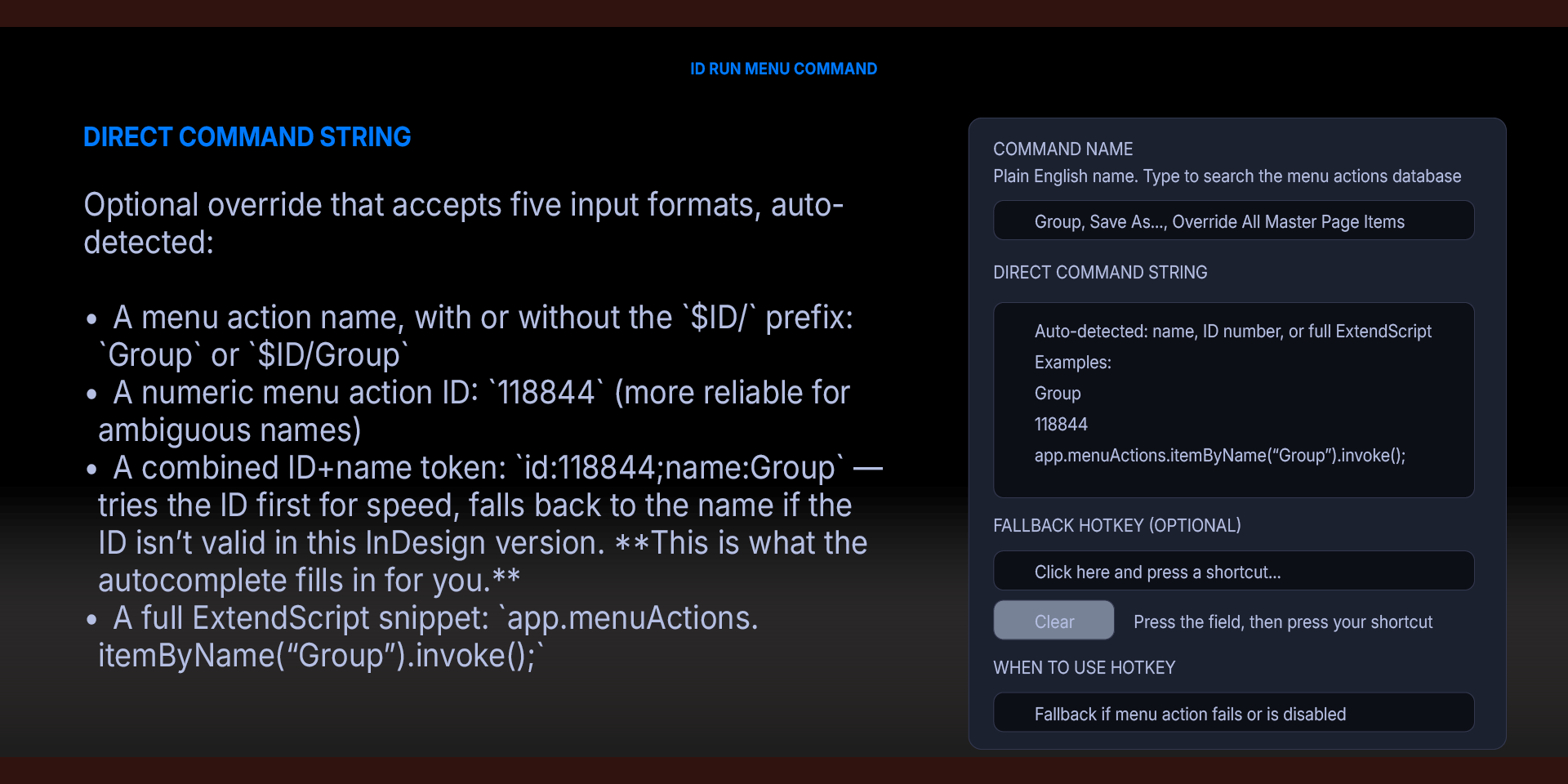
Direct Command String — Optional override that accepts five input formats, auto-detected:
A menu action name, with or without the `$ID/` prefix: `Group` or `$ID/Group`
A numeric menu action ID: `118844` (more reliable for ambiguous names)
A combined ID+name token: `id:118844;name:Group` — tries the ID first for speed, falls back to the name if the ID isn't valid in this InDesign version. This is what the autocomplete fills in for you.
A full ExtendScript snippet: `app.menuActions.itemByName("Group").invoke();`
If filled, Direct Command String overrides the Command Name field. Picking a command from the autocomplete dropdown automatically populates this field with the combined `id:N;name:Foo` token.
Fallback Hotkey — A keyboard shortcut to send if the menu action fails or is disabled. Click the field, then press your shortcut — the modifiers and key are captured at native speed. The display shows `⌘⇧G` on Mac or `Ctrl + Shift + G` on Windows. Supports letter keys, digits, function keys (F1–F19), arrows, Numpad, Return, Escape, Space, Delete, Tab, Page Up/Down, etc. Click Clear to reset.
When to use hotkey
Fallback if menu action fails or is disabled (default) — preferred for most cases
Always use hotkey — skip the menu action entirely, use the hotkey
Never use hotkey — strict menu-action-only mode
ID Run Script (Button)
Run arbitrary ExtendScript in InDesign. Two modes:
Inline ExtendScript — paste a snippet directly into the Property Inspector. The plugin wraps it in `app.doScript(..., UndoModes.ENTIRE_SCRIPT, "Stream Deck Script")` so the entire script is one undo step.
```javascript
var doc = app.activeDocument;
doc.layers.add({name: "Stream Deck"});
```
.jsx File Path — point at a `.jsx` file on disk and the plugin runs it. Useful for longer scripts or scripts you maintain in a Git repo. Tilde paths (`~/Scripts/MyScript.jsx`) are expanded by InDesign's File object.
ID Dial Command (Stream Deck+)
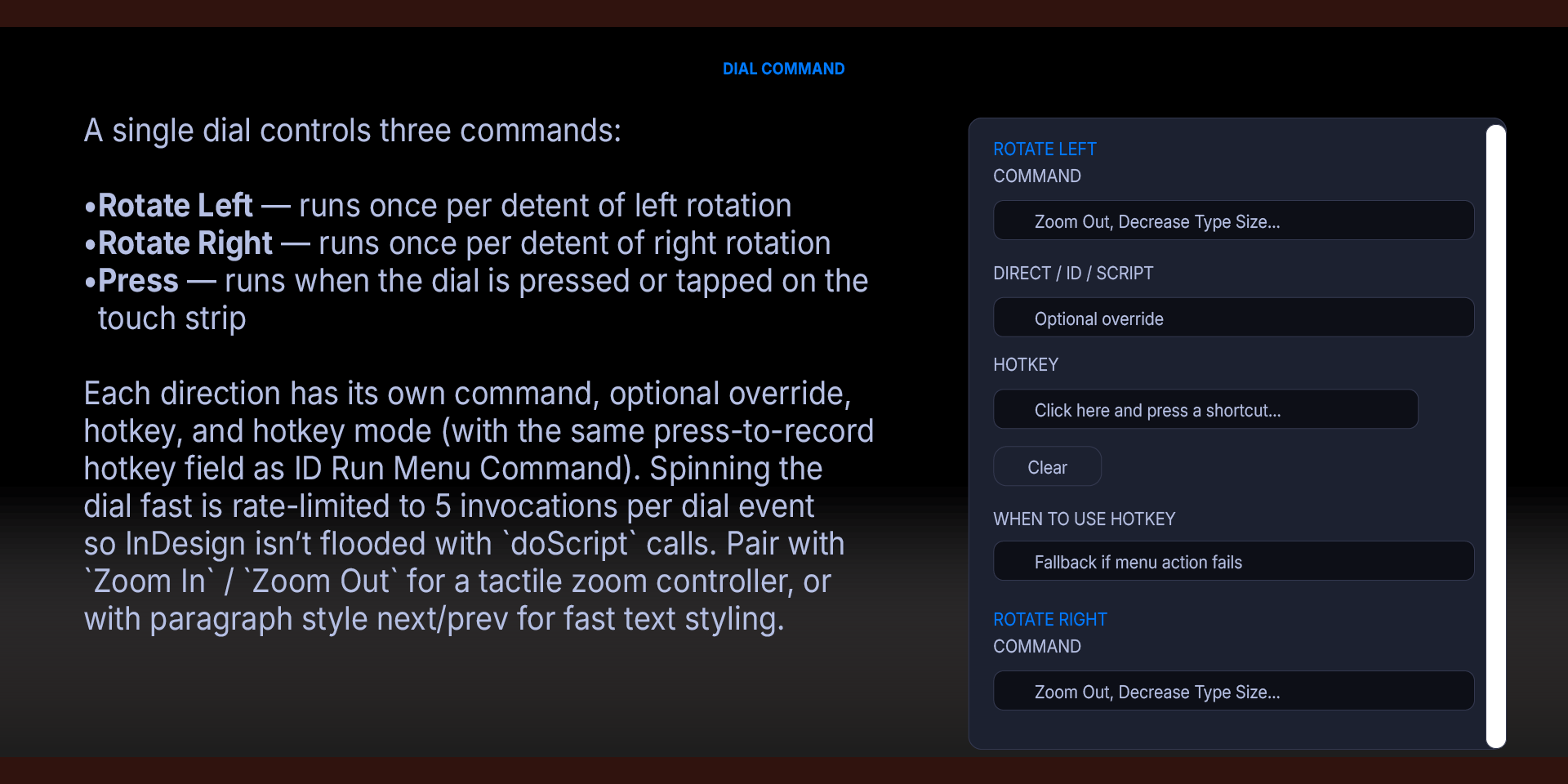
A single dial controls three commands:
Rotate Left — runs once per detent of left rotation
Rotate Right — runs once per detent of right rotation
Press — runs when the dial is pressed or tapped on the touch strip
Each direction has its own command, optional override, hotkey, and hotkey mode (with the same press-to-record hotkey field as ID Run Menu Command). Spinning the dial fast is rate-limited to 5 invocations per dial event so InDesign isn't flooded with `doScript` calls. Pair with `Zoom In` / `Zoom Out` for a tactile zoom controller, or with paragraph style next/prev for fast text styling.
Editing the menu actions database
The shipped `menu-actions.json` is a curated list of InDesign menu actions used by the autocomplete. Each row has the format `[name, area, id, ambiguous]`. You can edit names or areas freely — the plugin only uses the ID for execution. To re-categorize an entry into the "Common menus" filter, change its area string to one of: `File Menu`, `Edit Menu`, `Layout Menu`, `Type Menu`, `Object Menu`, `Table Menu`, `View Menu`, `Window Menu`, `Help Menu`, `Apple Menu`, `Structure Menu`, `Tools`, `Object Editing`, `Views, Navigation` (or any submenu under those, like `File Menu:New`).
A companion script at `jsx/dump-menu-actions.jsx` can be run from InDesign's Scripts panel to dump every menu action in your local installation to `~/Desktop/InDesign Menu Actions.txt` — useful for finding action IDs in different InDesign versions or locales.
Troubleshooting
Nothing happens when I press the button.
Check the log. If you see `JSX failed`, InDesign isn't running or the plugin can't reach it. On macOS, ensure you've granted Apple Events permission to Stream Deck. On Windows, ensure InDesign is running.
"AMBIGUOUS" in the log.
Multiple menu actions share that name and more than one is currently enabled. Pick the command from the autocomplete dropdown again — the autocomplete saves the unique numeric ID — or paste the ID into Direct Command String manually. The dropdown shows the ID for every match.
"DISABLED" in the log.
The menu action exists but isn't enabled right now. Most often this means no document is open, no selection is made, or you're in a different InDesign mode. Configure a Fallback Hotkey to keep the button working in those cases.
Hotkey doesn't fire on Windows.
The post-install script (`bat/install.bat`) needs to be run once to copy `sendkey.exe` to `%APPDATA%\Deckly\IndesignCommands\`.
Hotkey doesn't fire on macOS.
Grant Stream Deck the Accessibility permission in System Settings → Privacy & Security → Accessibility.
The hotkey field doesn't capture my keystroke.
Make sure the field has focus (it should show a cyan outline). Click directly on the field, then press the shortcut. Modifier-only presses update the display progressively; the capture finalizes when you press the final non-modifier key.
What’s Included
InDesign Commands Plugin (com.deckly.indesign.commands.streamDeckPlugin)
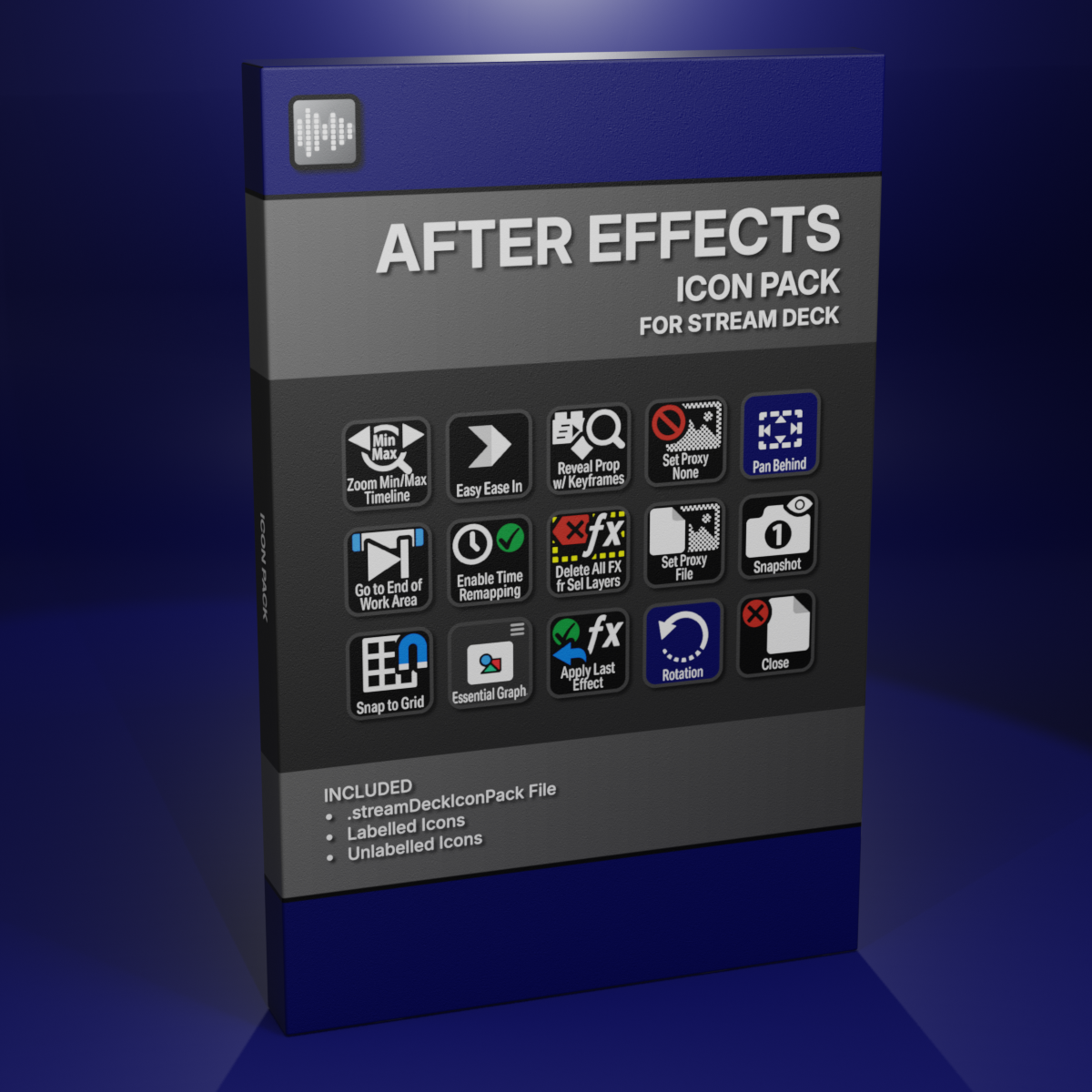
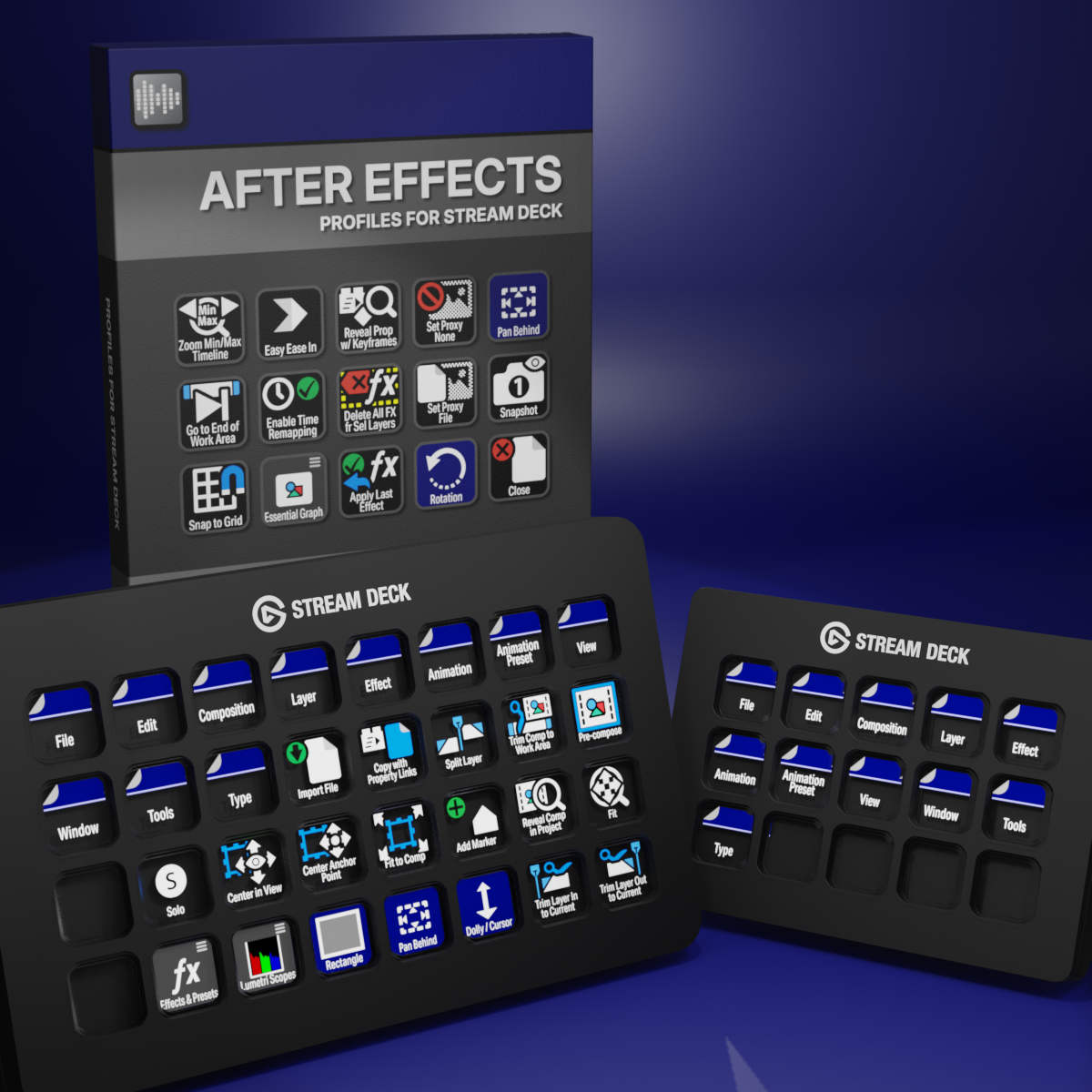
Custom Icons for Adobe After Effects. A sampler pack of both labelled and unlabelled icons for Stream Deck XL and Stream Deck Regular.