Visual Studio Code
Profiles for Stream Deck XL/Regular/Plus (Mac/Win)
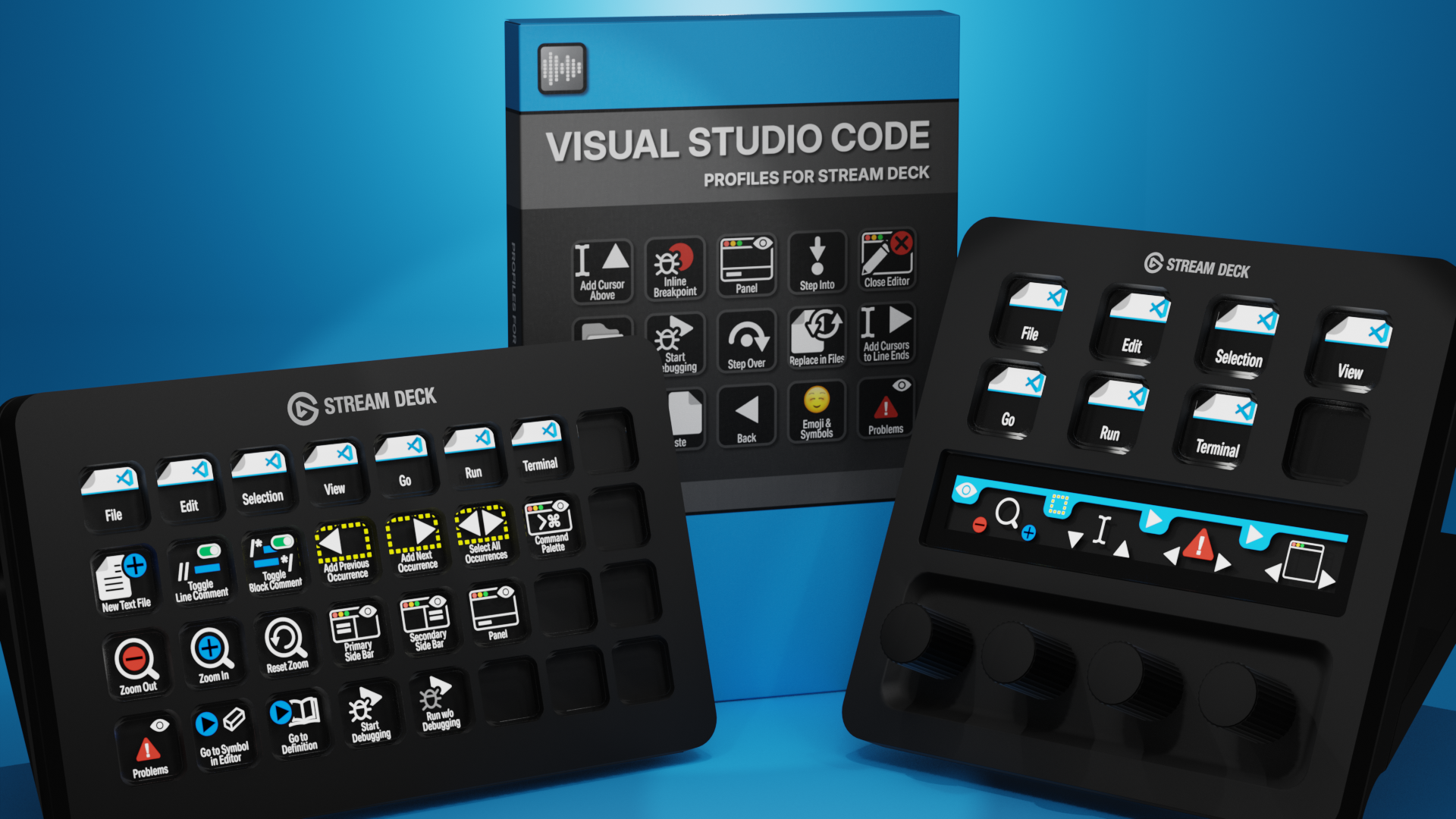

Visual Studio Code Profiles for Stream Deck XL - Reg - Plus
English (QWERTY) keyboard layout required for profiles.
What’s Included
com.schwabmusic.vsc.streamDeckIconPack
Labelled / Unlabelled Icons
Stream Deck XL Profile and Stream Deck Regular Profile (Mac/Win)
Stream Deck Plus Profile (Mac/Win)
Manuals
Enhance your coding workflow in Visual Studio Code with the Elgato Stream Deck and over 90 custom icons. Quickly access commands, shortcuts, and extensions at the touch of a button, keeping your workspace organized and boosting productivity. These custom Stream Deck profiles for Visual Studio Code streamline development, reduce repetitive keystrokes, and give you faster, more intuitive control over your projects.
Also available as a separate ICON PACK (icons only).
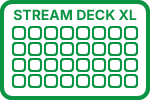
85+ Programmed Keys
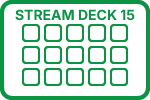
85+ Programmed Keys
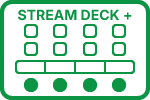
85+ Programmed Keys

90+ Labelled Icons
90+ Unlabelled Icons
English (QWERTY) keyboard layout required.
Stream Deck XL or Stream Deck Regular required for profile.
Shortcut commands may need to be altered to work with custom profile.
Stream Deck XL / Regular Mac AND Windows Profile
Stream Deck Plus Mac AND Windows Profile
Keyboard Shortcuts
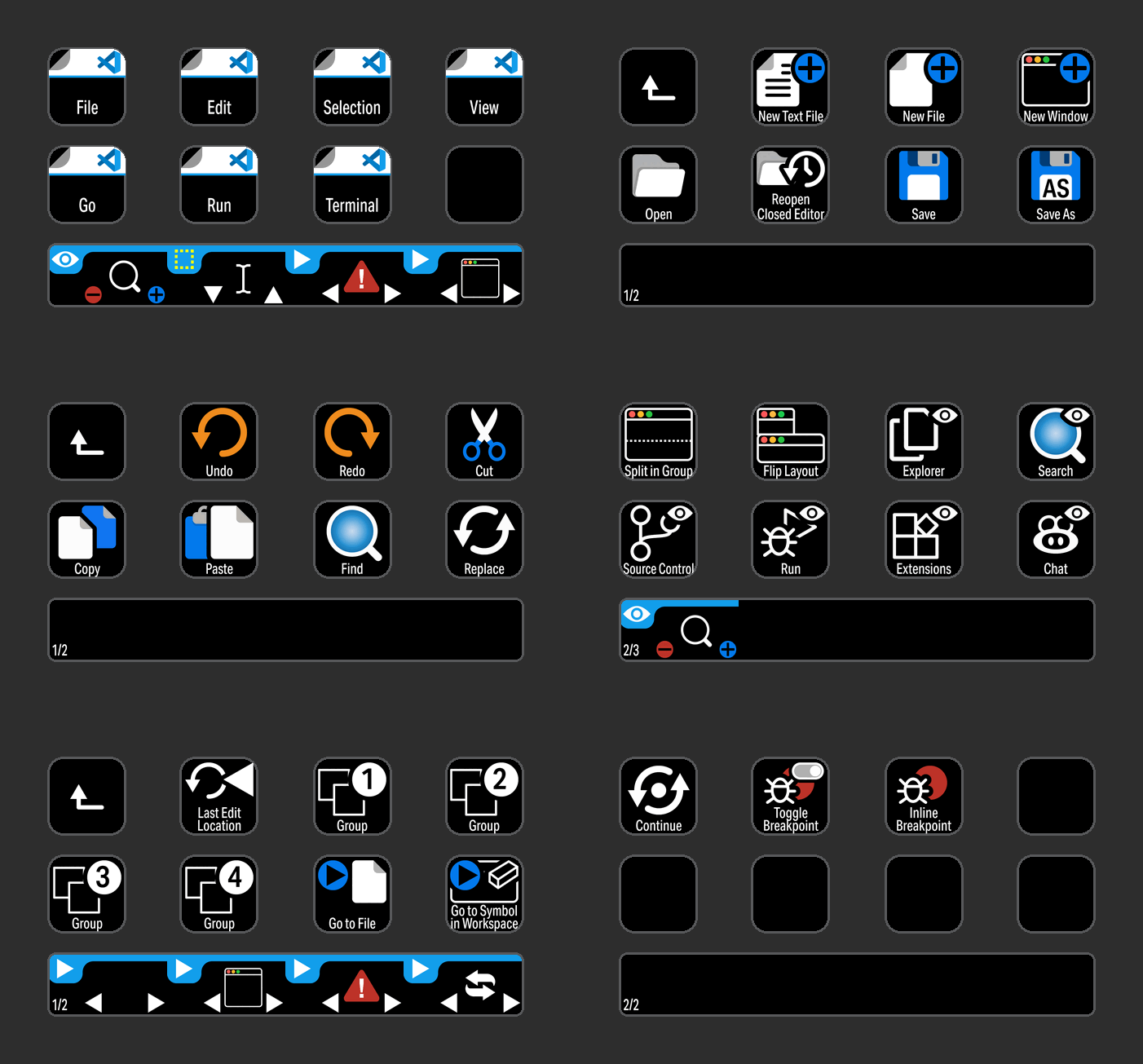
85 + programmed commands for the Stream Deck XL, Stream Deck Regular and Stream Deck Plus. Many of the menu items available via shortcut keys in Visual Studio Code at the tip of a finger. Organized into folders for easy access.

SELECTION
Access all of the most common Selection commands used in Visual Studio Code with the click of a button.

GO
Go commands organized in a folder for easy identification.
MENU COMMANDS
Menu commands grouped in a profile for the Stream Deck Plus device with some useful encoder actions.
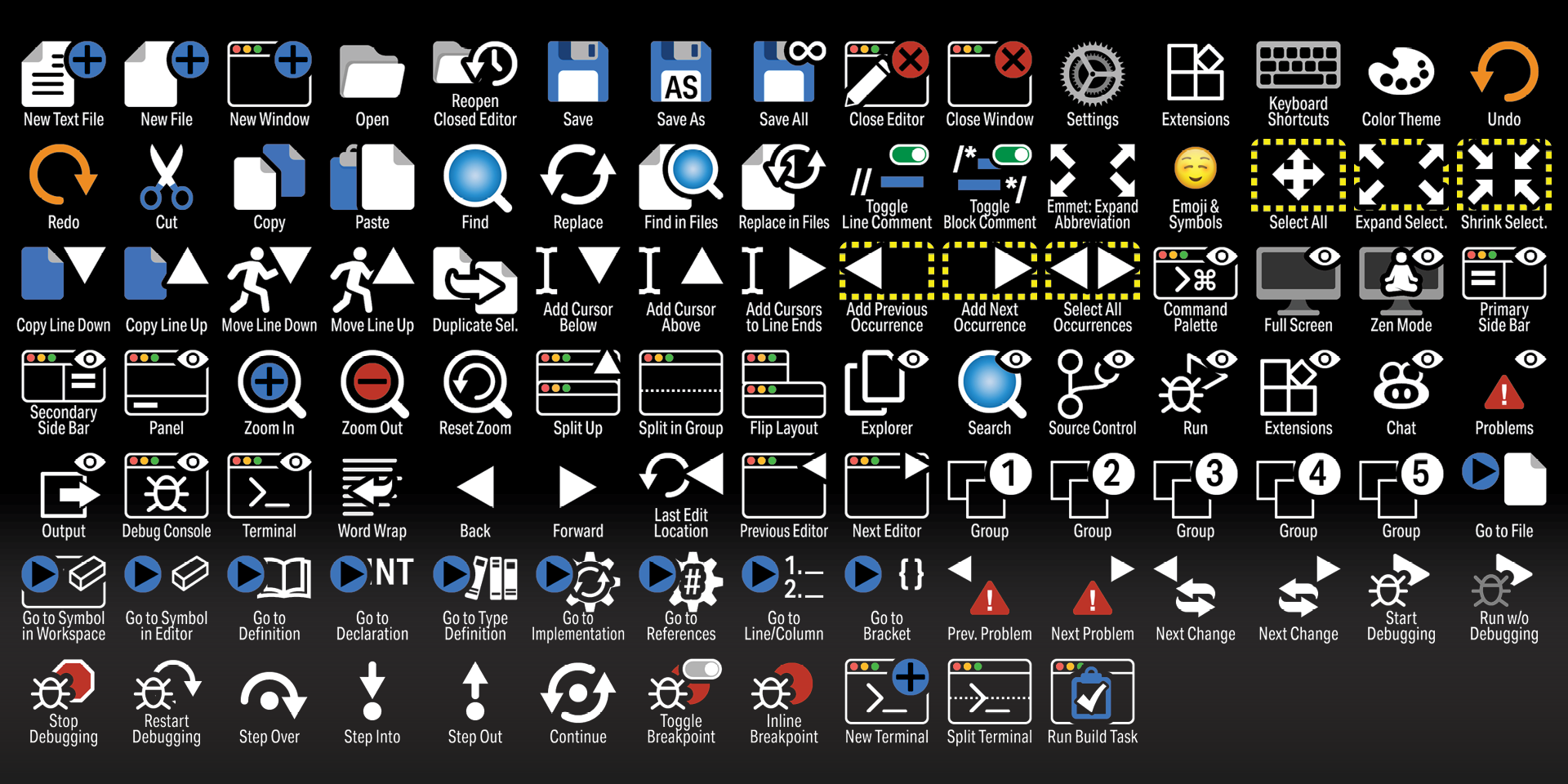
Labelled
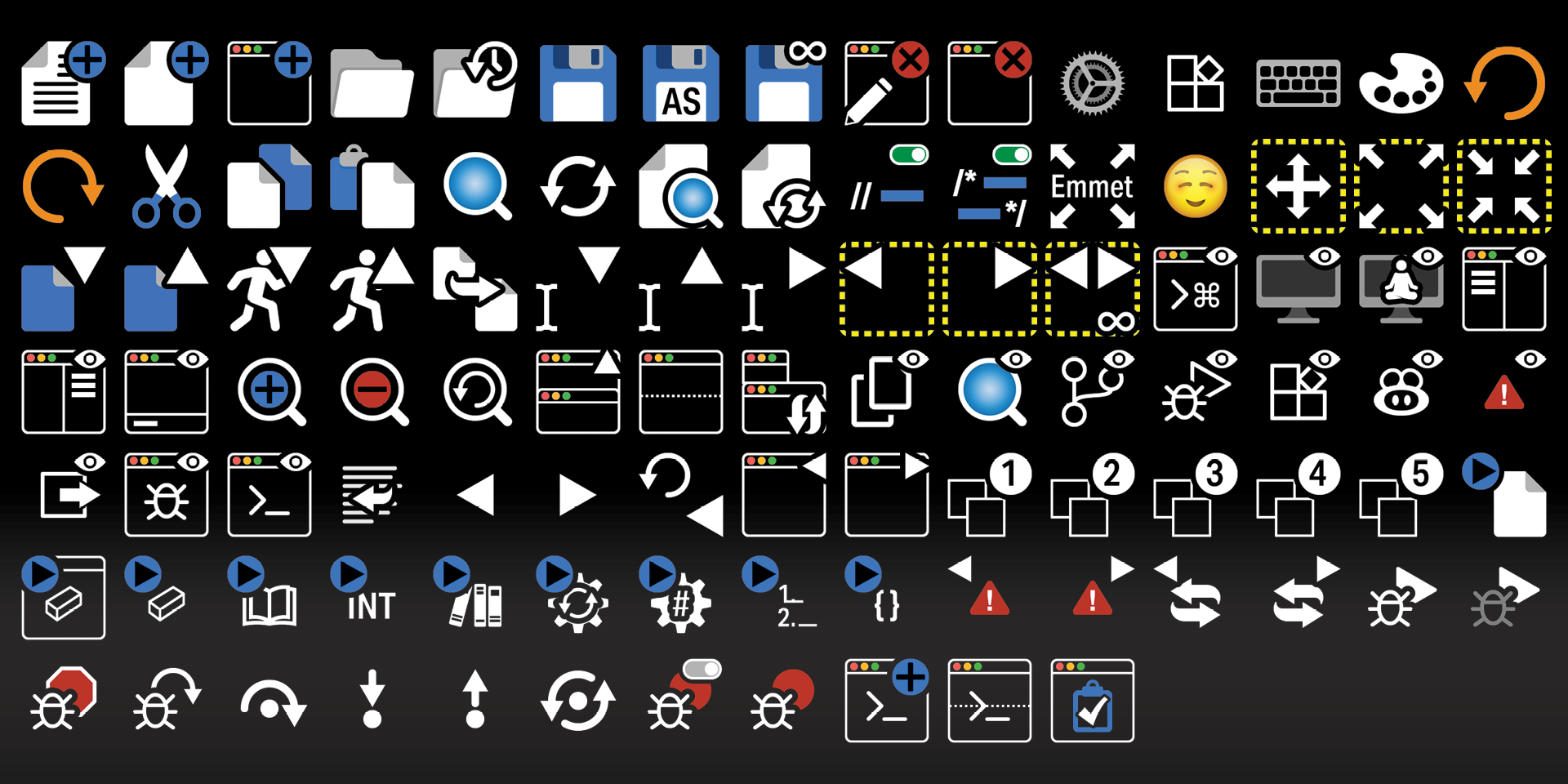
Unlabelled
What’s Included
.streamDeckIconPack File
Labelled / Unlabelled Icons
Stream Deck XL Profile and Stream Deck Regular Profile (Mac / Windows) for both Labelled and Unlabelled Icons Sets
Manual (browse a sample manual)