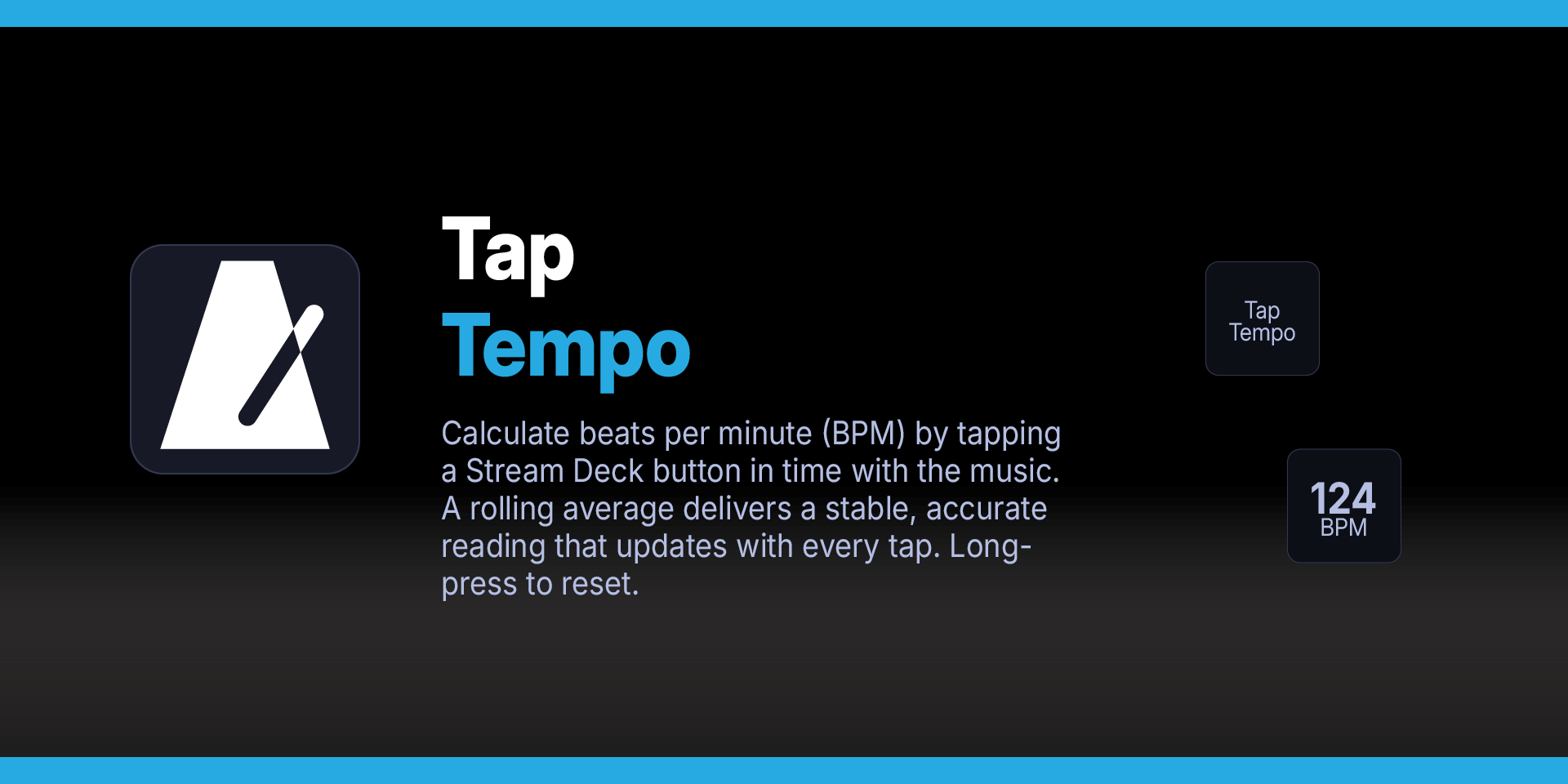

Tap Tempo Plugin for Stream Deck
What’s Included
Tap Tempo plugin (com.deckly.taptempo.sdPlugin)
Plugin Installation Guide
Tap Tempo Plugin
Stream Deck Plugins
Find the tempo of any song without leaving your Stream Deck. Tap Tempo turns any button into a BPM counter — just tap along with the beat and watch the tempo appear on the key in real time.
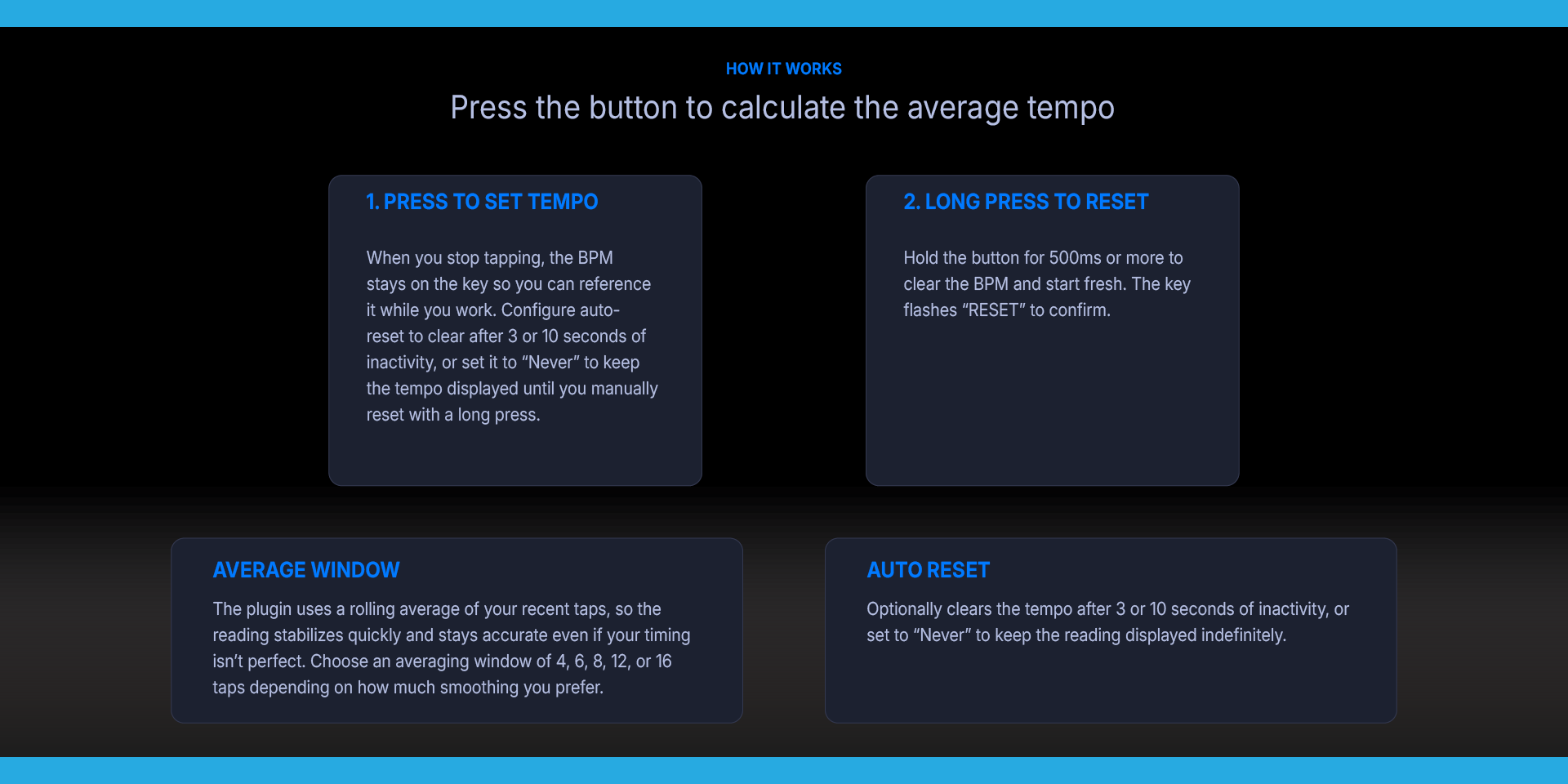
The plugin uses a rolling average of your recent taps, so the reading stabilizes quickly and stays accurate even if your timing isn't perfect. Choose an averaging window of 4, 6, 8, 12, or 16 taps depending on how much smoothing you prefer.
When you stop tapping, the BPM stays on the key so you can reference it while you work. Configure auto-reset to clear after 3 or 10 seconds of inactivity, or set it to "Never" to keep the tempo displayed until you manually reset with a long press.
The button shows "Tap Tempo" when idle, switches to a large BPM readout as you tap, and flashes "RESET" briefly when cleared. No setup required — drag the action to a key and start tapping.
Perfect for musicians matching tempo to a reference track, DJs beatmatching by ear, producers setting project BPM, music teachers demonstrating rhythm, or anyone who needs a quick tempo check without reaching for their phone.
Works with every Stream Deck model.
Tap Tempo Plugin
Features:
Tap to calculate BPM — press the button in time with the music. The tempo appears on the key after just two taps and refines with each additional tap.
Rolling average — uses the last 4 to 16 taps (configurable) for a stable, responsive reading that smooths out timing inconsistencies.
Long-press to reset — hold the button for 500ms or more to clear the BPM and start fresh. The key flashes "RESET" to confirm.
Auto-reset timer — optionally clears the tempo after 3 or 10 seconds of inactivity, or set to "Never" to keep the reading displayed indefinitely.
Clean key display — shows "Tap Tempo" on two lines when idle, large BPM number with "BPM" label when active.
Persistent state — the calculated BPM survives plugin restarts. Switch profiles and come back — your tempo is still there.
No dependencies — pure Node.js, no external libraries required. Works on macOS and Windows.
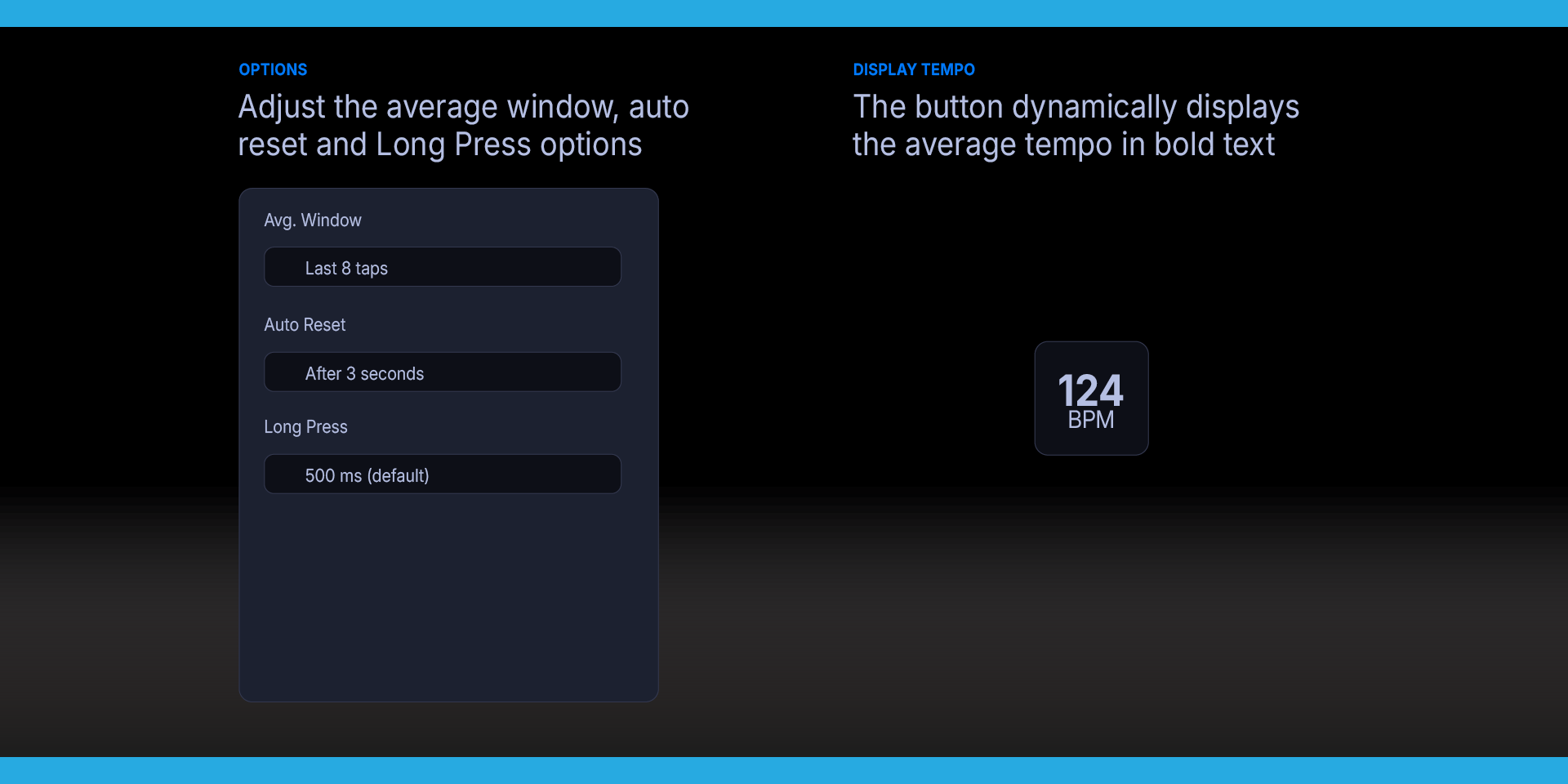
Settings
Open the Property Inspector by clicking the Tap Tempo action in the Stream Deck app.
Avg. Window — how many recent taps to include in the BPM calculation. Options: Last 4, 6, 8 (default), 12, or 16 taps. A larger window produces a more stable reading. A smaller window responds faster to tempo changes.
Auto Reset — how long to wait after your last tap before clearing the BPM display. Options: After 3 seconds (default), After 10 seconds, or Never. "Never" keeps the tempo displayed on the key until you manually long-press to reset.
Long Press — how long you need to hold the button to trigger a reset. Options: 400ms, 500ms (default), 750ms, or 1000ms. Increase this if you find yourself accidentally resetting while tapping at slow tempos.
Requirements
macOS 10.15+, Windows 10+
Elgato Stream Deck software version 6.9 or later
What’s Included
Tap Tempo Plugin (com.deckly.taptempo.sdPlugin)
Installation Guide
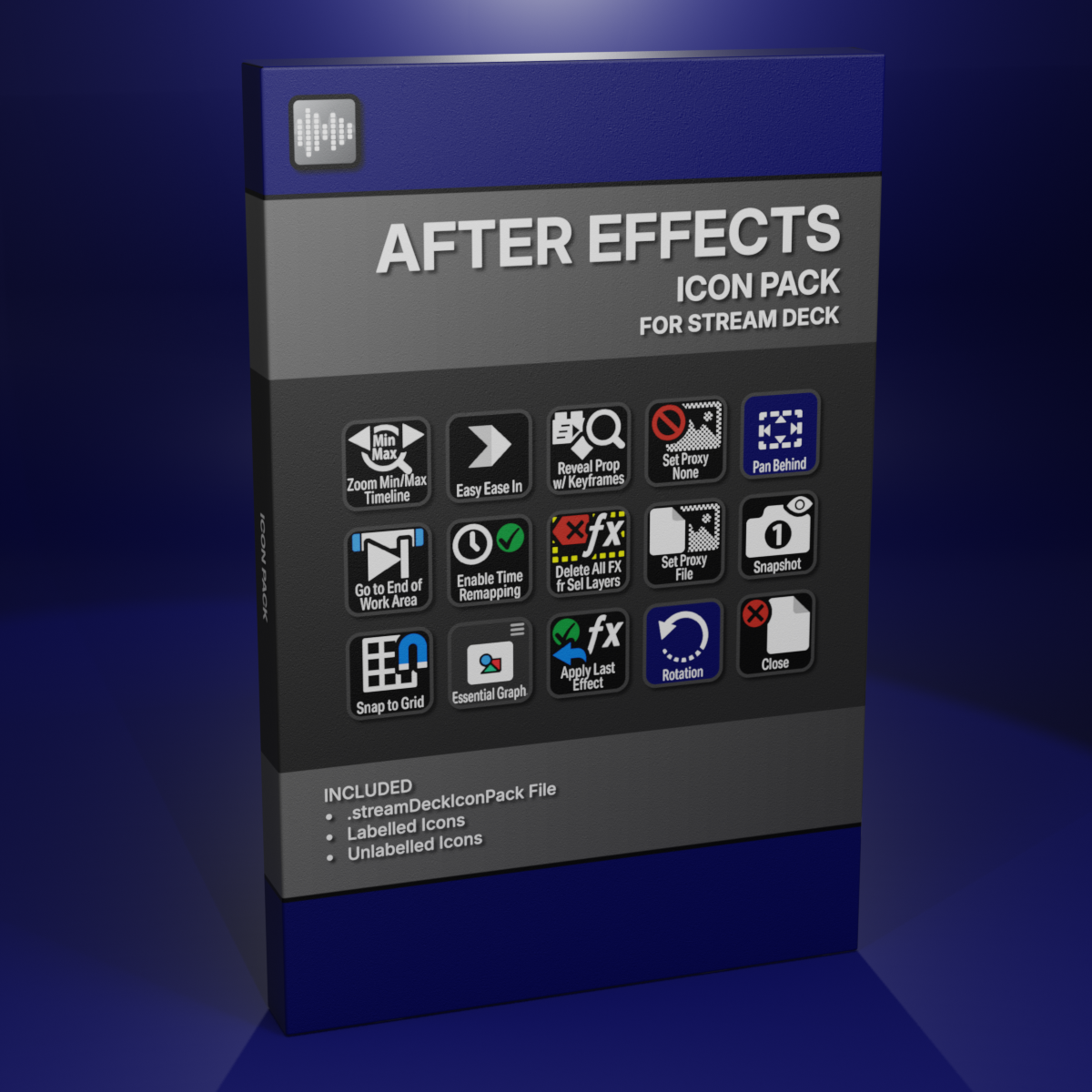
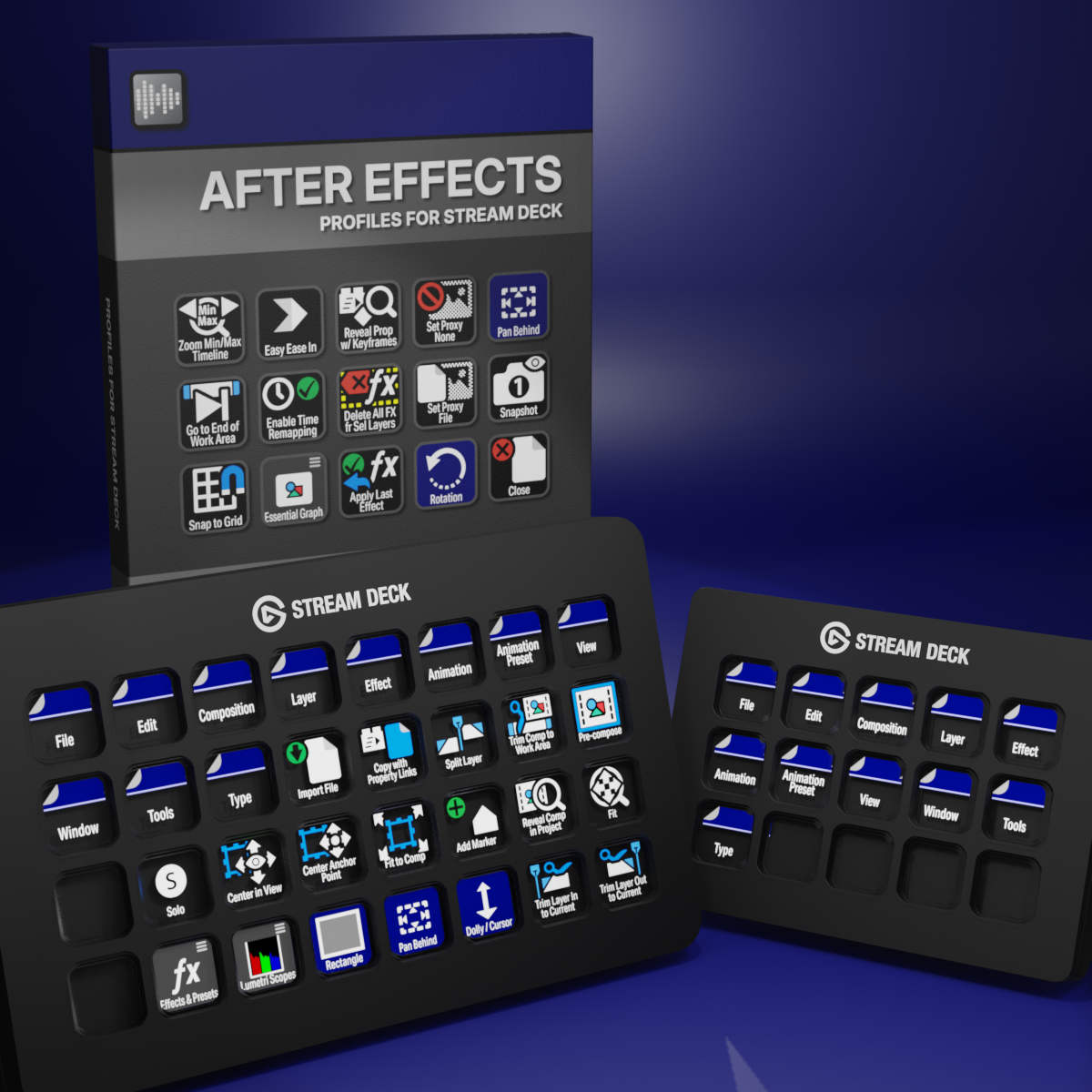
Custom Icons for Adobe After Effects. A sampler pack of both labelled and unlabelled icons for Stream Deck XL and Stream Deck Regular.