Reaper
Profiles for Stream Deck XL/Regular/Plus/XL+ (Mac/Win)
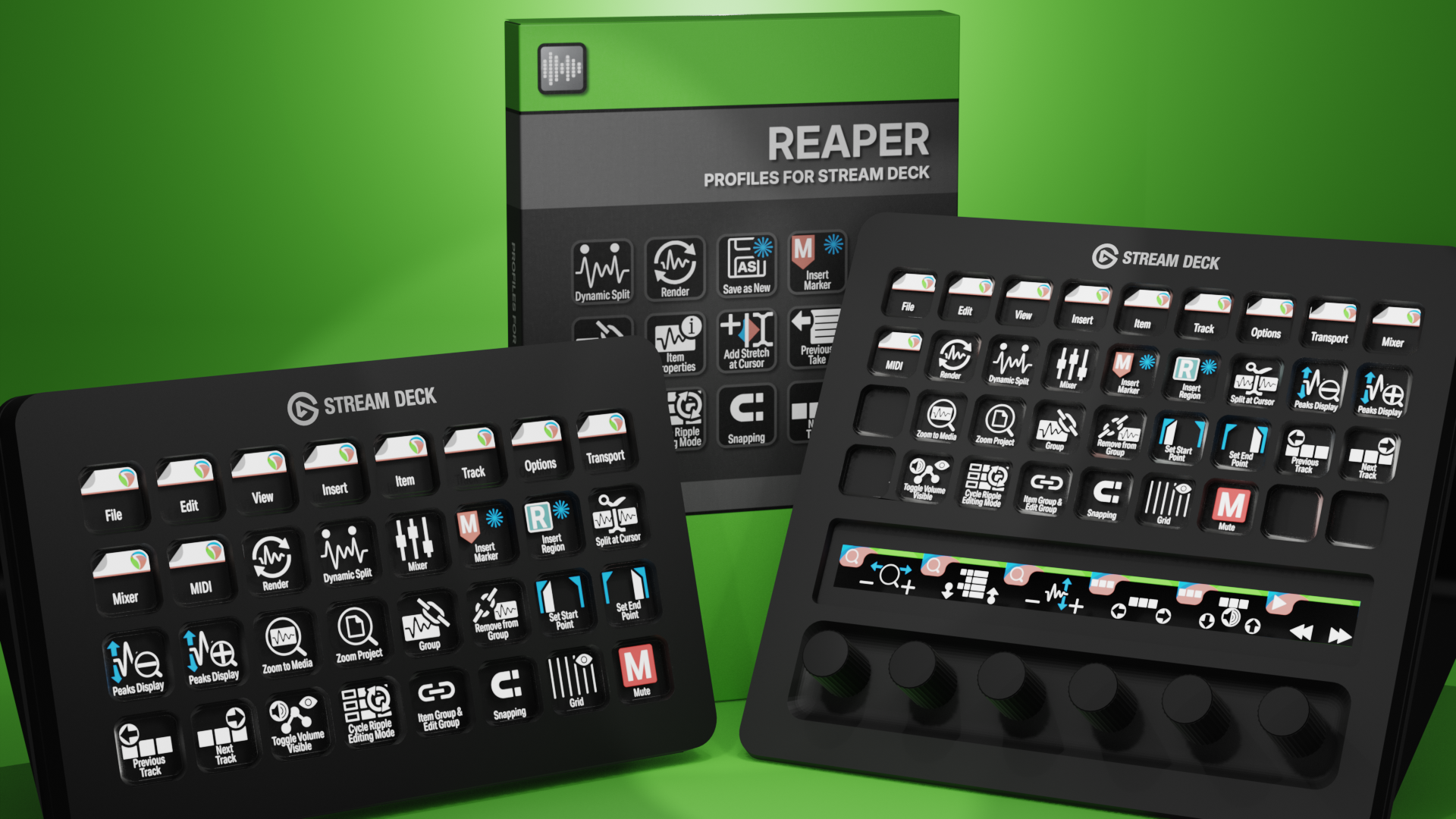
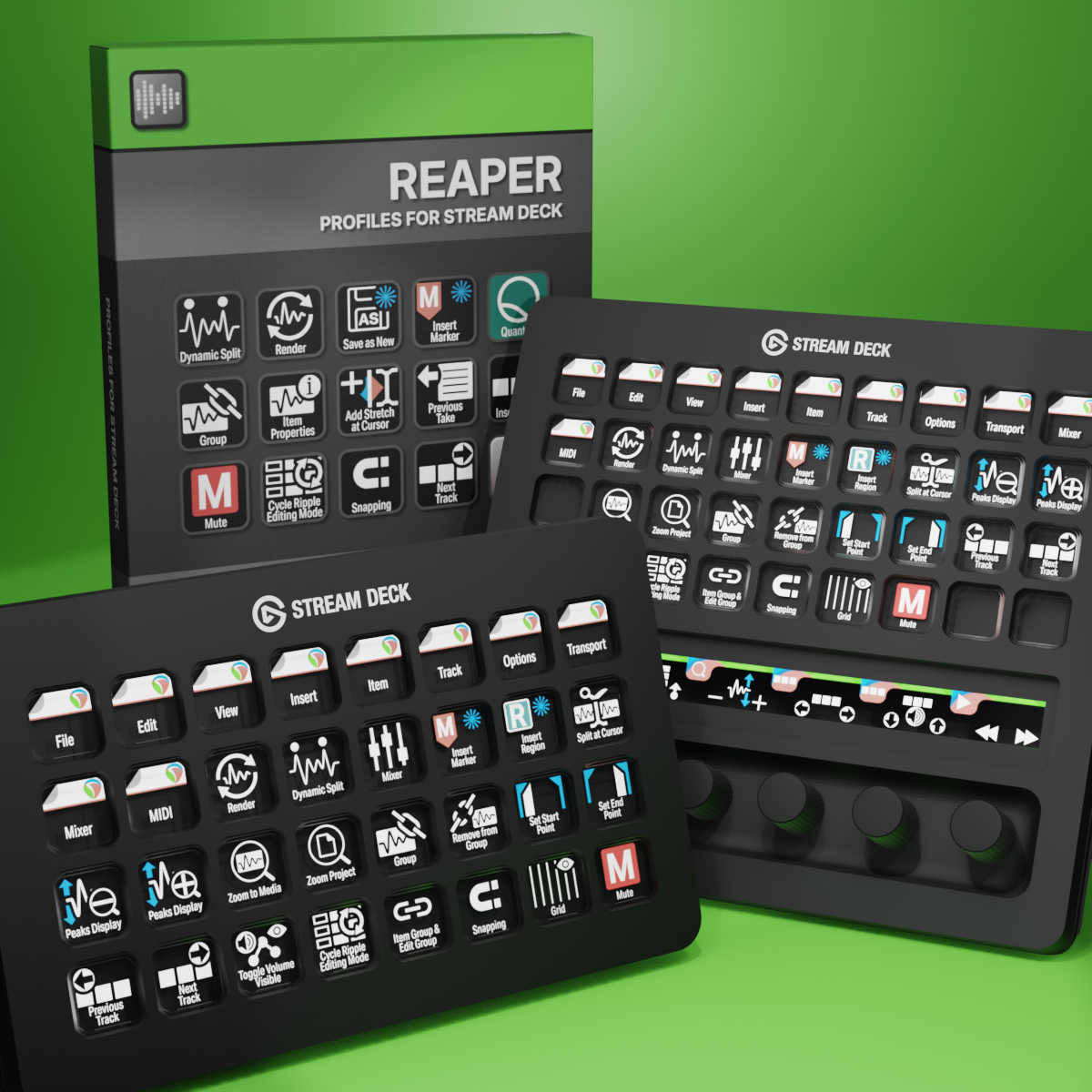
Reaper Profiles for Stream Deck XL - Reg - Plus - XL+
English (QWERTY) keyboard layout required for profiles.
What’s Included
schwabmusic.reaper.streamDeckIconPack
Labelled / Unlabelled Icon Set
Stream Deck XL Profile and Stream Deck Regular Profile (Mac/Win)
Stream Deck Plus Profiles (Mac/Win)
Stream Deck XL+ Profile (Mac/Win)
Manual
Transform your Reaper workflow with this comprehensive Stream Deck collection featuring over 320 professionally designed icons—available in both labeled and unlabeled versions—and more than 190 pre-programmed keys ready to use. Whether you're recording, mixing, or editing, this pack gives you instant tactile control over Reaper's essential functions, eliminating the need to memorize keyboard shortcuts or navigate through menus. With visual feedback at your fingertips and customizable options to match your personal style, you'll streamline your production process and keep your creative momentum flowing from the first track to final export.
Also available as a separate ICON PACK (icons only).
Browse the store for a FREE SAMPLER.

170+ Programmed Keys
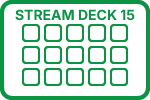
170+ Programmed Keys
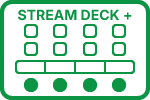
170+ Programmed Keys
170+ Programmed Keys

320+ Labelled Icons
320+ Unlabelled Icons
English (QWERTY) keyboard layout required.
Stream Deck XL, Stream Deck Regular or Stream Deck Plus required for profile.
Shortcut commands may need to be altered to work with custom profile.
Stream Deck XL / Regular Mac AND Windows Profile
Stream Deck Plus Mac AND Windows Profiles
Keyboard Shortcuts
170 + programmed commands for the Stream Deck XL, Stream Deck Regular, Stream Deck Plus and Stream Deck XL+. Many of the menu items available via shortcut keys in Reaper at the tip of a finger. Organized into folders for easy access.
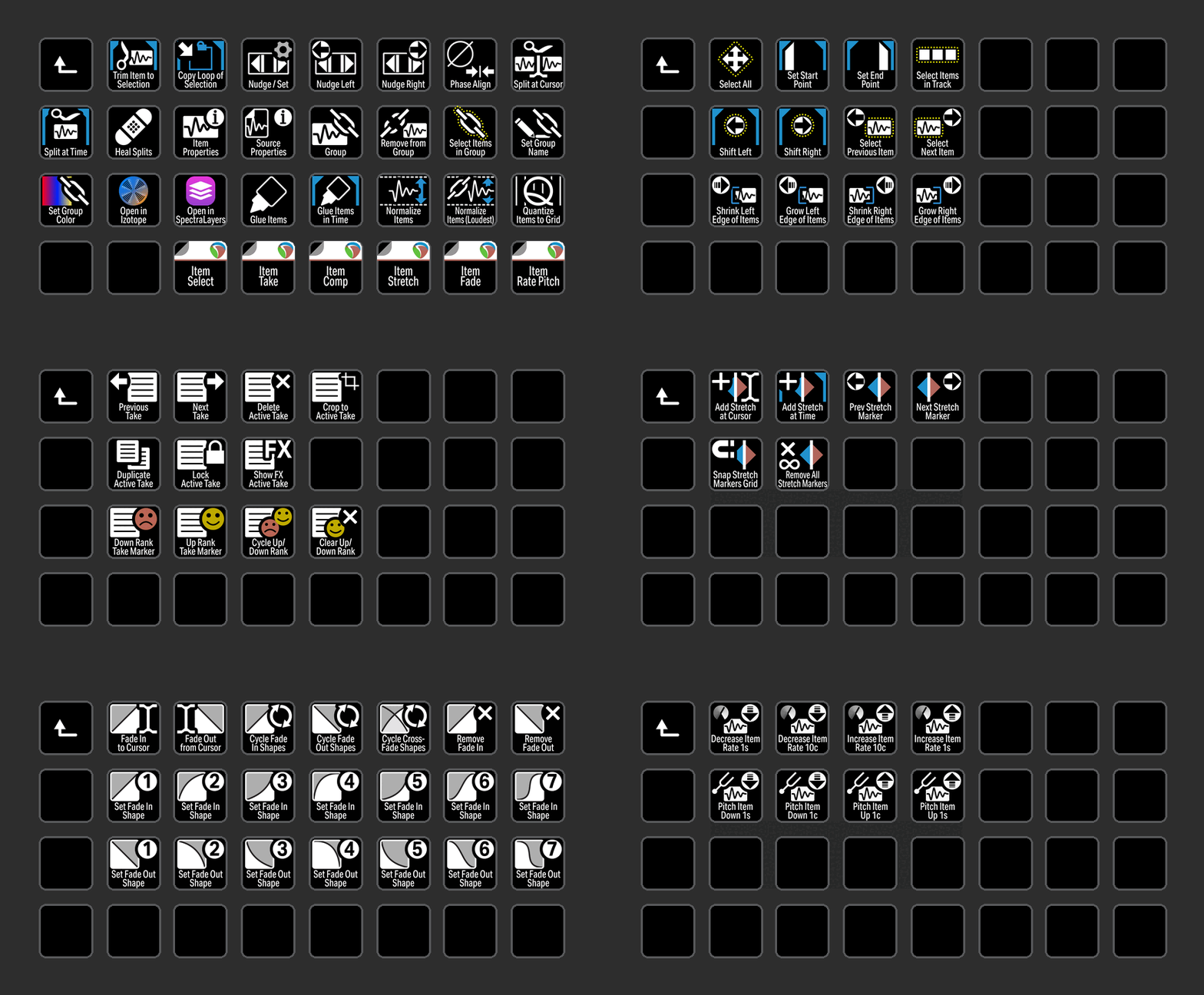
ITEM
Access all of the most common Item commands used in Reaper with the click of a button including Comping, Fade and Pitch.
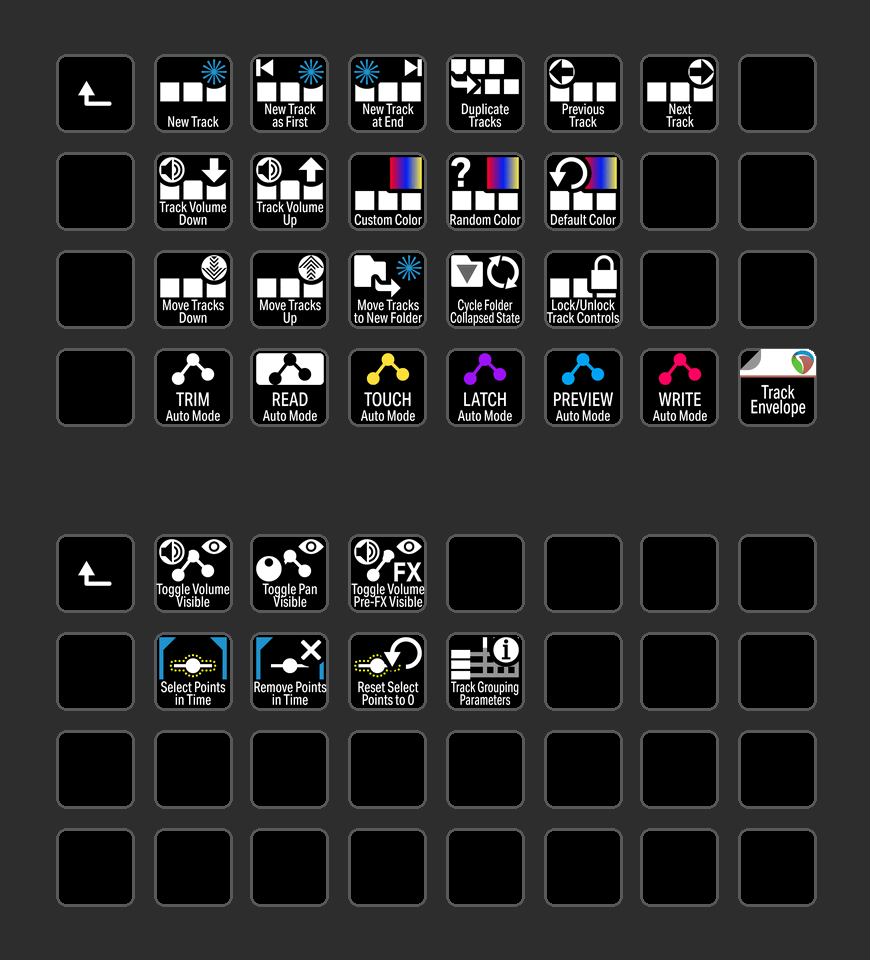
TRACK
Track menu commands neatly organized into folders for easy identification. Elegant icons for you to customize your workflow.
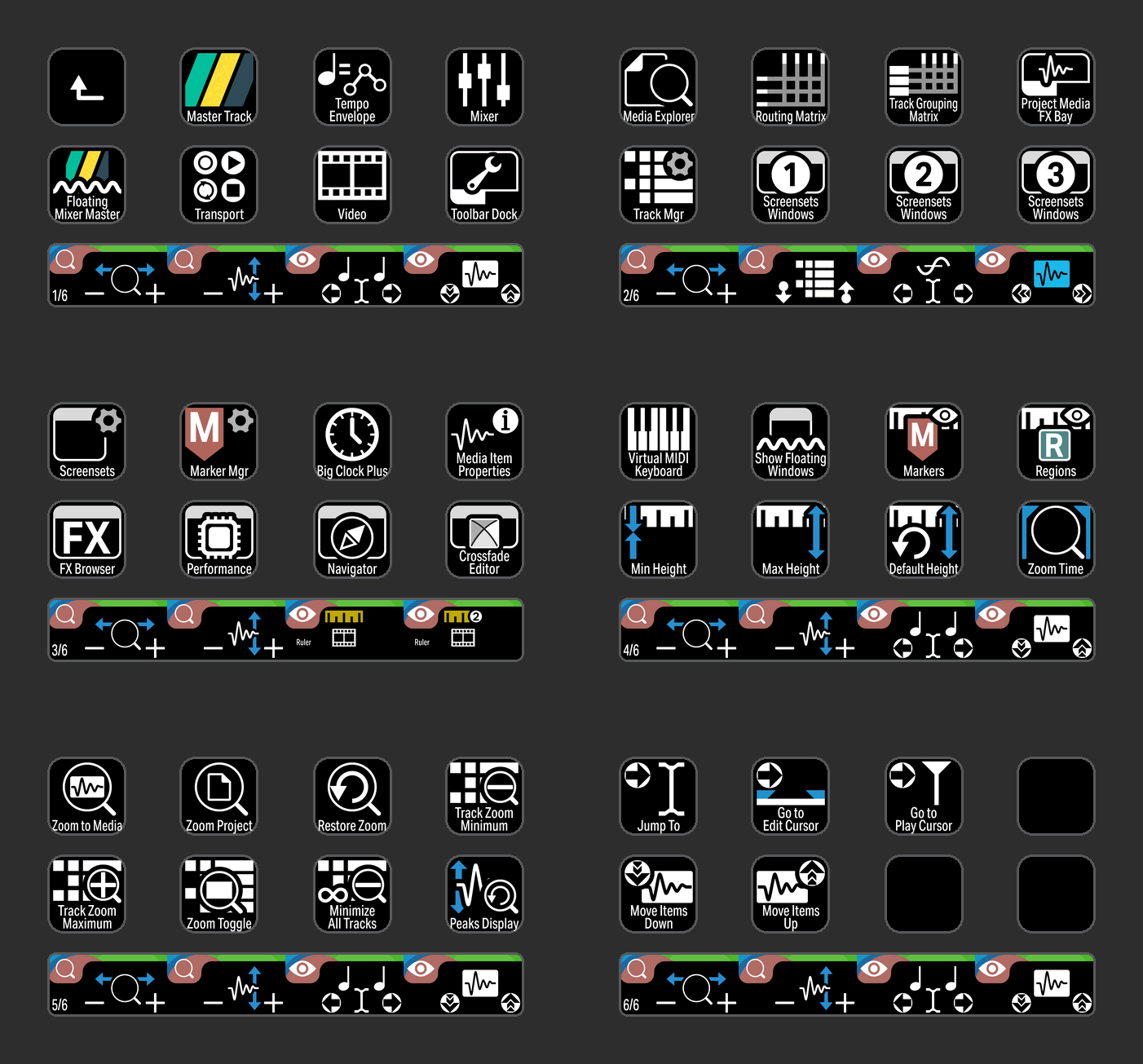
VIEW
View commands grouped in a profile for the Stream Deck Plus device including useful encoder actions.
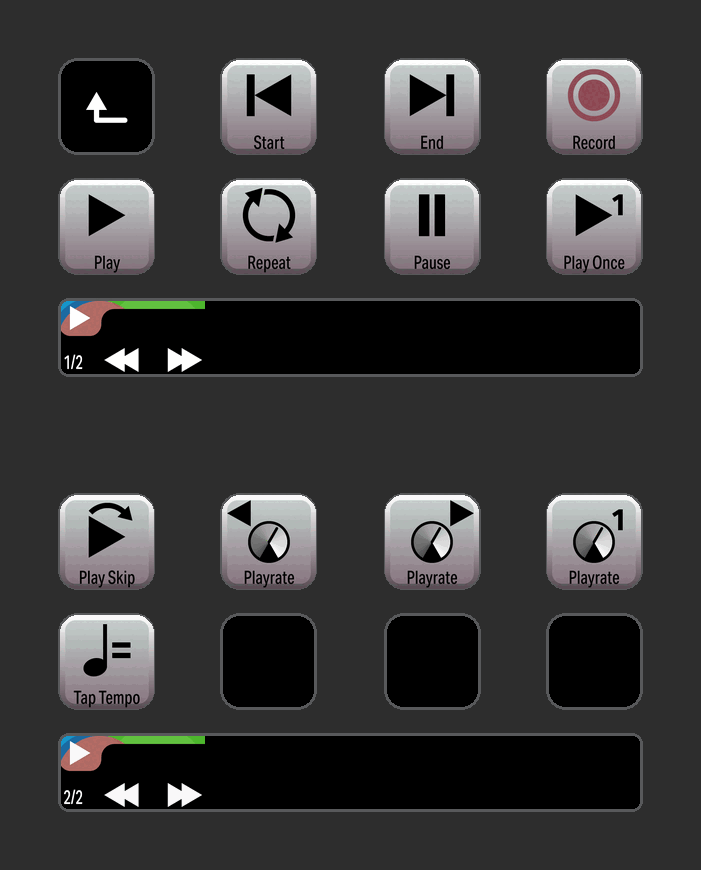
TRANSPORT
Stay in control with Transport commands easy to customize.
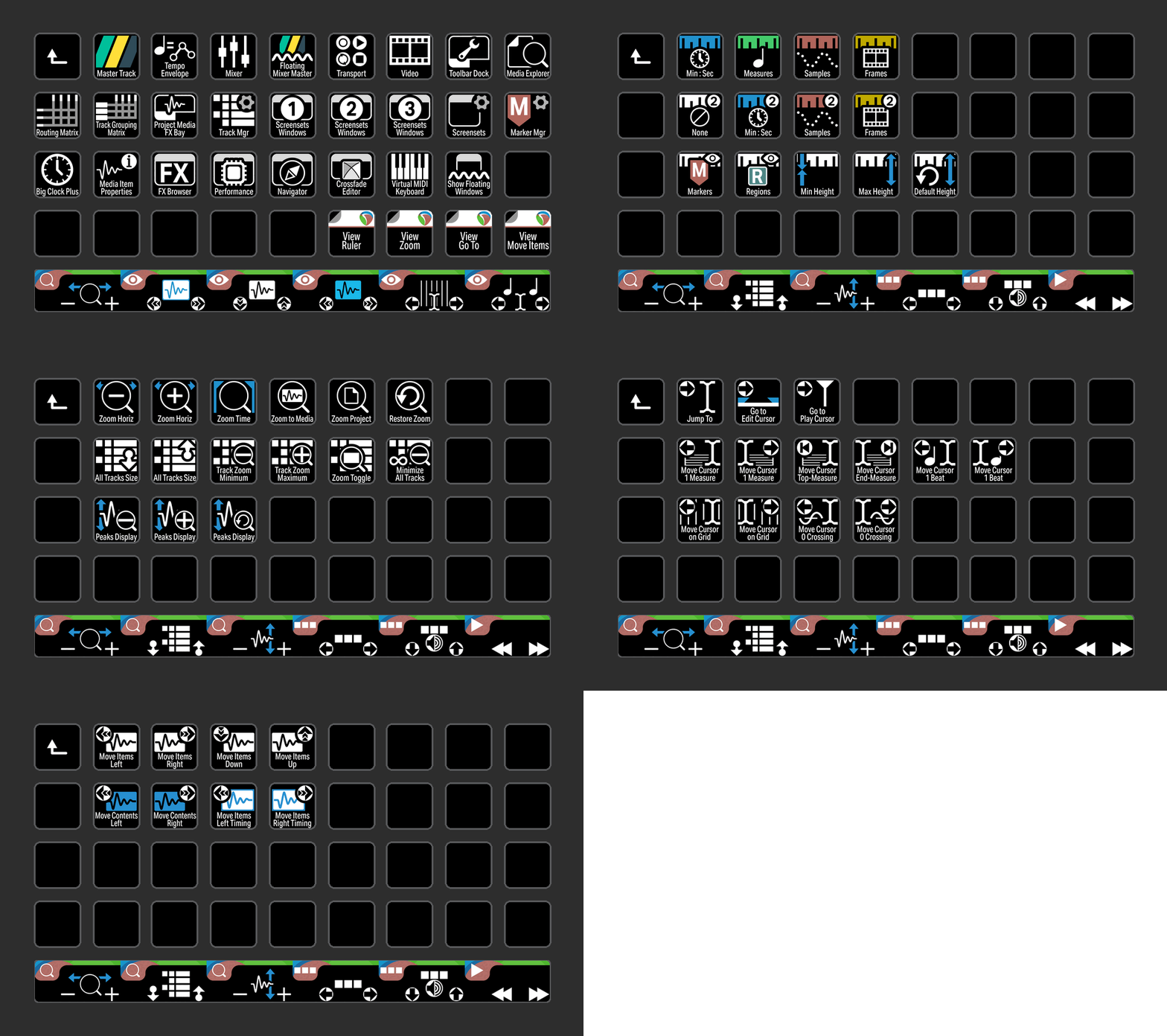
VIEW
View commands grouped in a profile for the Stream Deck XL+ device including useful encoder actions.
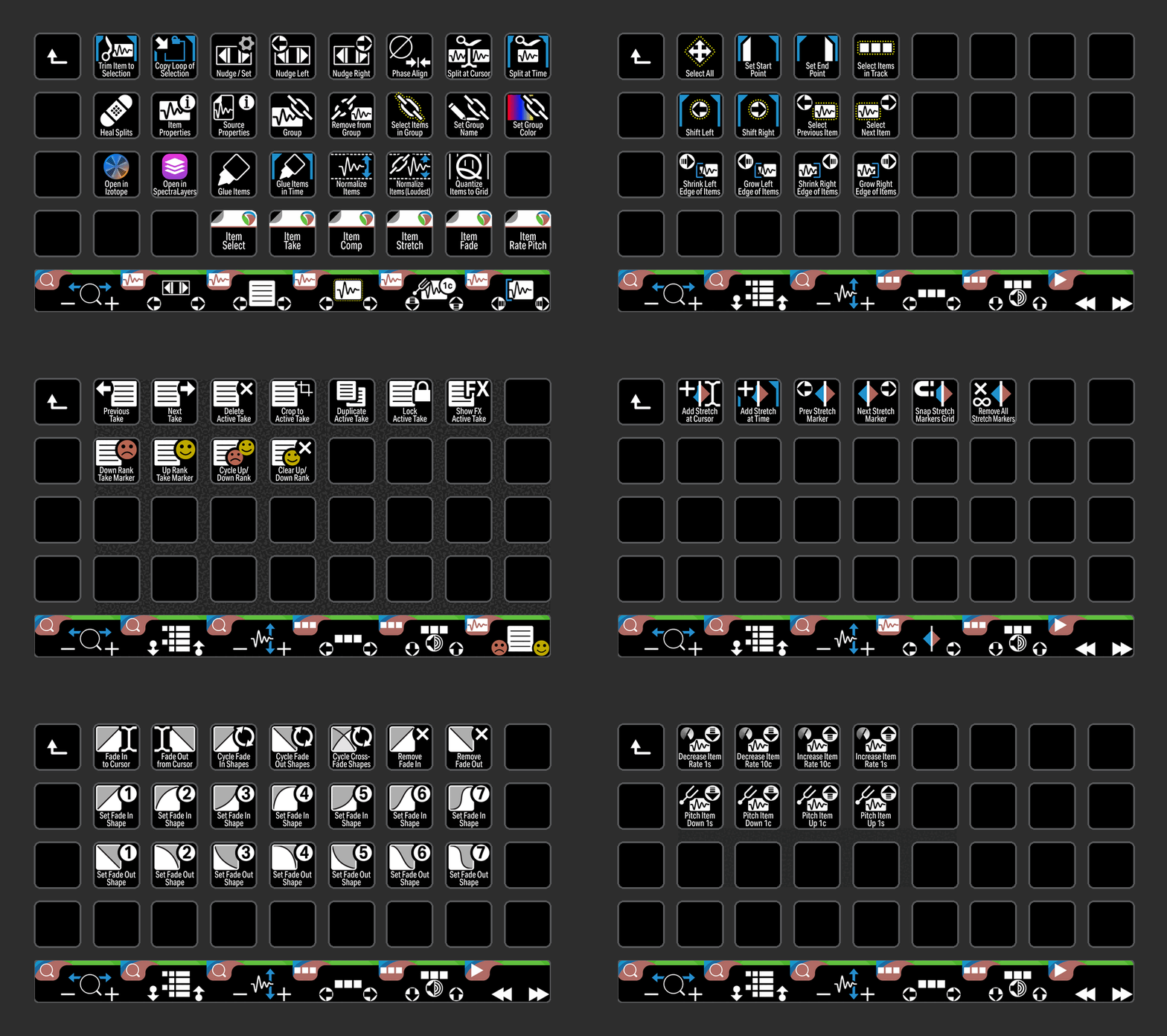
ITEM
Access all of the most common Item commands used in Reaper with the click of a button including Comping, Fade and Pitch organized into a folder for the Stream Deck XL+.
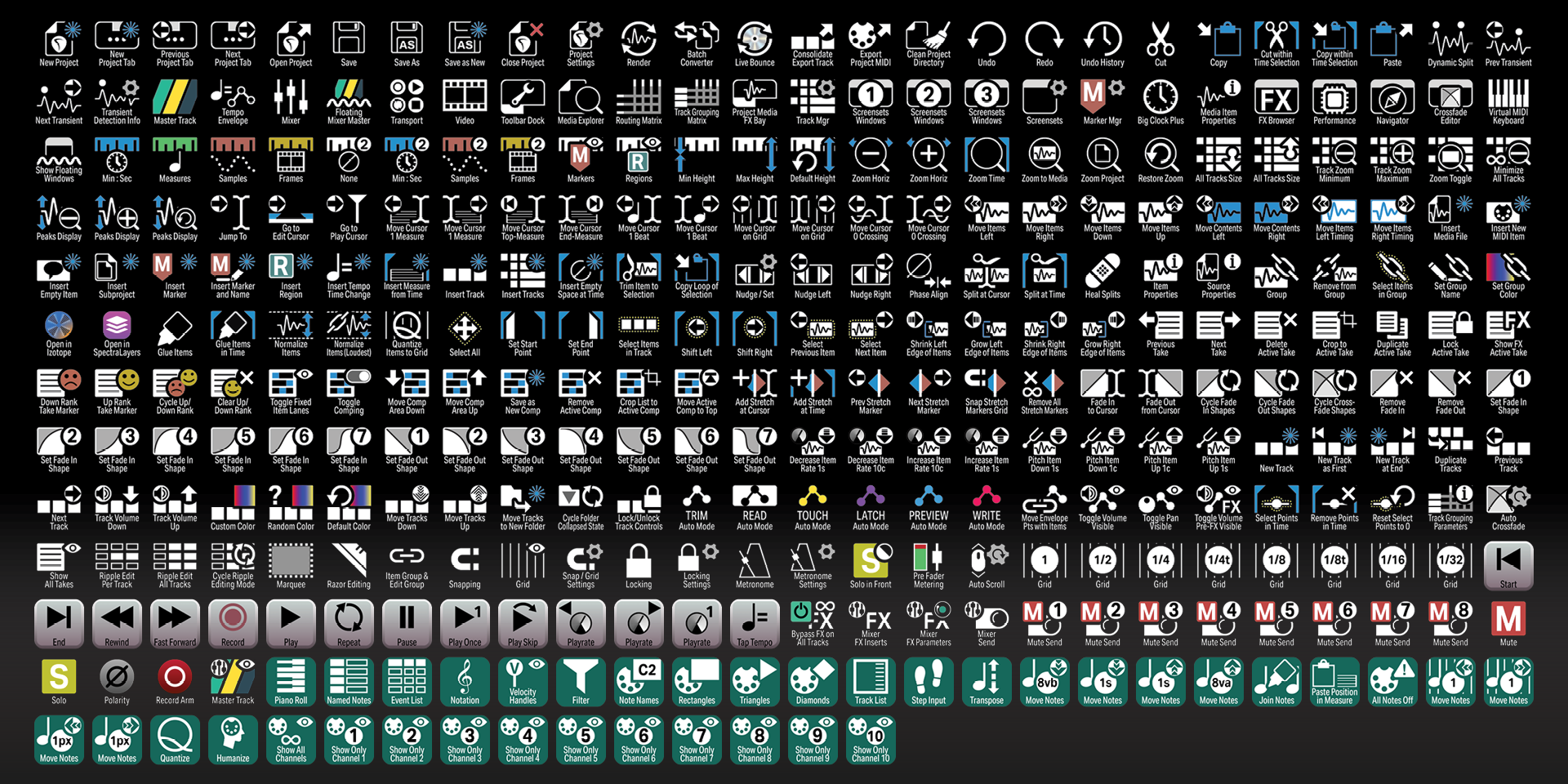
Labelled
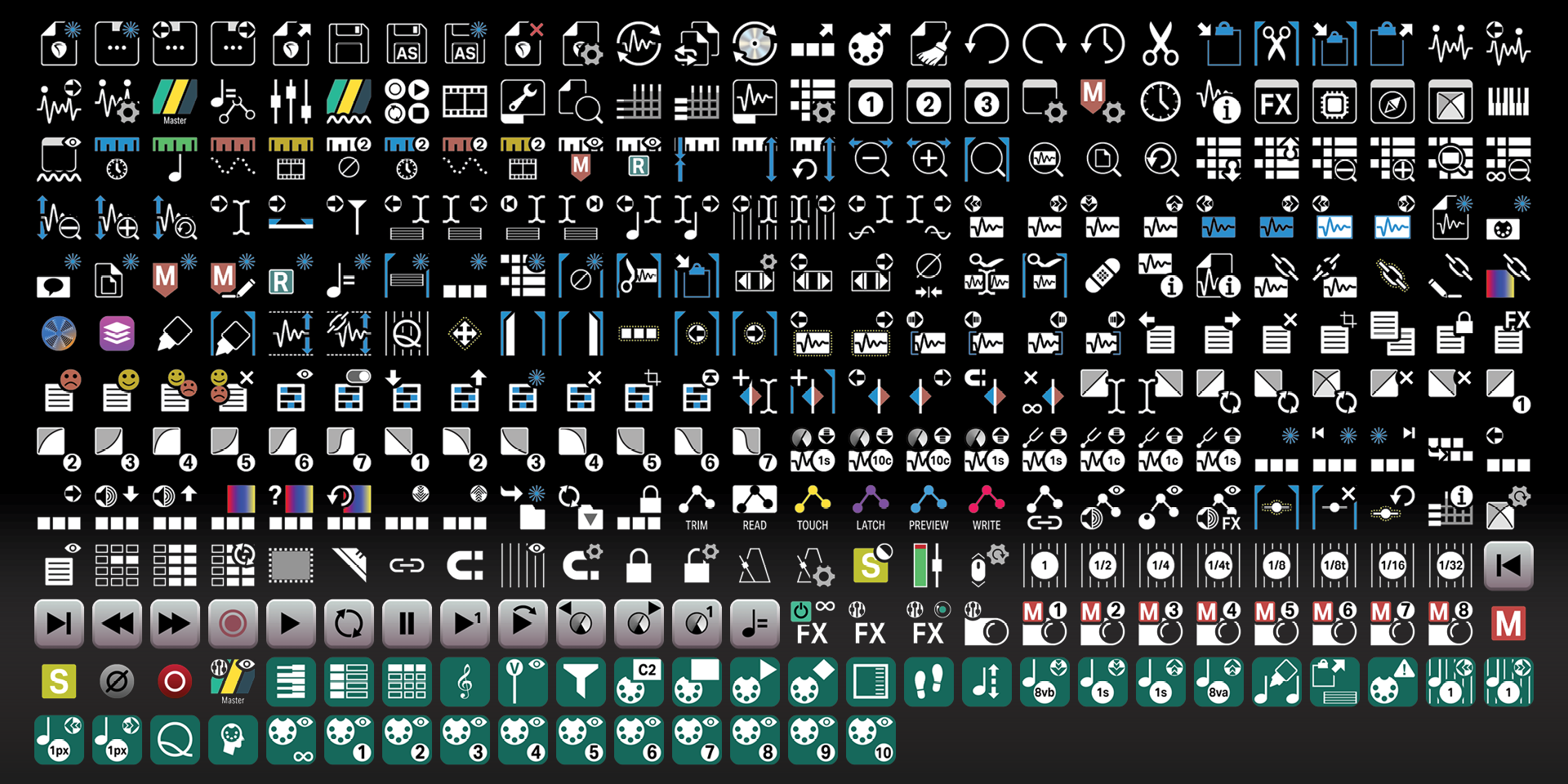
Unlabelled
What’s Included
.streamDeckIconPack File
Labelled / Unlabelled Icons
Stream Deck XL Profile and Stream Deck Regular Profile (Mac / Windows) for both Labelled and Unlabelled Icons Sets
Stream Deck Plus Profiles (Mac / Windows)
Stream Deck XL+ Profile (Mac/ Windows) for both Labelled and Unlabelled Icon Sets
Manuals (browse a sample manual)