Pixelmator Pro
Profiles for Stream Deck XL/Regular/Plus/XL+ (Mac)
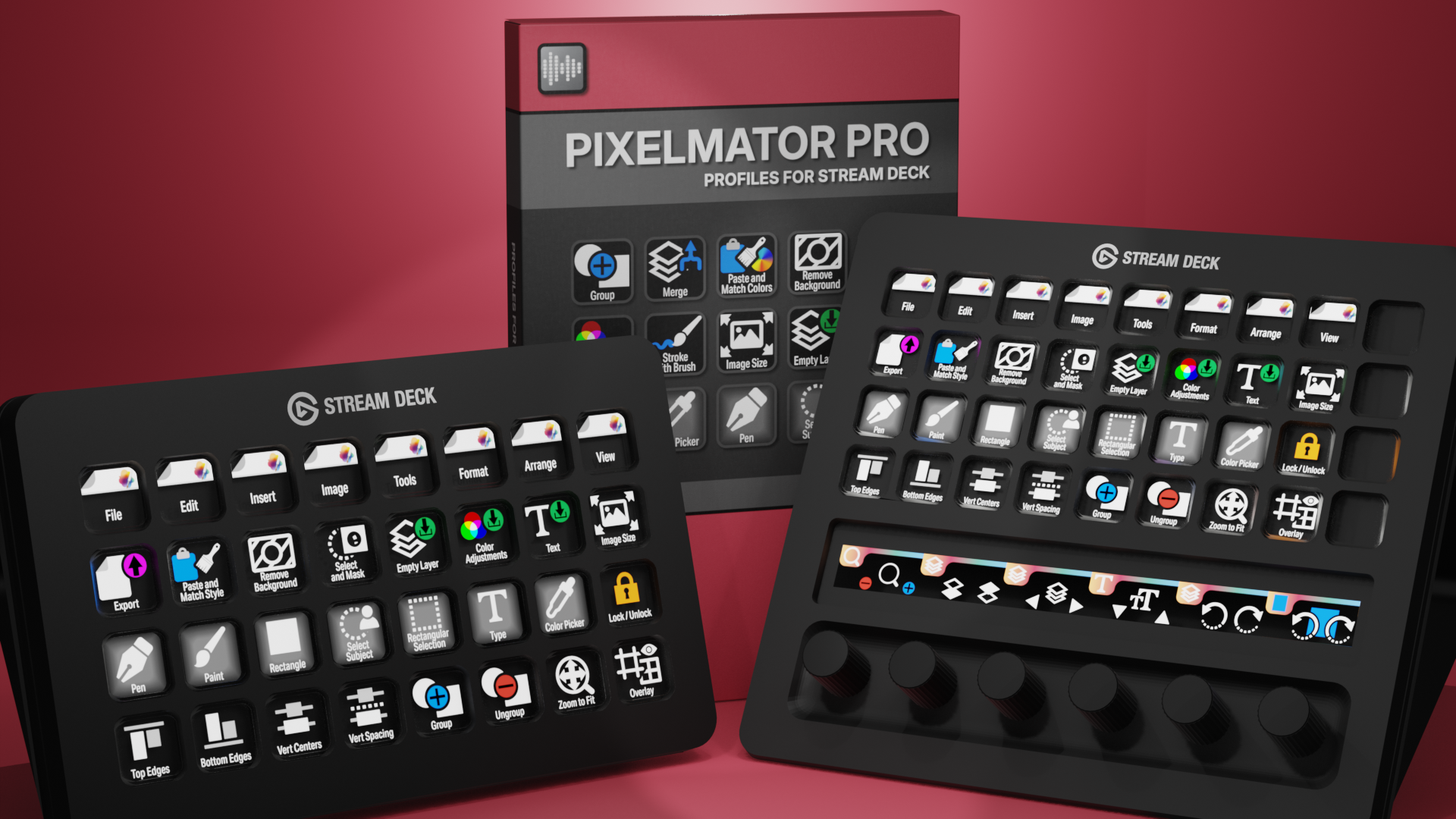

Pixelmator Pro Profiles for Stream Deck XL - Reg - Plus - XL+
English (QWERTY) keyboard layout required for profiles.
What’s Included
com.schwabmusic.pixelmatorpro.streamDeckIconPack
Labelled / Unlabelled Icons
Stream Deck XL Profile and Stream Deck Regular Profile (Mac)
Stream Deck Plus Profile (Mac)
Stream Deck XL+ Profile (Mac)
Manuals
Supercharge your Pixelmator Pro workflow with the Elgato Stream Deck and over 180 custom icons designed for image editing and design. Instantly trigger tools, adjustments, and shortcuts at the touch of a button, keeping your workspace clean and focused. These custom Stream Deck profiles for Pixelmator Pro streamline everyday editing tasks, reduce repetitive keystrokes, and give you faster, more intuitive control over your creative process.
Also available as a separate ICON PACK (icons only).
Browse the store for a FREE SAMPLER.

120+ Programmed Keys
120+ Programmed Keys
120+ Programmed Keys
120+ Programmed Keys

180+ Unlabelled Icons
180+ Labelled Icons
English (QWERTY) keyboard layout required.
Stream Deck XL, Regular, Plus or XL+ required for profile.
Shortcut commands may need to be altered to work with custom profile.
Stream Deck XL / Regular Mac Profile ONLY
Stream Deck Plus Mac Profile ONLY
Stream Deck XL+ Mac Profile ONLY
Keyboard Shortcuts
120+ programmed commands for the Stream Deck XL, Stream Deck Regular, Stream Deck Plus and Stream Deck XL+. Many of the menu items available via shortcut keys in Pixelmator Pro at the tip of a finger. Organized into folders for easy access.
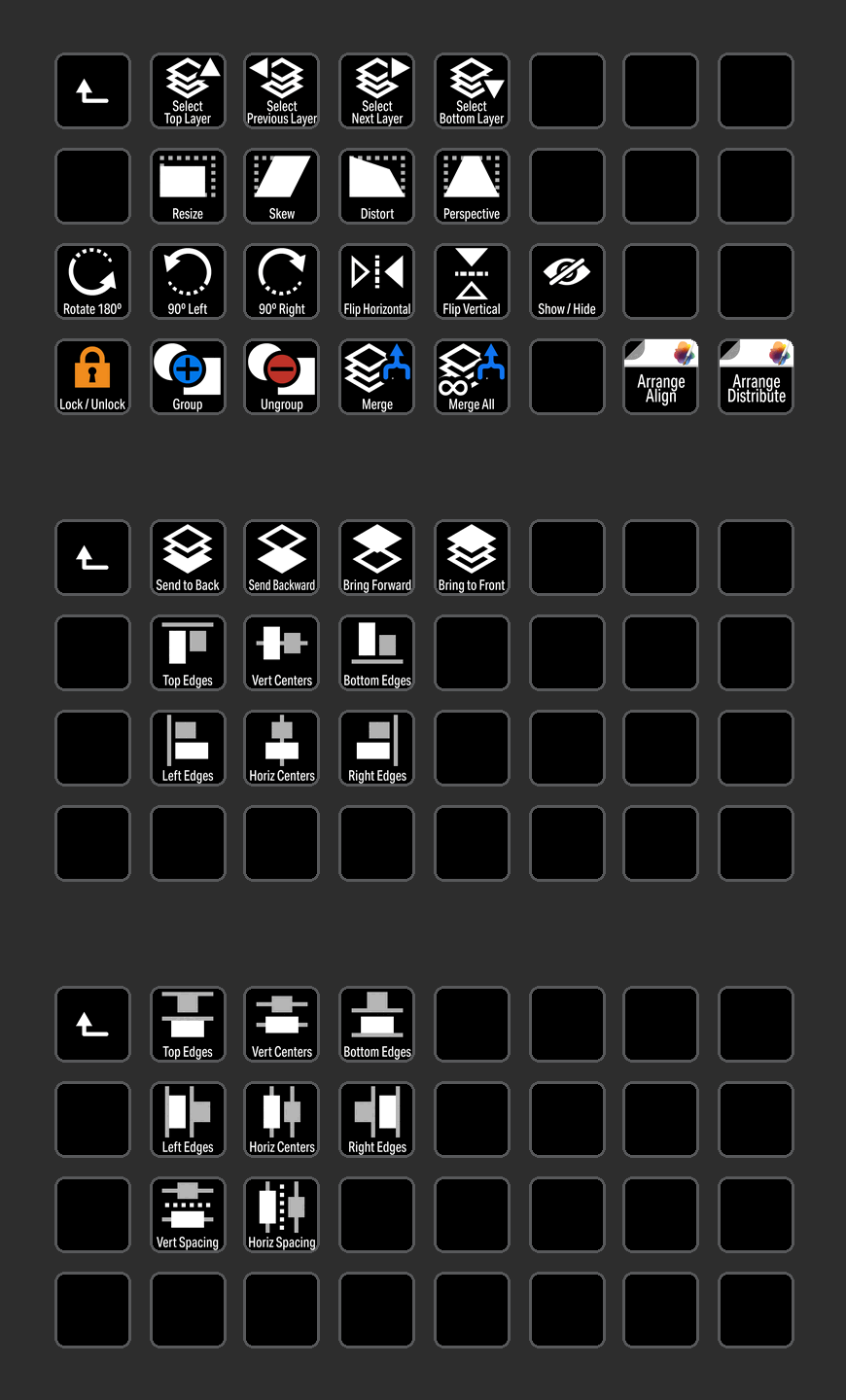
ARRANGE
Access all of the most common Arrange commands used in Pixelmator Pro with the click of a button
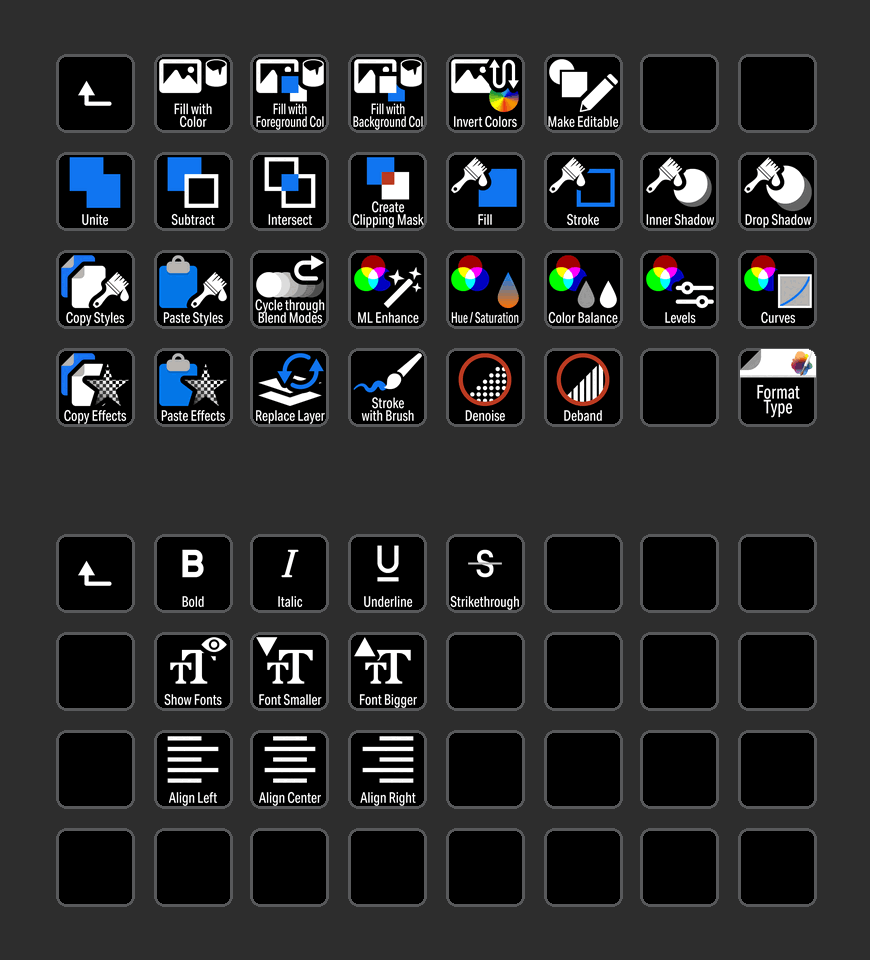
FORMAT
Format menu commands organized into folders for easy identification.
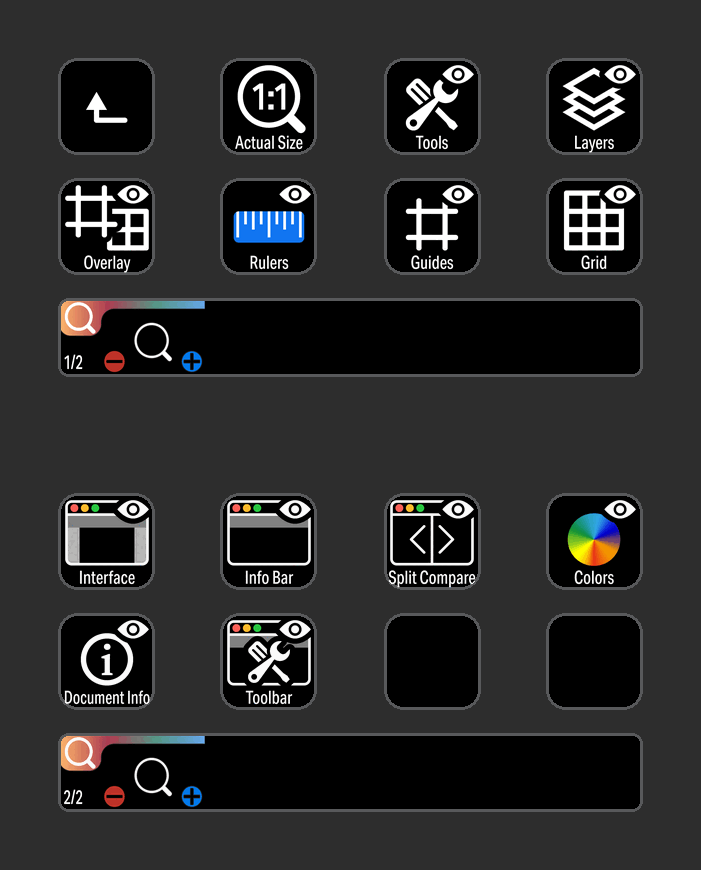
VIEW
View commands grouped in a profile for the Stream Deck Plus device.
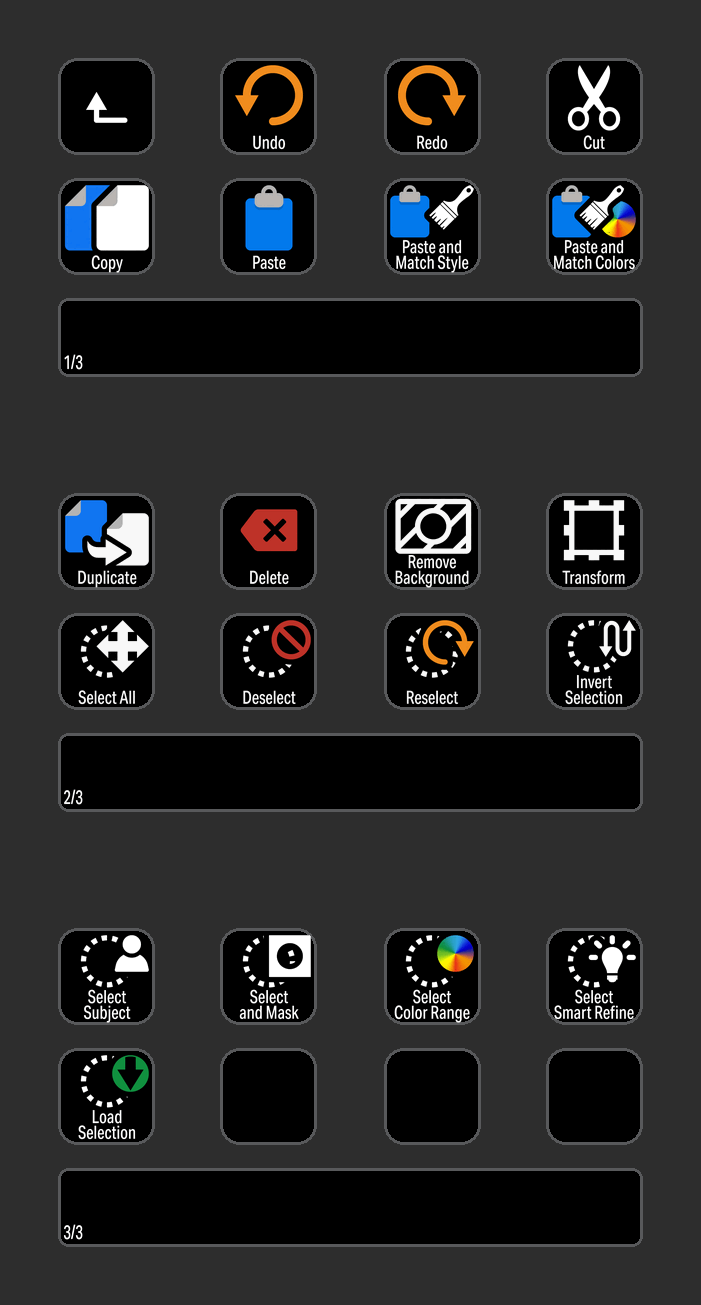
EDIT
Common Edit commands for selecting objects with easy to view icons.

IMAGE
Control Image commands with a button press or an encoder on the Stream Deck XL+.

INSERT
Insert commands at the touch of a button on the Steram Deck XL+.
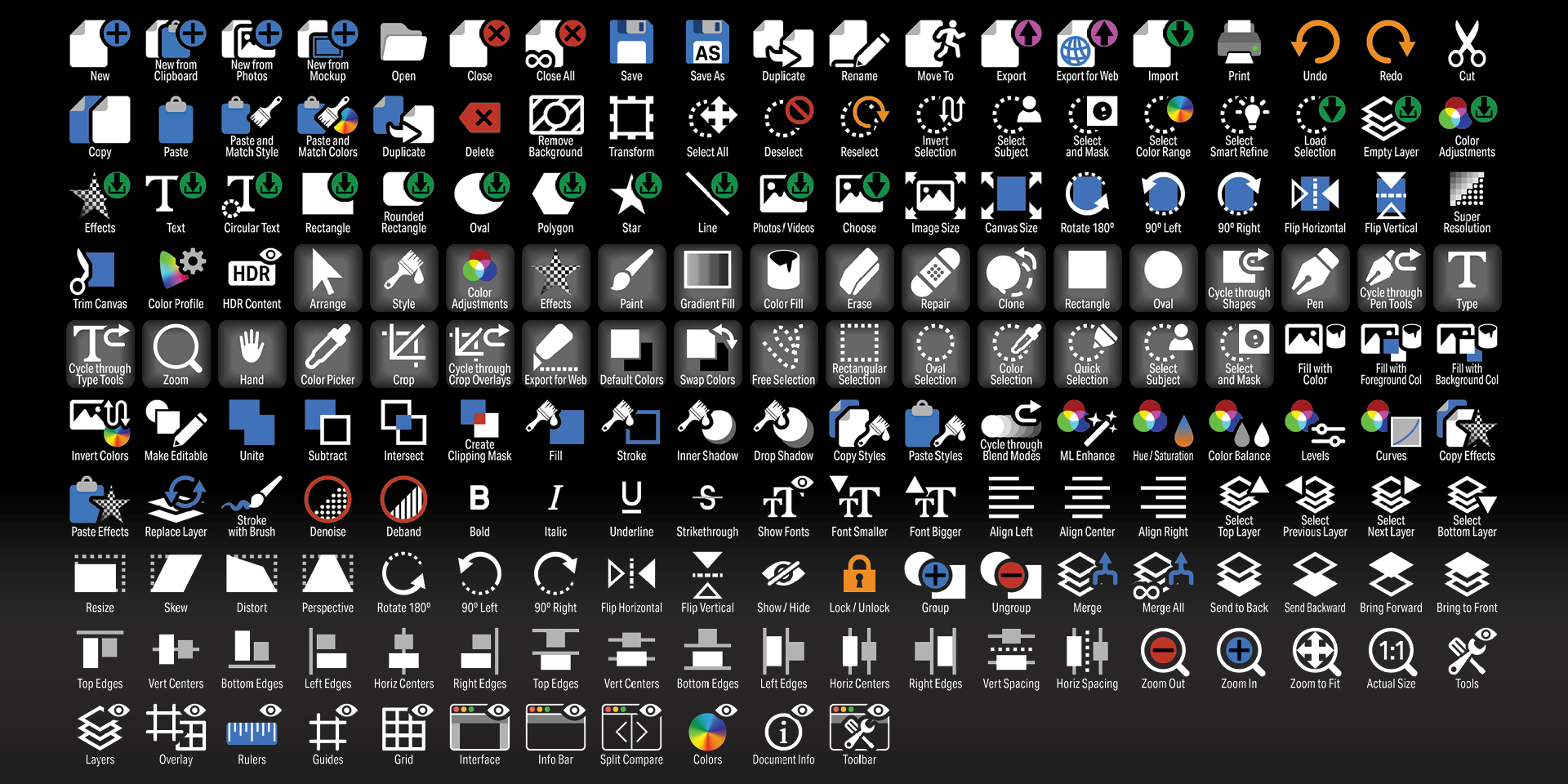
Labelled
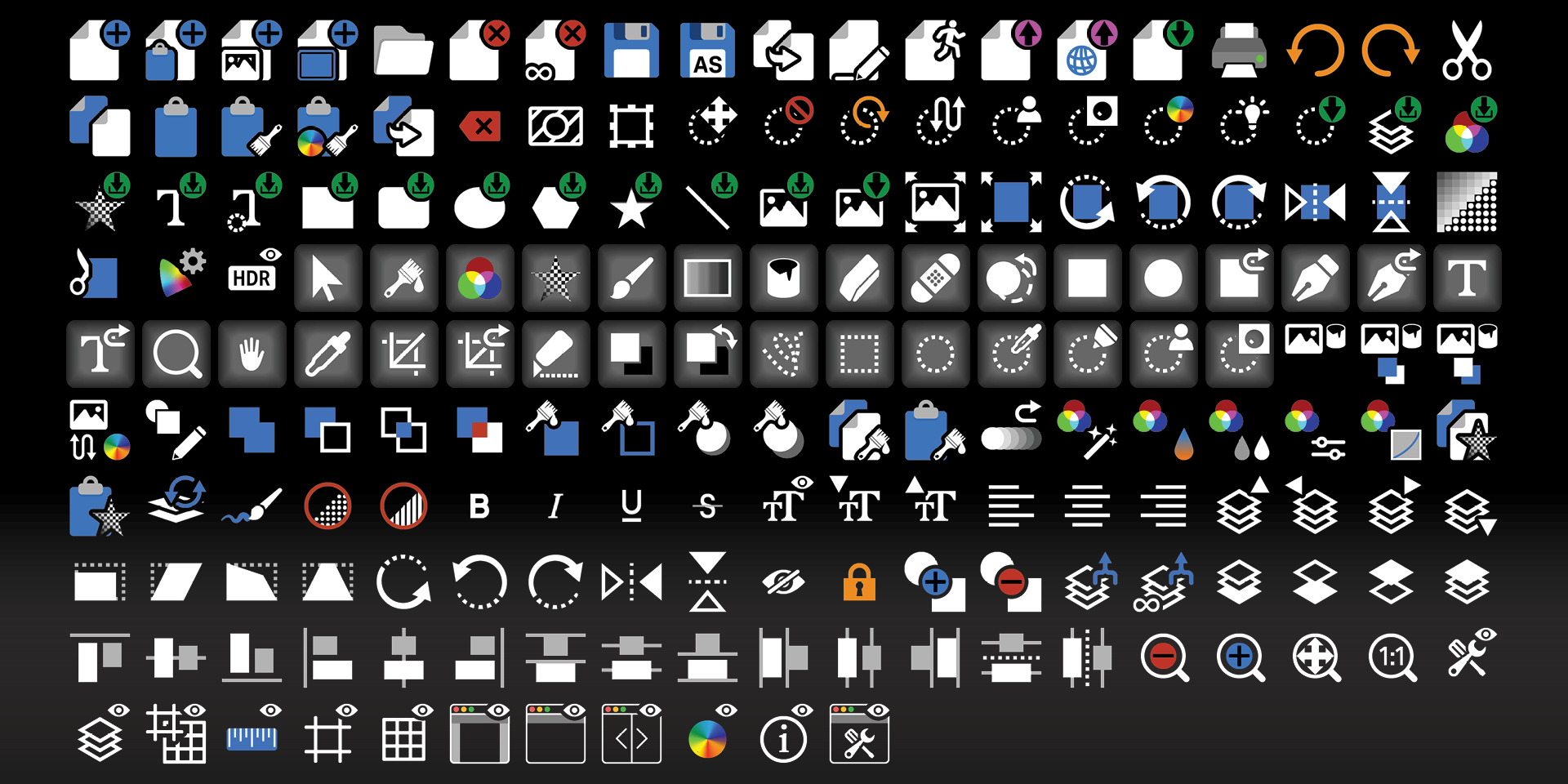
Unlabelled
What’s Included
.streamDeckIconPack File
Labelled / Unlabelled Icons
Stream Deck XL Profile and Stream Deck Regular Profile (Mac ONLY) for both Labelled and Unlabelled Icon Sets
Stream Deck Plus Profile (Mac ONLY)
Stream Deck XL+ Profile (Mac ONLY) for both Labelled and Unlabelled Icon Sets
Manuals (browse a sample manual)