Obsidian
Profiles for Stream Deck XL/Regular (Mac/Win)
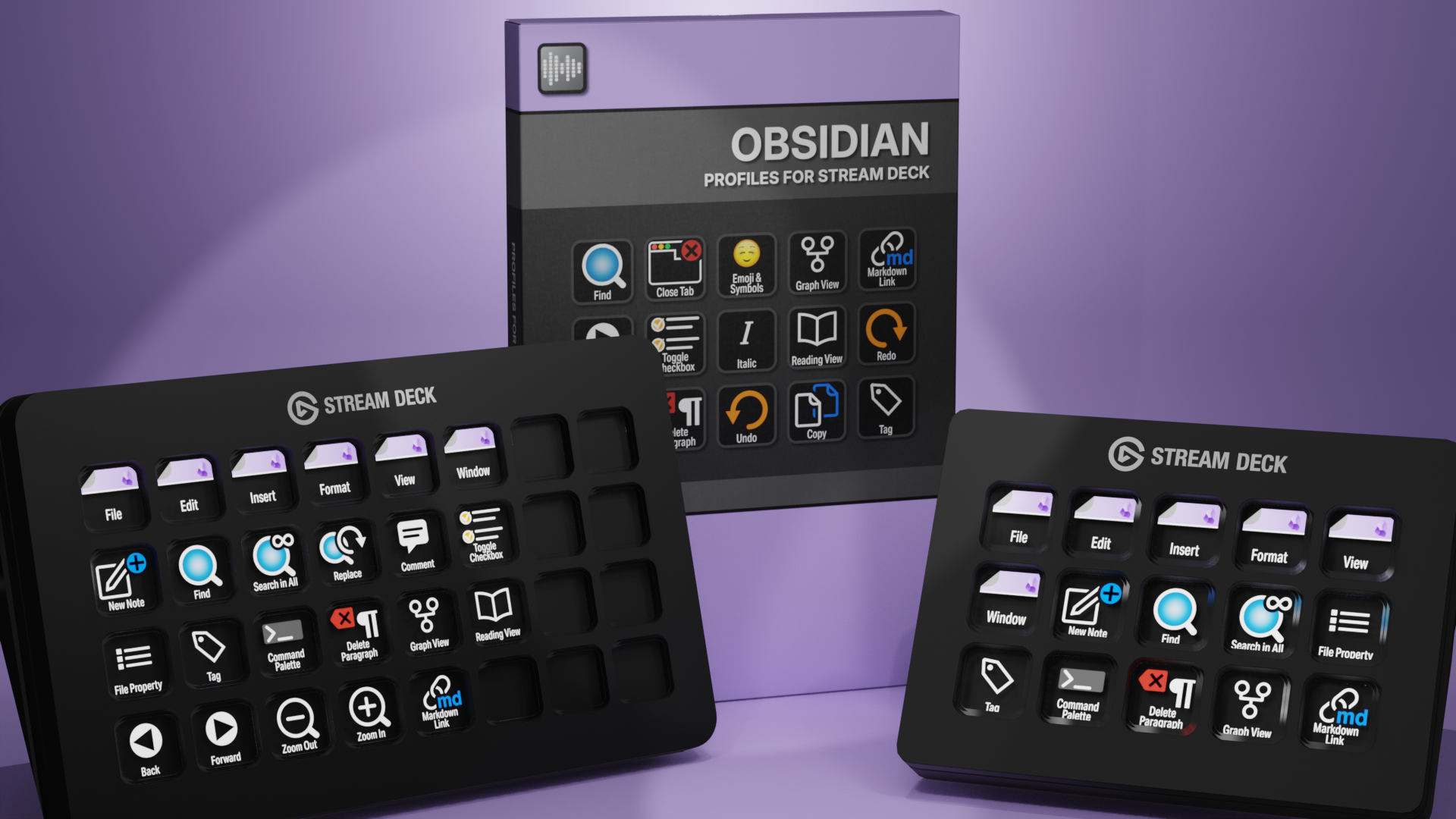
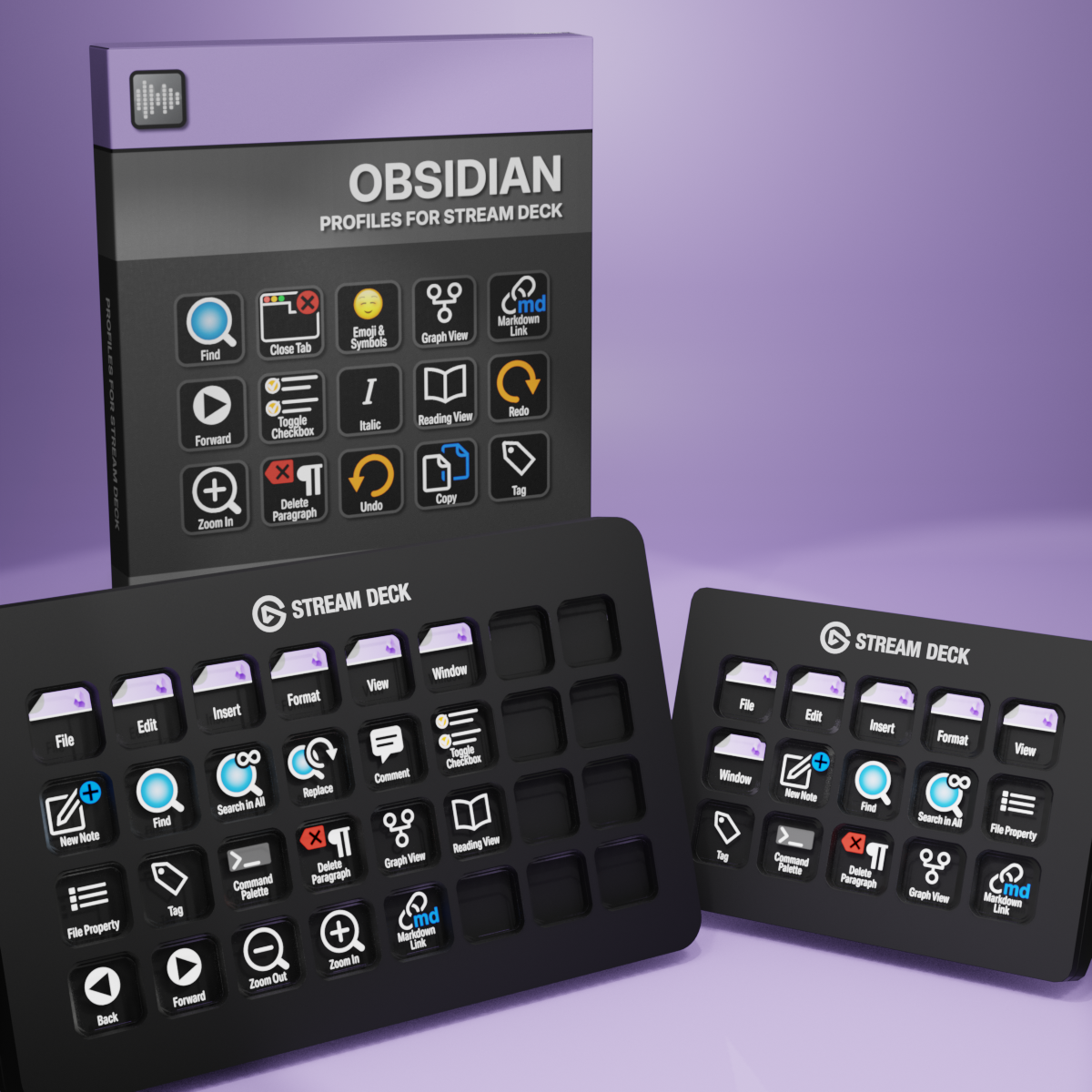
Obsidian Profiles for Stream Deck XL - Reg
English (QWERTY) keyboard layout required for profiles.
What’s Included
com.schwabmusic.obsidian.streamDeckIconPack
Labelled / Unlabelled Icons
Stream Deck Profile for both XL and Regular (Mac/Win)
Manual
Unlock a faster Obsidian workflow with the Elgato Stream Deck and 90 custom icons designed for note-taking and knowledge management. Instantly trigger commands, navigate your vault, and manage links and tags at the touch of a button — keeping your focus on your ideas and off the keyboard. These custom Stream Deck icons and profiles for Obsidian streamline your everyday writing and research tasks, reduce repetitive keystrokes, and give you faster, more intuitive control over your second brain.
50+ Programmed Keys
50+ Programmed Keys

90 Unlabelled Icons
90 Labelled Icons
English (QWERTY) keyboard layout required.
Stream Deck XL or Stream Deck Regular required for profile.
Shortcut commands may need to be altered to work with custom profile.
Stream Deck XL / Regular Mac AND Windows Profiles
Keyboard Shortcuts
50+ programmed commands for the Stream Deck XL, Stream Deck Regular and Stream Deck Plus. Many of the menu items available via shortcut keys in Obsidian at the tip of a finger. Organized into folders for easy access.
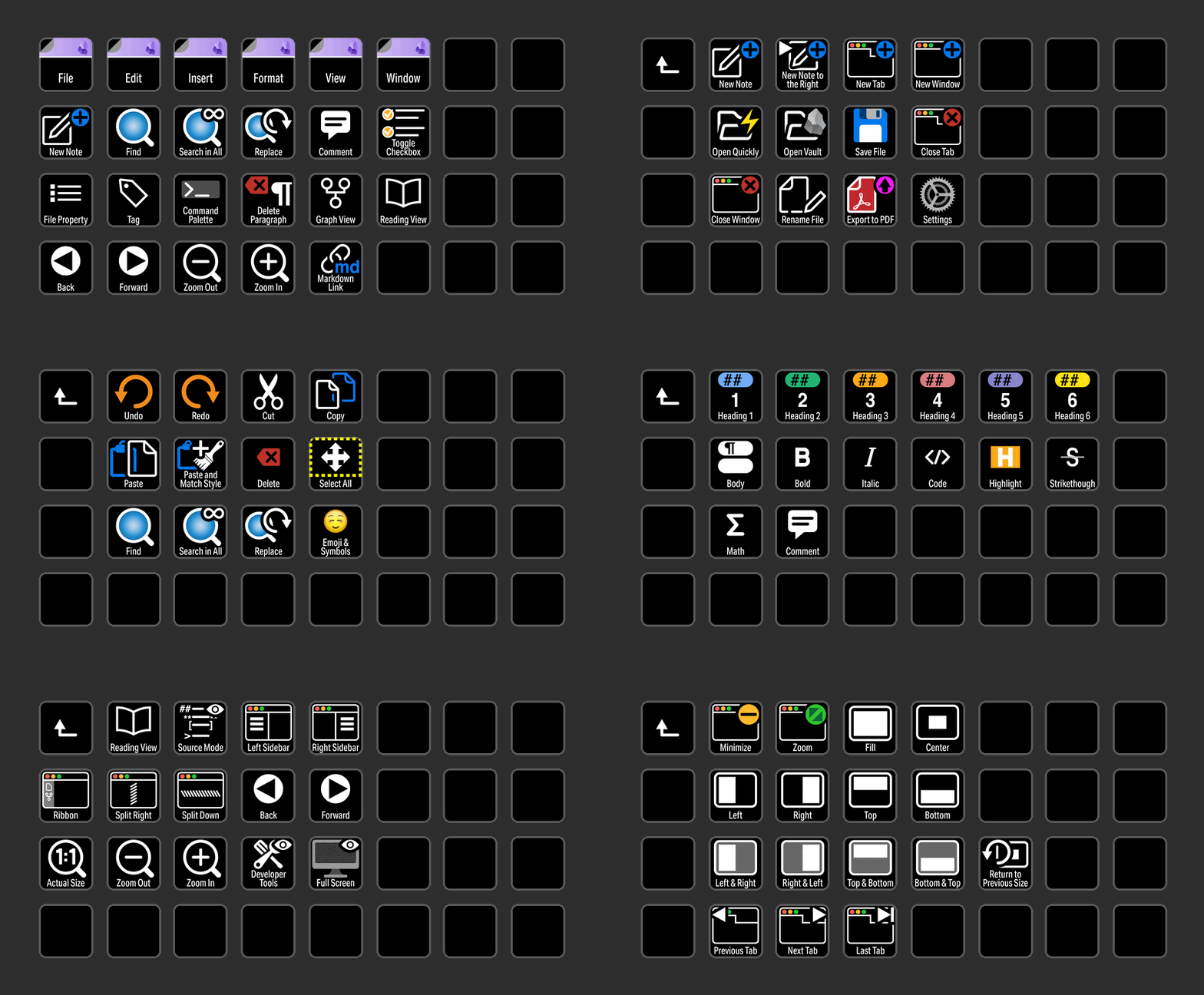
MENU COMMANDS
Access all of the most common menu commands used in Obsidian with the click of a button
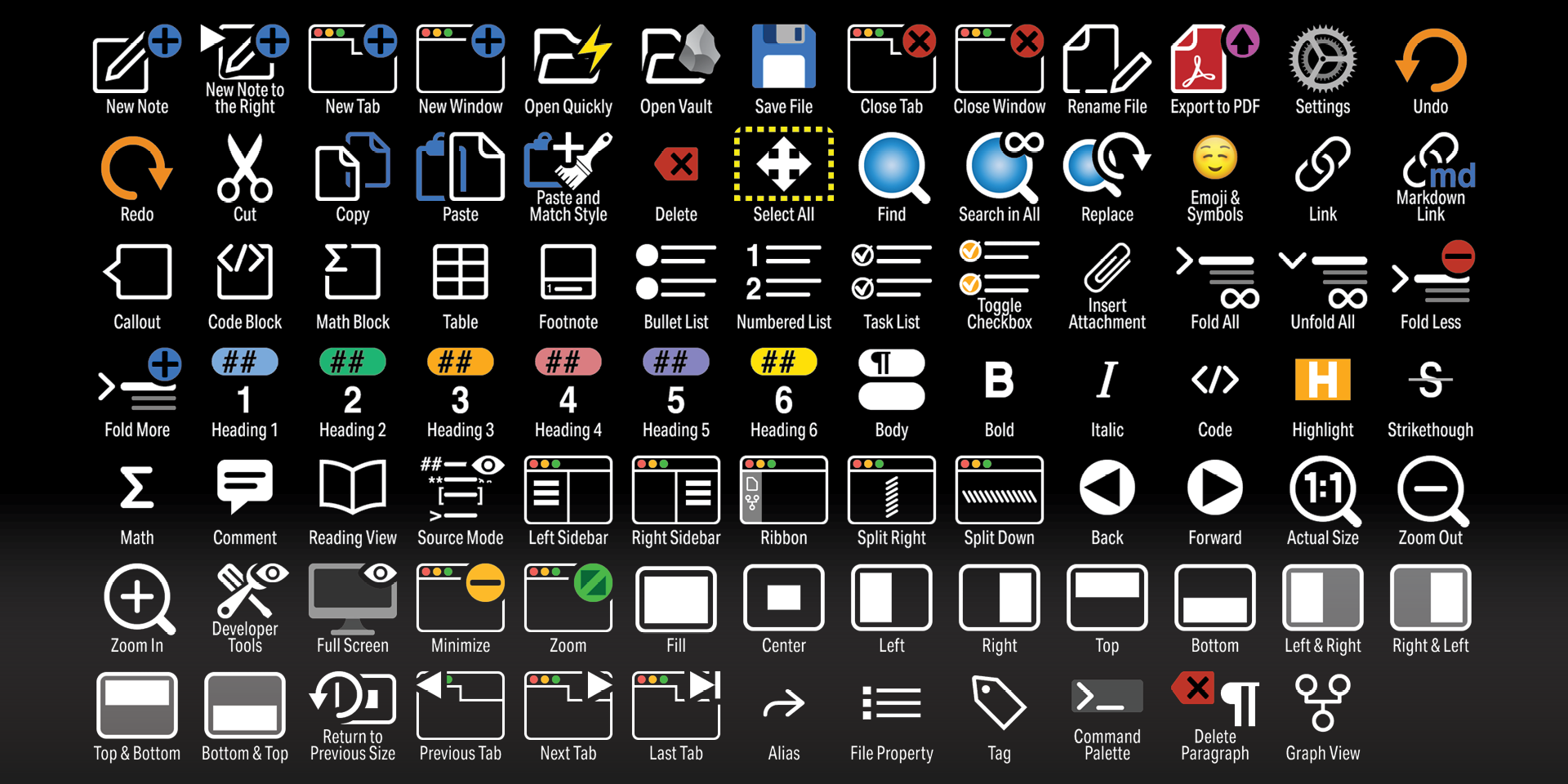
Labelled
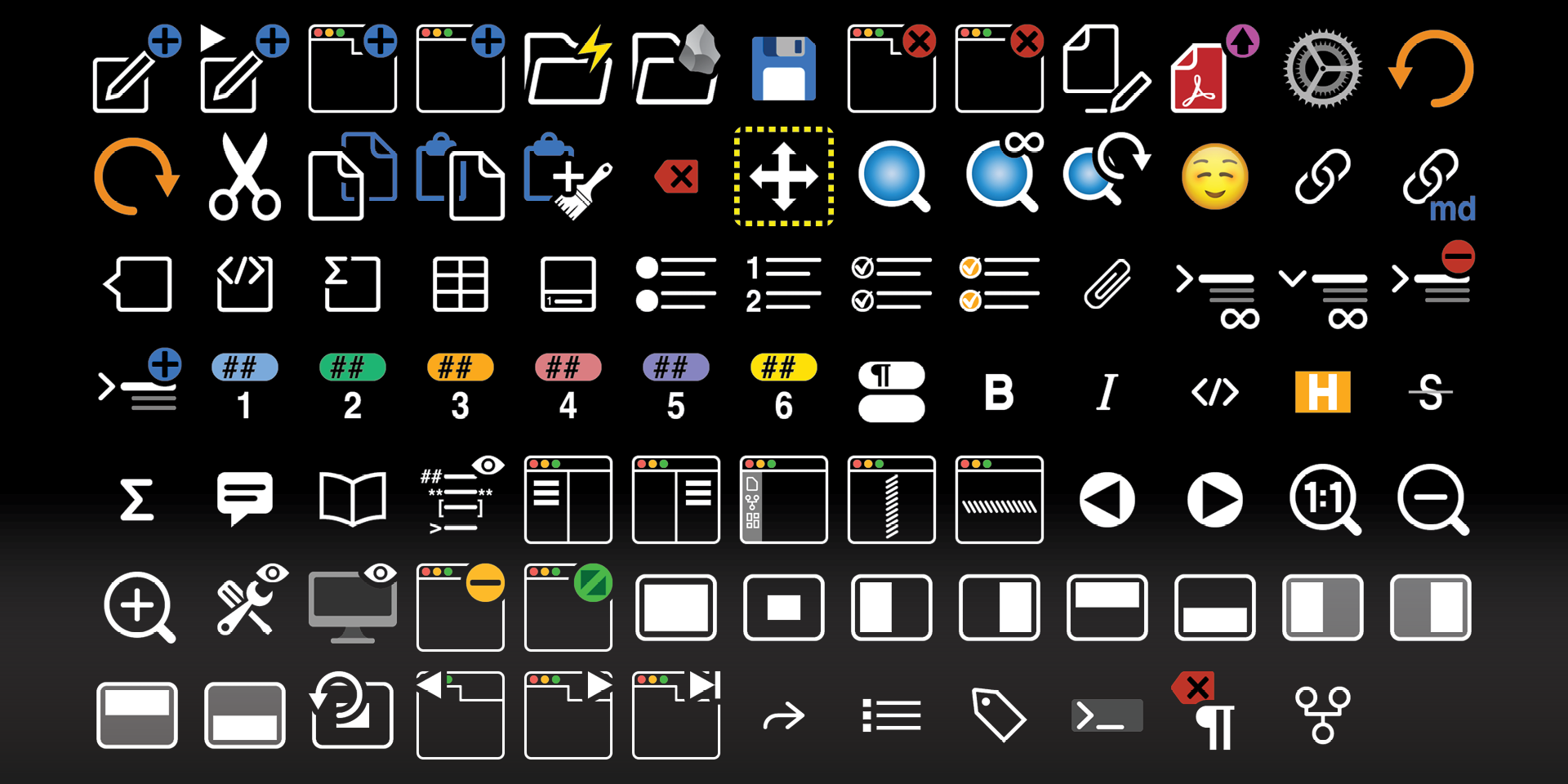
Unlabelled
What’s Included
.streamDeckIconPack File
Labelled / Unlabelled Icons
Stream Deck XL Profile and Stream Deck Regular Profile (Mac / Win) for both Labelled and Unlabelled Icons Sets
Manual