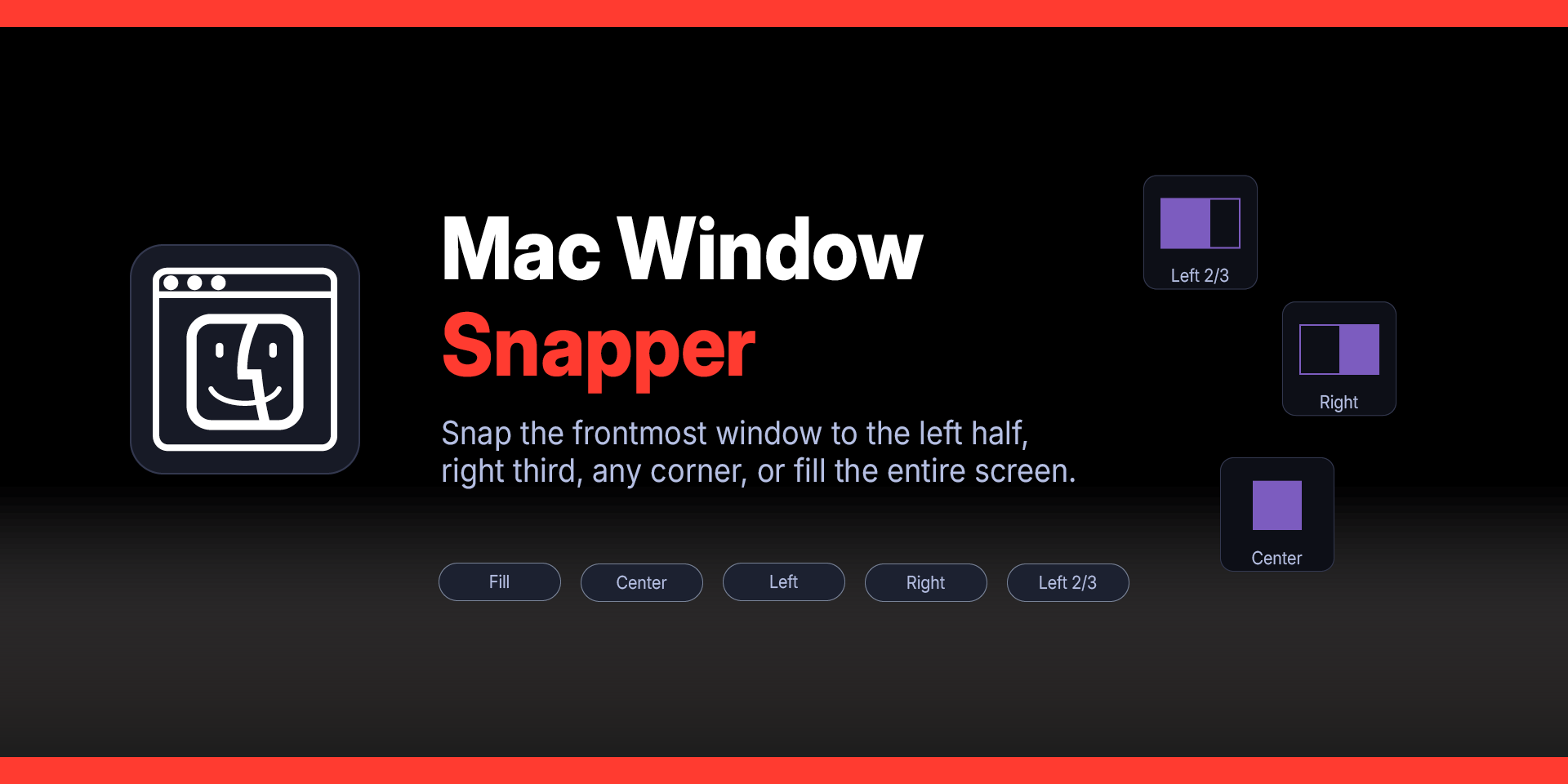

Mac Window Snapper Plugin for Stream Deck
What’s Included
Mac Window Snapper plugin (com.deckly.mac-window-snapper.sdPlugin)
Plugin Installation Guide
For macOS ONLY
Version 1.2.0.0
Now works on multi screen layouts.
Mac Window Snapper Plugin
Stream Deck Plugins for Mac OS
Tired of dragging and resizing windows? Mac Window Snapper gives you one-press window management directly from your Stream Deck.
Snap the frontmost window to the left half, right third, any corner, or fill the entire screen. Arrange two windows side by side with a single tap. Each key displays a dynamic icon showing exactly where the window will land — no guessing, no memorizing shortcuts.
Universal — including Adobe Creative Suite, Electron apps, and other applications that don't support Apple's Window menu. It positions windows by directly setting their coordinates, so nothing is off limits.
Perfect for ultrawide monitors, multi-app workflows, and anyone who wants their desktop organized without lifting a finger off the Stream Deck.
Works with every Stream Deck model on macOS.
Mac Window Snapper Plugin
Features:
Universal compatibility — works on all macOS applications including Adobe Illustrator, Photoshop, InDesign, and Electron-based apps. Not limited to apps with Apple's Window > Move & Resize menu.
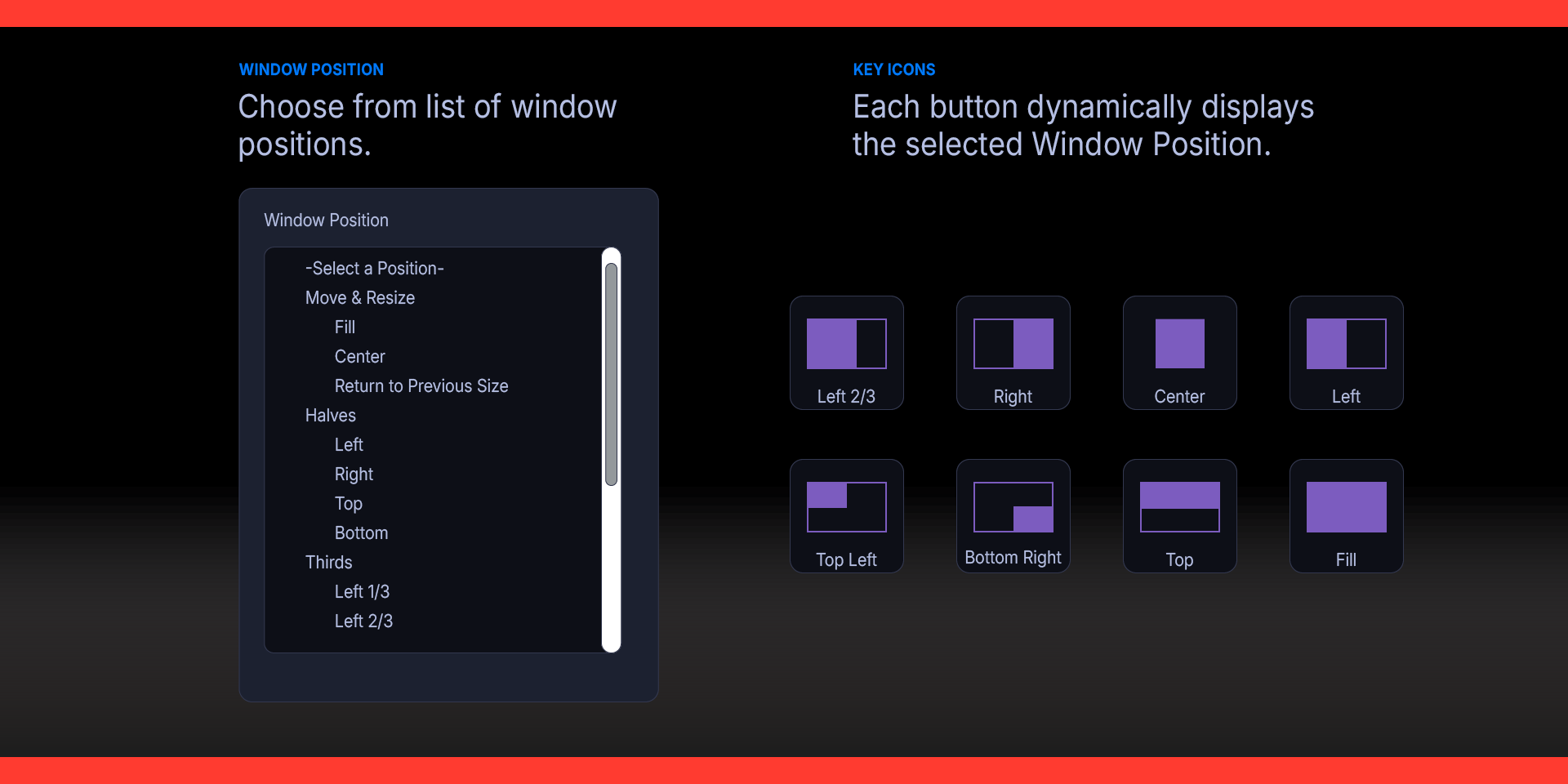
Dynamic key icons — each Stream Deck key displays a visual diagram of the snap layout. The icon updates automatically when you change the position in settings.
Halves — snap to the Left, Right, Top, or Bottom half of the screen.
Thirds — snap to Left 1/3, Right 1/3, Left 2/3, Right 2/3, or Center 1/3. Ideal for ultrawide displays where you want a large workspace alongside a narrower reference panel.
Quarters — snap to Top Left, Top Right, Bottom Left, or Bottom Right quarter.
Fill & Center — fill the entire usable desktop, or center the window at a comfortable reading size.
Arrange — position two windows from the frontmost app at once: Left & Right, Right & Left, Top & Bottom, Bottom & Top, or all four Quarters.
Return to Previous Size — restores the window to its original position and size from before the last snap. The plugin remembers each app's previous frame automatically.
Window controls — Zoom, Minimize, and Close the frontmost window.
Smart screen detection — automatically accounts for the menu bar and Dock, regardless of their position or size. Works correctly on MacBooks with the notch, ultrawide monitors, and multi-display setups.
Requirements
macOS 15 (Sequoia) or later
Elgato Stream Deck software version 6.9 or later
Accessibility permission granted to Stream Deck
What’s Included
Menu Window Snapper Plugin (com.deckly.mac-window-snapper.sdPlugin)
Plugin Installation Guide
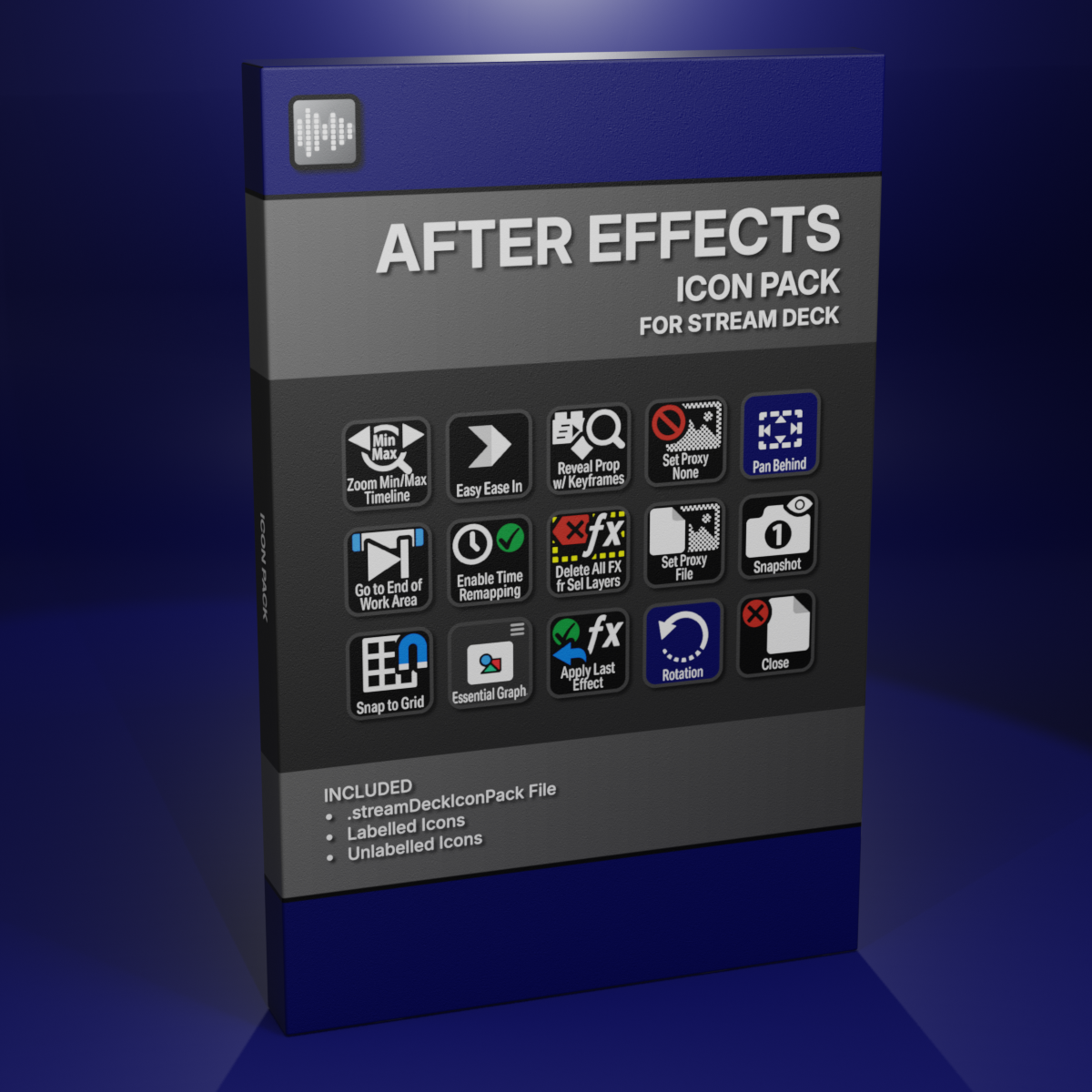
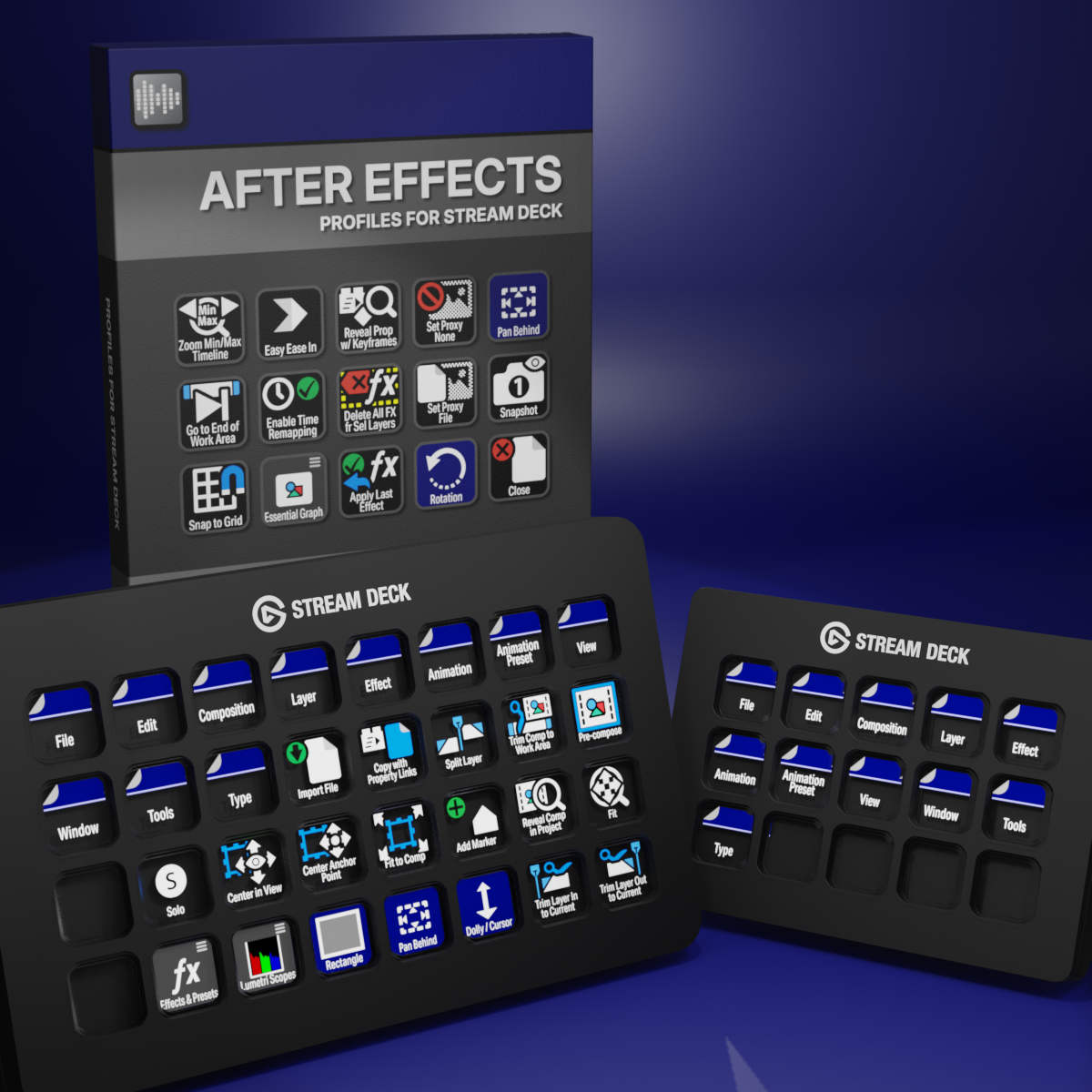
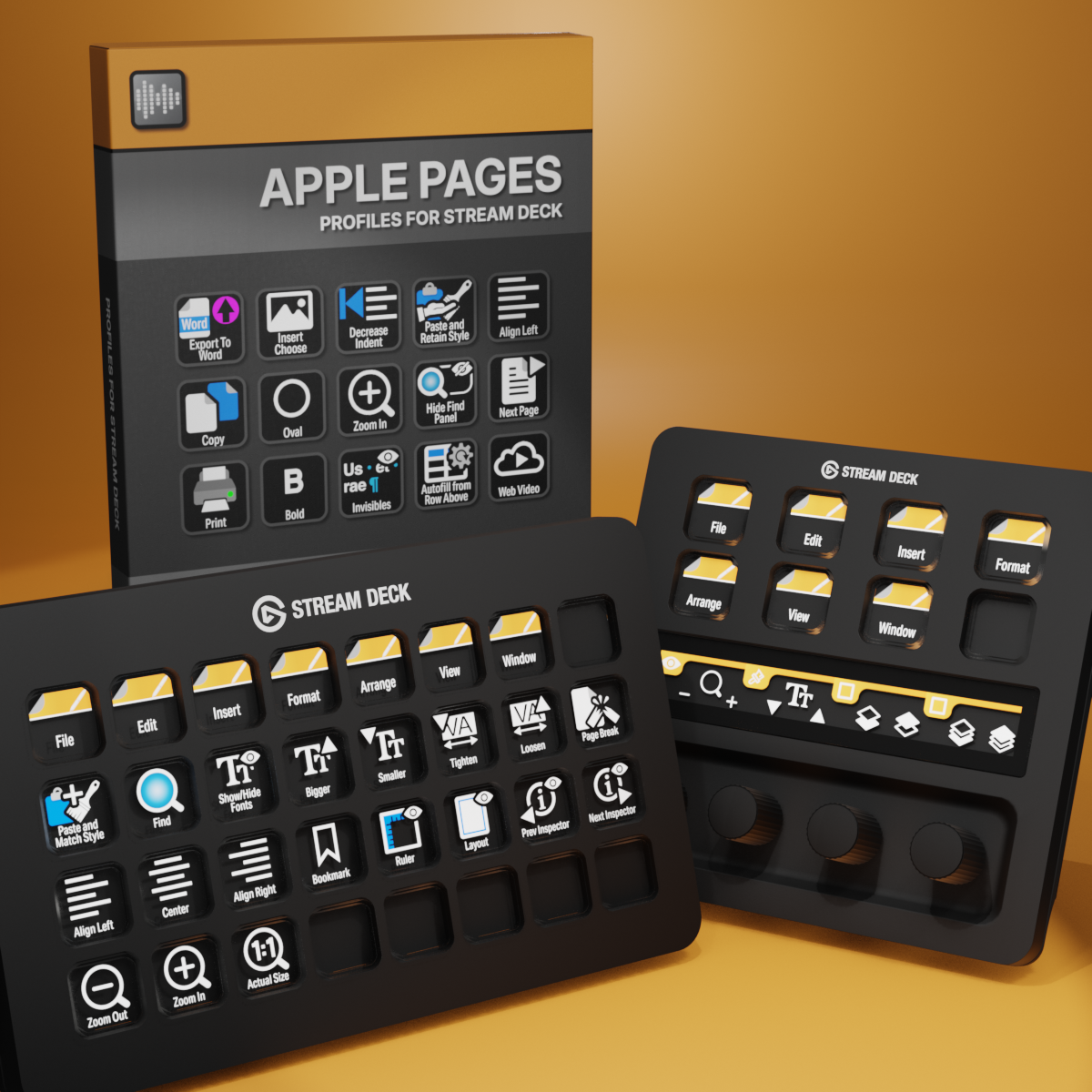
Custom Icons for Adobe After Effects. A sampler pack of both labelled and unlabelled icons for Stream Deck XL and Stream Deck Regular.