
Mac Script Runner Plugin for Stream Deck
What’s Included
Mac Script Runner Plugin (com.deckly.mac-script-runner.sdPlugin)
Plugin Installation Guide
For macOS ONLY
Mac Script Runner Plugin
Stream Deck Plugins for Mac OS
Run AppleScript, JavaScript for Automation (JXA), Bash, and Zsh scripts directly from your Elgato Stream Deck.
Mac Script Runner gives you one-press access to the full power of macOS scripting and the command line. Paste a script into the Property Inspector or point to a file on disk — press the key and it runs. Simple as that.
Works with every Stream Deck model on macOS.
Overview
Run AppleScript, JavaScript for Automation (JXA), Bash, or Zsh with a single key press
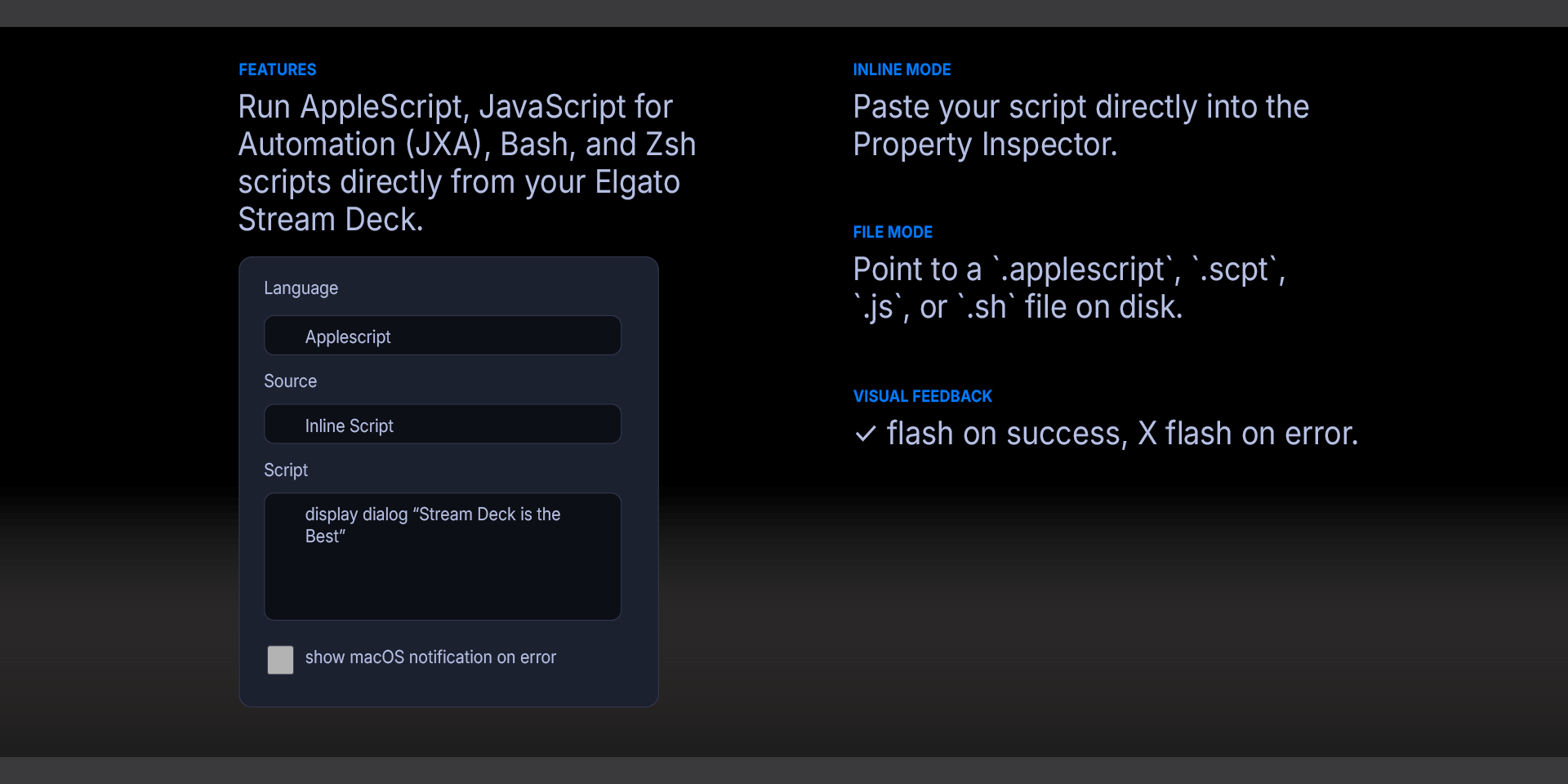
Inline mode: paste your script directly into the Property Inspector
File mode: point to a `.applescript`, `.scpt`, `.js`, or `.sh` file on disk
Visual feedback: ✓ flash on success, ✕ flash on error
Optional macOS notification on error with the error message
Notes on Notifications
On macOS Sequoia and later, `display notification` from `osascript` may be silently blocked depending on your notification and Focus settings. If notifications don't appear:
Check System Settings → Notifications for Script Editor or the Stream Deck app
If using Focus Mode, add the relevant app to the allowed list
If using an external display or clamshell mode, enable "Allow notifications when mirroring or sharing the display" in Notification settings
`display dialog` always works regardless of notification settings, so it's a reliable alternative for quick feedback.
Requirements
macOS 12 (Monterey) or later
Elgato Stream Deck software version 6.9 or later
Accessibility permission granted to Stream Deck
What’s Included
Mac Script Runner Plugin (com.deckly.mac-script-runner.sdPlugin)
Plugin Installation Guide
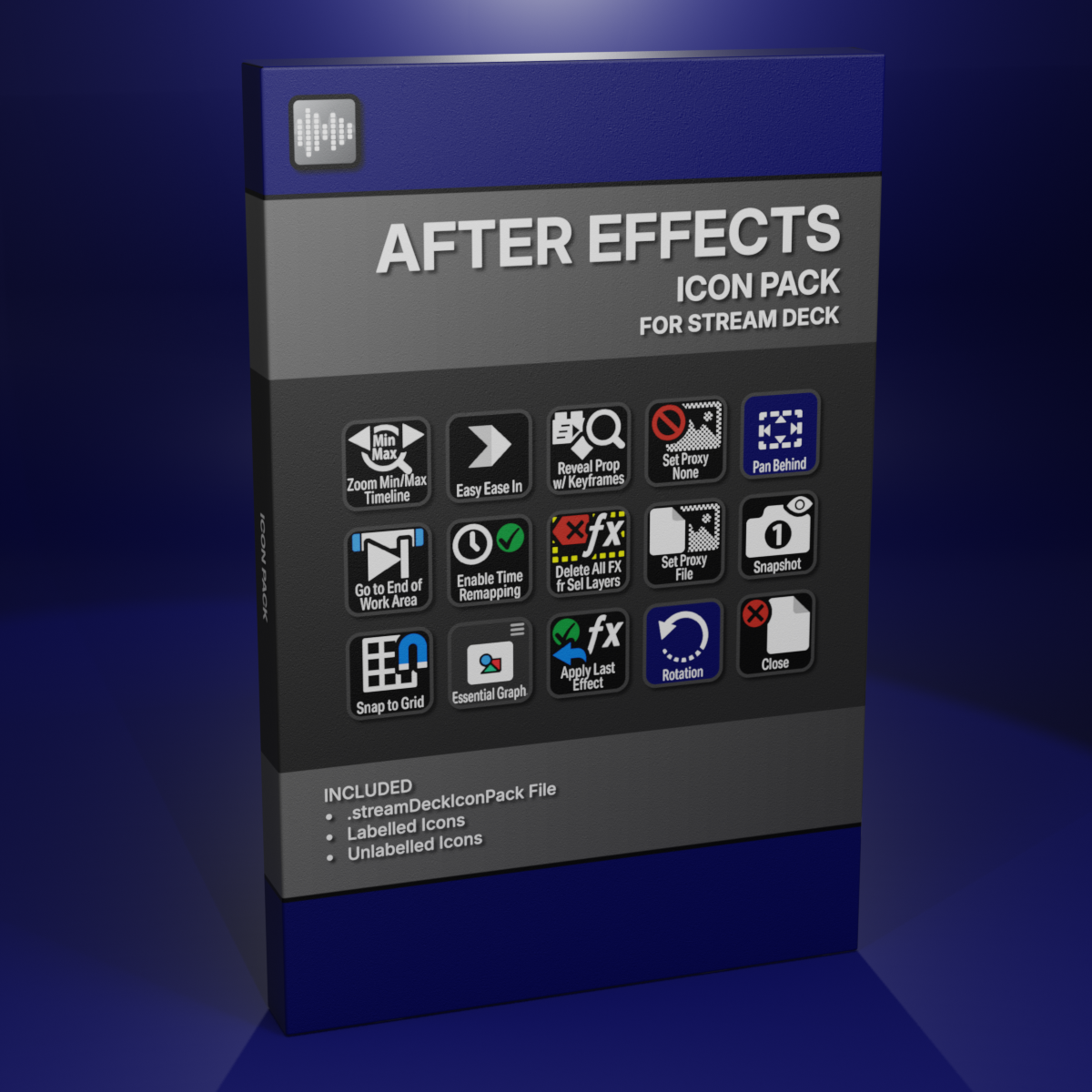
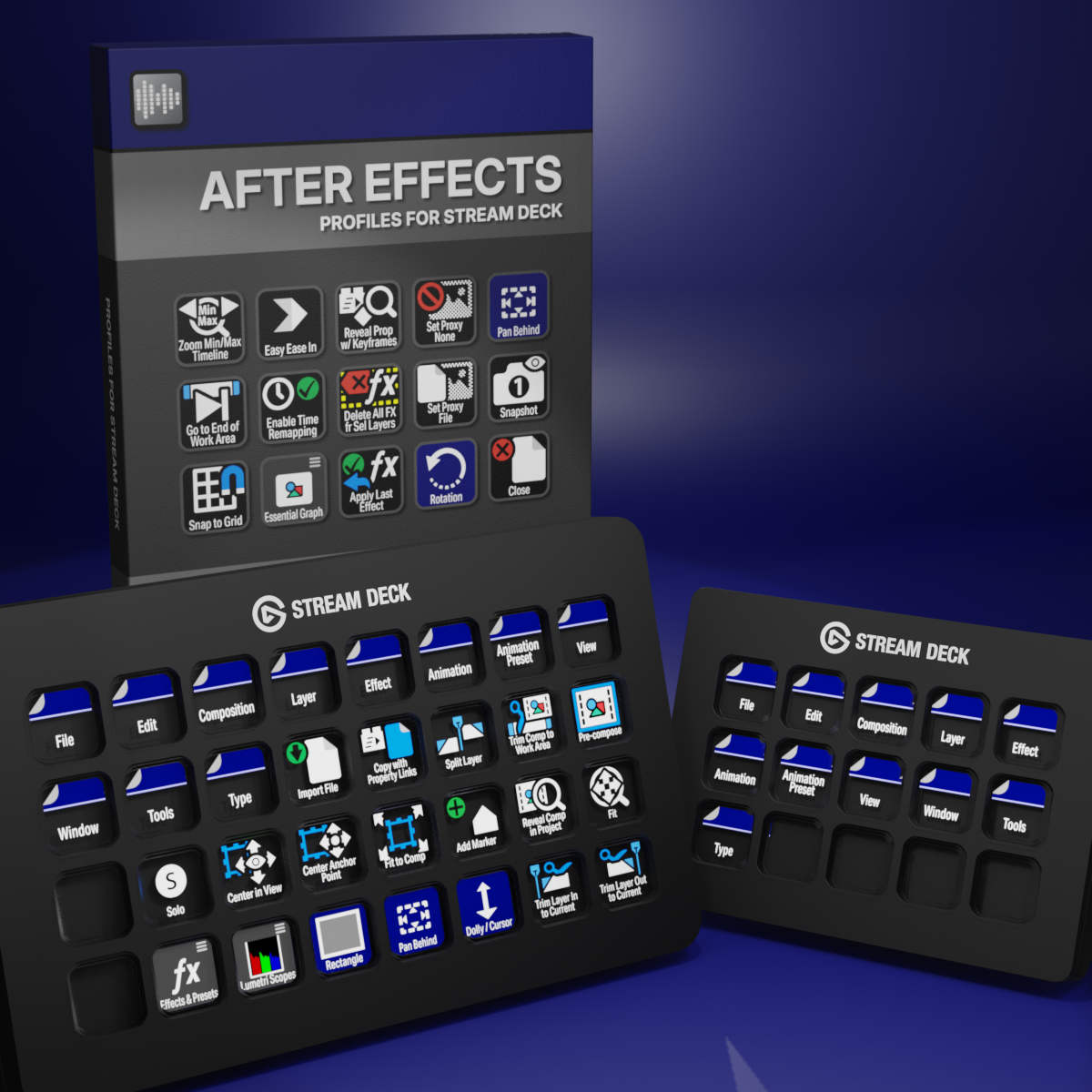
Custom Icons for Adobe After Effects. A sampler pack of both labelled and unlabelled icons for Stream Deck XL and Stream Deck Regular.