
Mac Menu Trigger Plugin for Stream Deck
What’s Included
Mac Finder Tags plugin (com.deckly.findertags.sdPlugin)
Plugin Installation Guide
For macOS ONLY
Version 1.0.1.0
Fixed emoji and Unicode character tags displaying as escaped strings (e.g., \Ud83d\Udd33 instead of 🔳)
Added custom tag color support — tags with assigned Finder colors now show the correct color on the Stream Deck button and in the dropdown
Added sort order options in the Property Inspector: Default, Finder favorites order, and Alphabetical
Fixed tag discovery on external drives and mounted volumes
Improved tag color detection using raw file attributes for compatibility with macOS 15+
Removed internal logging for DRM compliance
Mac Finder Tags Plugin
Stream Deck Plugins for Mac OS
Tag your files without touching the keyboard. Mac Finder Tags brings macOS Finder tagging to your Stream Deck with a single key press.
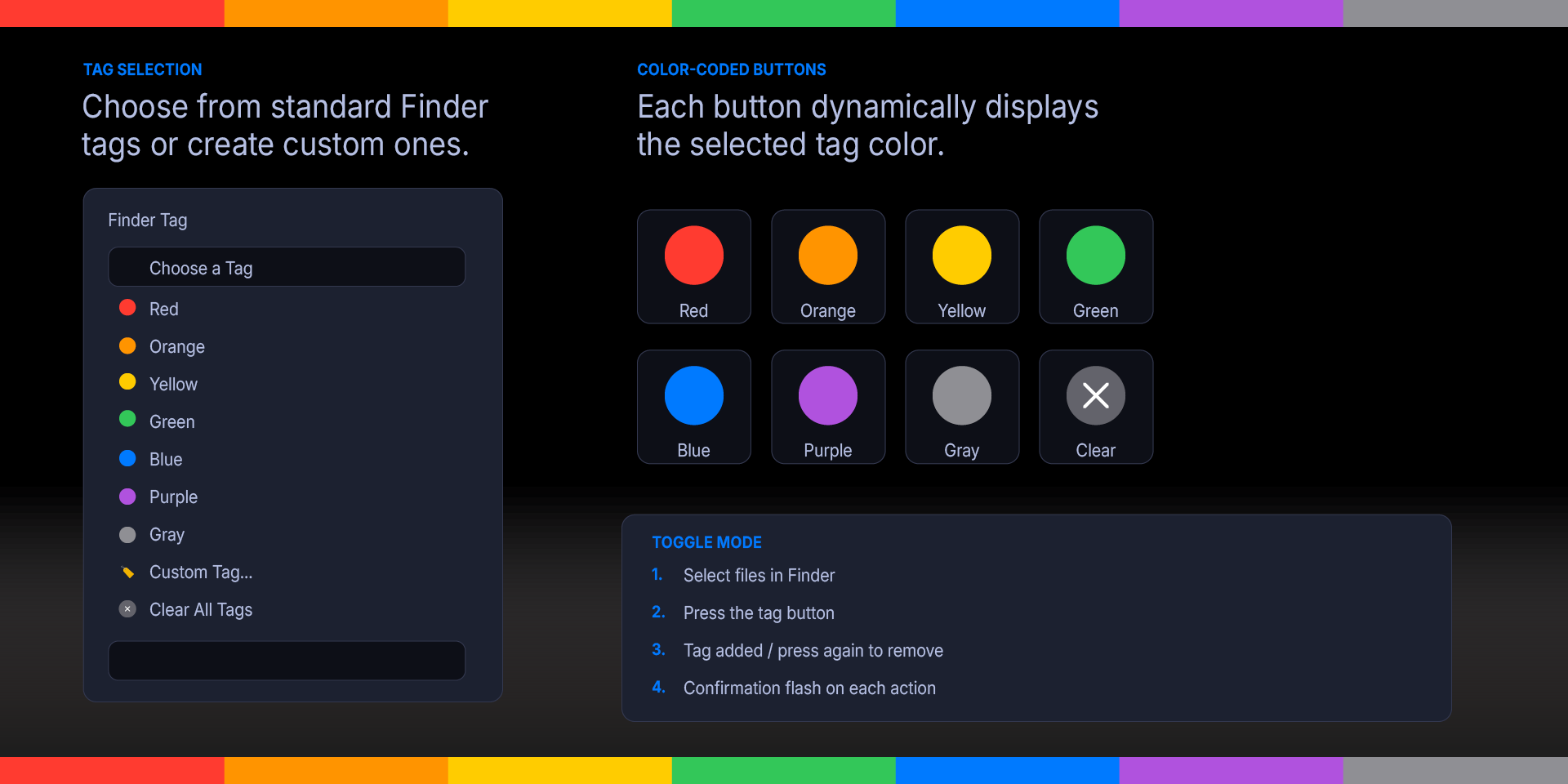
Select files in Finder, press a button, and the tag is applied instantly. Press again to remove it. Each button displays the tag's color so you always know which tag you're applying at a glance.
Supports all seven built-in macOS tag colors — Red, Orange, Yellow, Green, Blue, Purple, and Gray — plus any custom tags you've created in Finder. A dedicated "Clear All Tags" option lets you strip all tags from selected files in one press.
The Property Inspector dropdown automatically pulls your available tags from macOS, including custom-named tags. Toggle behavior means you never have to think about whether a tag is already applied — just press the button and the plugin handles the rest.
Perfect for photographers organizing shoots, designers managing project assets, writers sorting research, or anyone who uses Finder tags as part of their workflow.
Works with every Stream Deck model on macOS.
Mac Finder Tags Plugin
Features:
Toggle tagging — press to add a tag to selected files, press again to remove it. The plugin checks each file's current tags and does the right thing automatically.
Color-coded key icons — each Stream Deck key displays a filled circle matching the tag color (Red, Orange, Yellow, Green, Blue, Purple, Gray). Custom tags display in a neutral color.
All macOS tags supported — the seven standard colors plus any custom tags you've created in Finder Settings.
Clear All Tags — a dedicated option that strips every tag from the selected files in one press.
Multi-file support — select one file or dozens; the tag operation applies to the entire Finder selection.
Visual confirmation — a checkmark flashes on the button after a successful tag operation.
Auto-discovery — the Property Inspector dropdown pulls your available tags directly from macOS, so custom tags appear automatically.
No Accessibility permissions needed — uses Finder's native AppleScript dictionary for file selection and the AppleScript-ObjC bridge for tag operations. No System Events UI scripting required.
Reliable tag engine — uses `NSURLTagNamesKey` via the AppleScript-Objective-C bridge, which is the officially supported method for reading and writing Finder tags on all modern macOS versions.
Requirements
macOS 12 (Monterey) or later
Elgato Stream Deck software version 6.9 or later
Accessibility permission granted to Stream Deck
What’s Included
Menu Finder Tags Plugin (com.deckly.findertags.sdPlugin)
Plugin Installation Guide
Version 1.0.1.0
Fixed emoji and Unicode character tags displaying as escaped strings (e.g., \Ud83d\Udd33 instead of 🔳)
Added custom tag color support — tags with assigned Finder colors now show the correct color on the Stream Deck button and in the dropdown
Added sort order options in the Property Inspector: Default, Finder favorites order, and Alphabetical
Fixed tag discovery on external drives and mounted volumes
Improved tag color detection using raw file attributes for compatibility with macOS 15+
Removed internal logging for DRM compliance
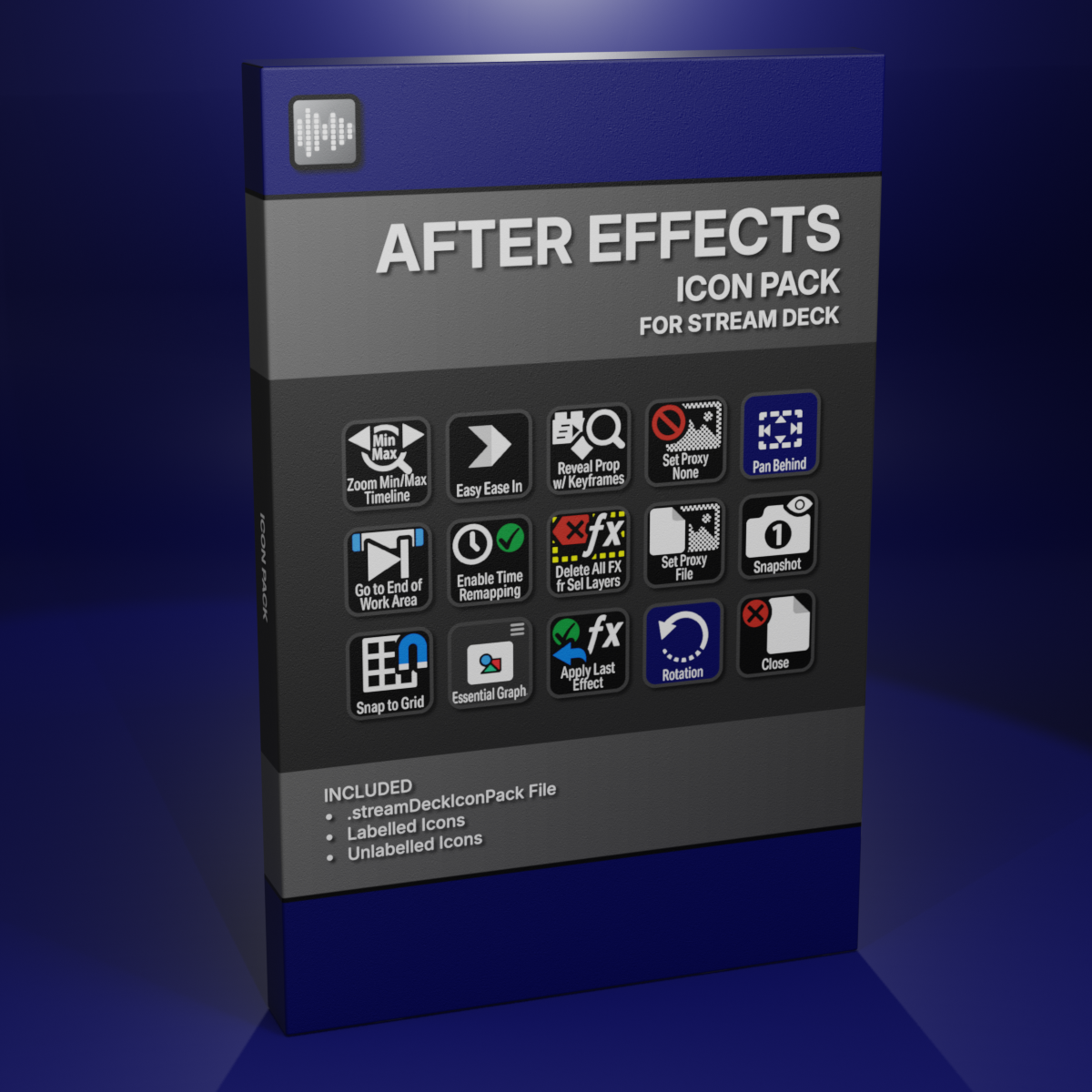
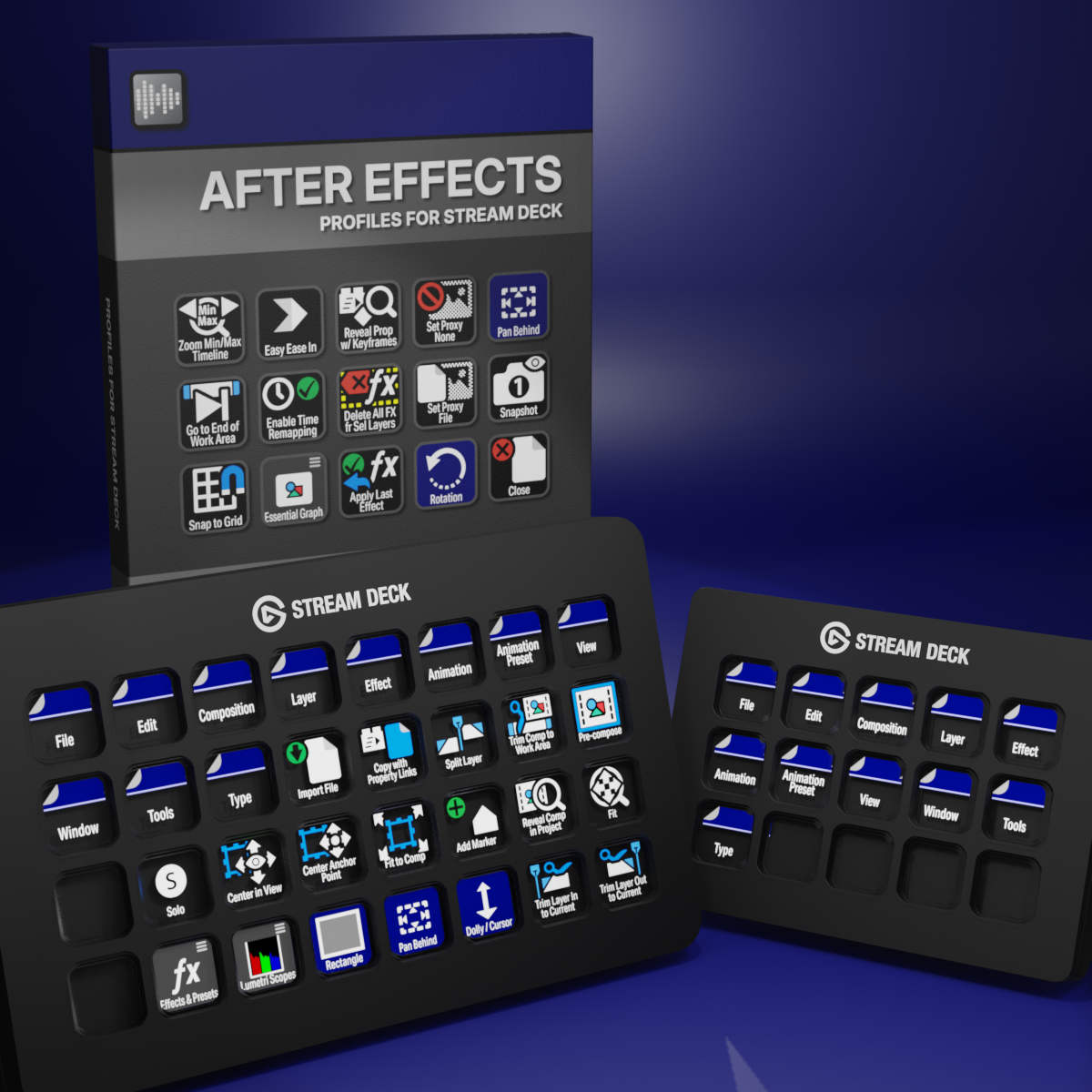
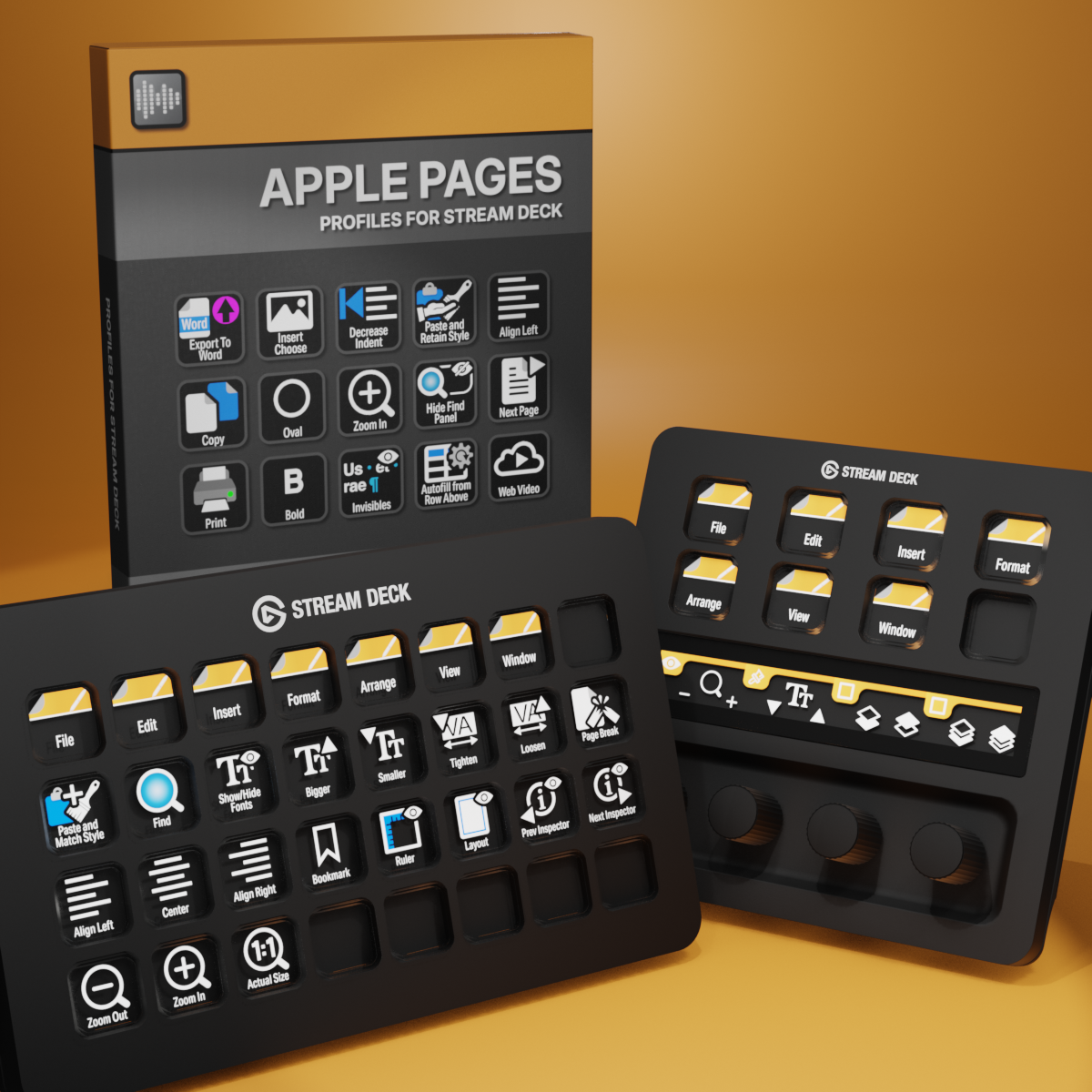
Custom Icons for Adobe After Effects. A sampler pack of both labelled and unlabelled icons for Stream Deck XL and Stream Deck Regular.