Logic Pro
Profiles for Stream Deck XL/Regular/Plus/XL+ (Mac)
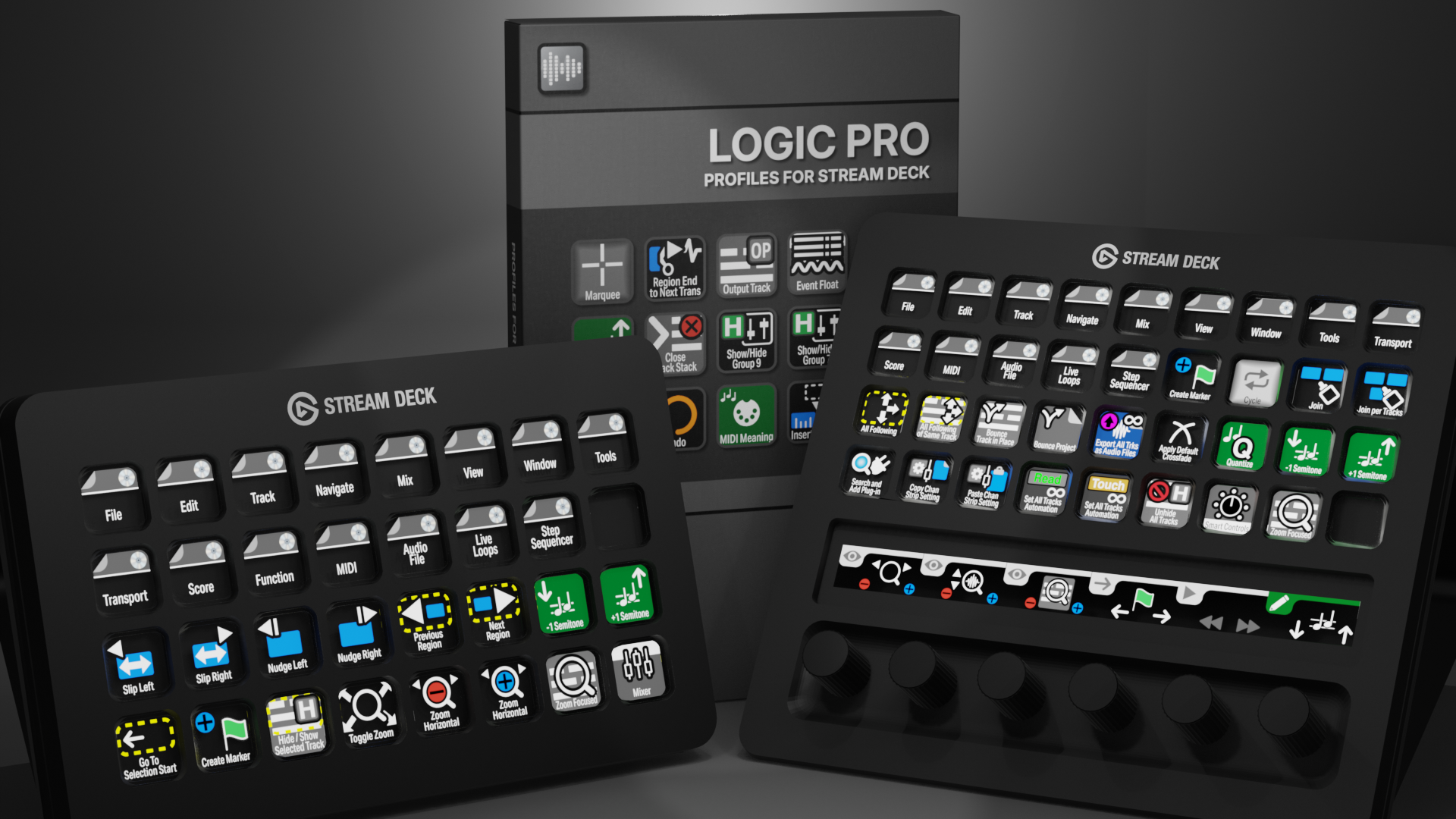

Logic Pro Profiles for Stream Deck XL - Reg - Plus - XL+
English (QWERTY) keyboard layout required for profiles.
What’s Included
com.schwabmusic.logicpro.streamDeckIconPack
Labelled / Unlabelled Icons
Stream Deck XL Profile and Stream Deck Regular Profile (Mac)
Stream Deck Plus Profiel (Mac)
Stream Deck XL+ Profile (Mac)
Manuals
Unlock a faster Logic Pro workflow with the Elgato Stream Deck and over 500 custom icons designed for music production and audio editing. Instantly trigger tools, navigate tracks, and control mixing and arrangement at the touch of a button — keeping your focus on the music and off the keyboard. These custom Stream Deck icons and profiles for Logic Pro offer over 400 programmed keys across the XL, Reg, and Plus models, streamlining everyday production tasks, reducing repetitive keystrokes, and giving you faster, more intuitive control over your creative process.
Also available is a separate ICON PACK (icons only).
Browse the store for a FREE SAMPLER.
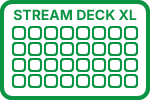
400+ Programmed Keys
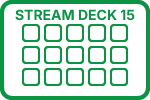
400+ Programmed Keys
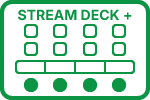
400+ Programmed Keys
400+ Programmed Keys

500+ Labelled Icons
500+ Unlabelled Icons
English (QWERTY) keyboard layout required.
Stream Deck XL or Stream Deck Regular required for profile.
Shortcut commands may need to be altered to work with custom profile.
Stream Deck XL / Regular Mac Profile ONLY
Stream Deck Plus Mac Profile ONLY
Stream Deck XL+ Mac Profile ONLY
Keyboard Shortcuts
400+ programmed commands for the Stream Deck XL, Stream Deck Regular, Stream Deck Plus and Stream Deck XL+. Many of the menu items available via shortcut keys in Logic Pro at the tip of a finger. Organized into folders for easy access.
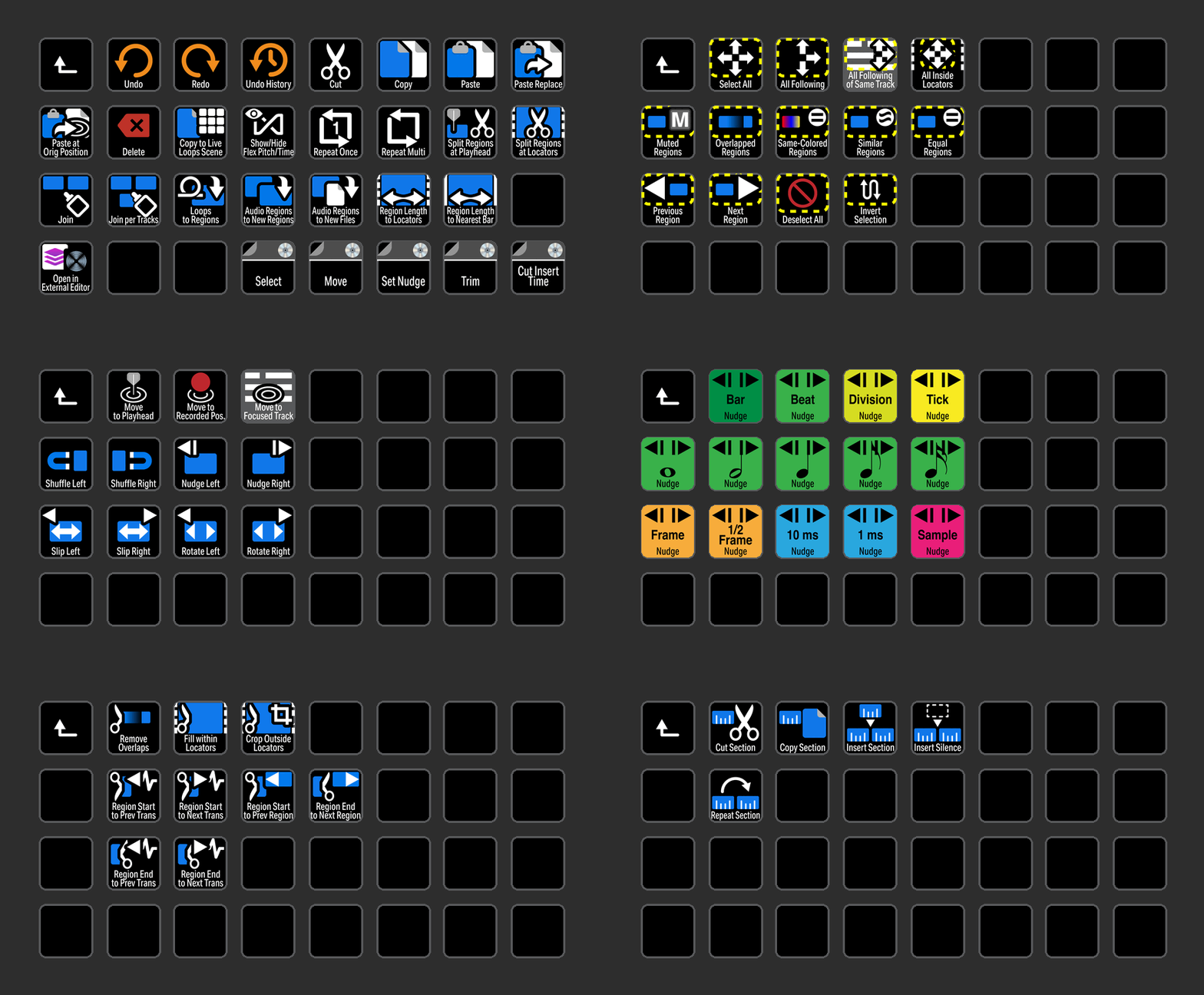
EDIT
Access all of the most common Edit commands used in Logic Pro with the click of a button.
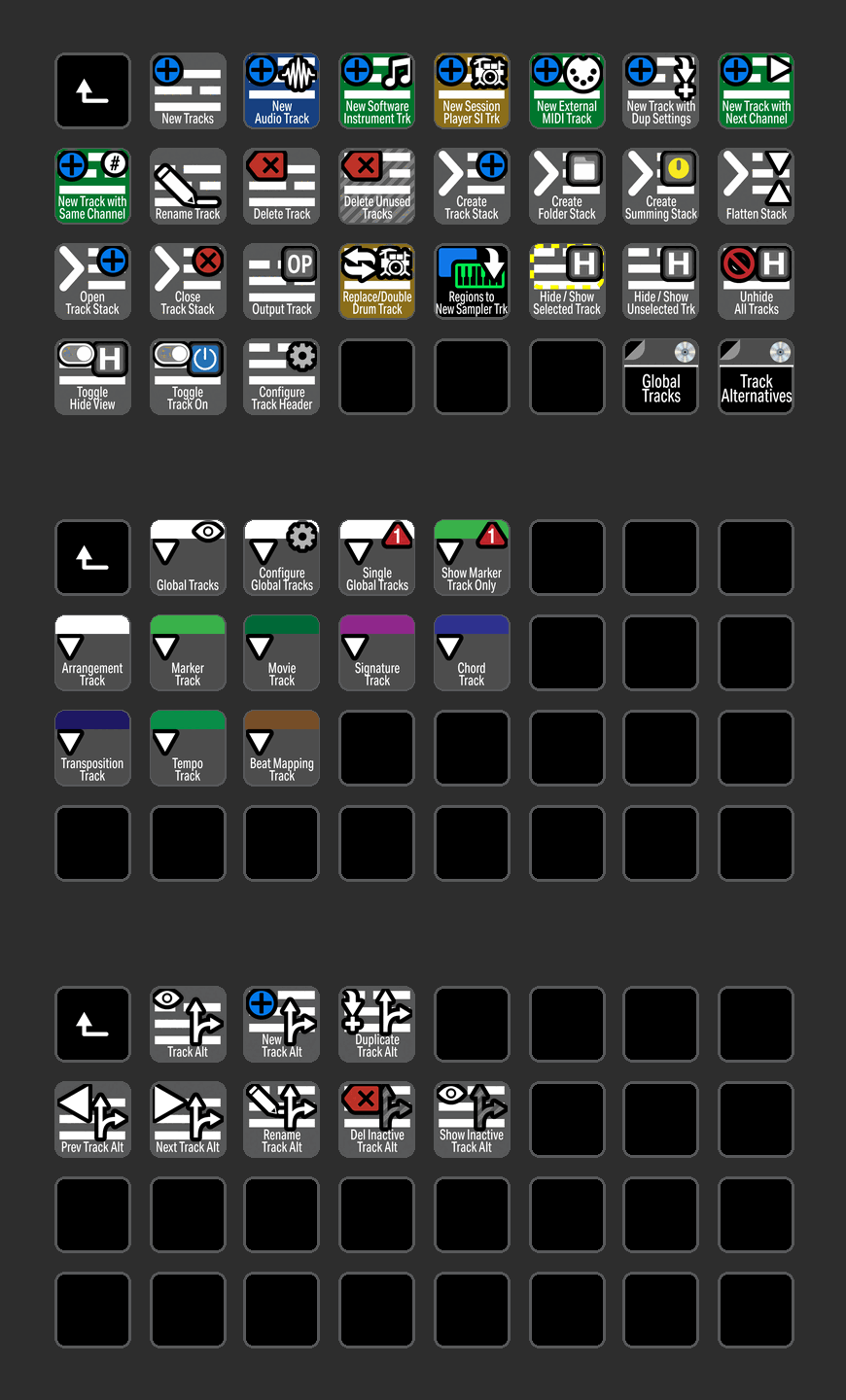
TRACK
Track related icons are color coded for easy identification.
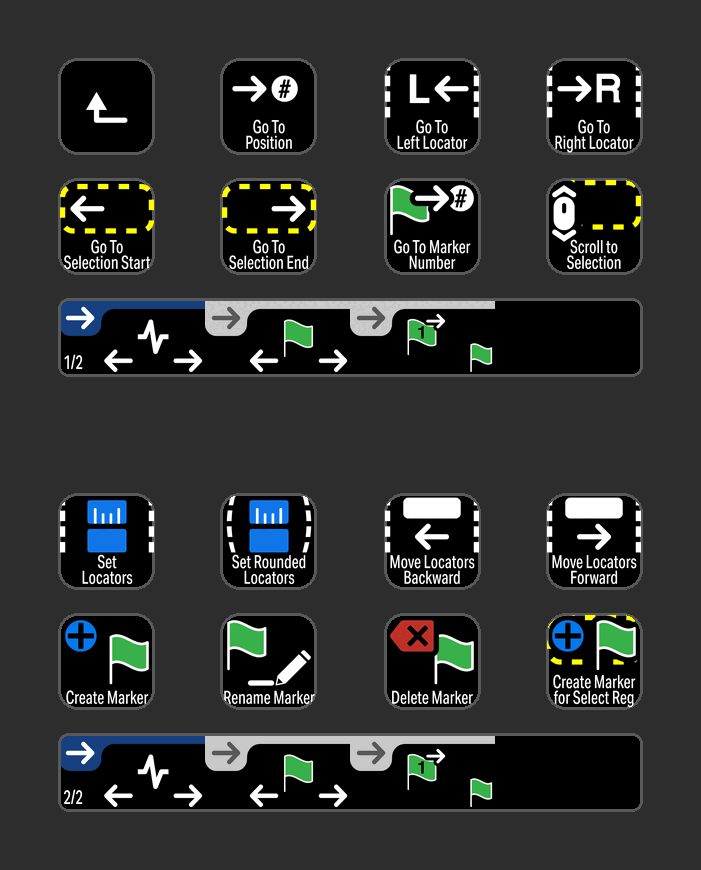
NAVIGATE
Navigate commands grouped in a profile for the Stream Deck Plus device with useful encoder actions.
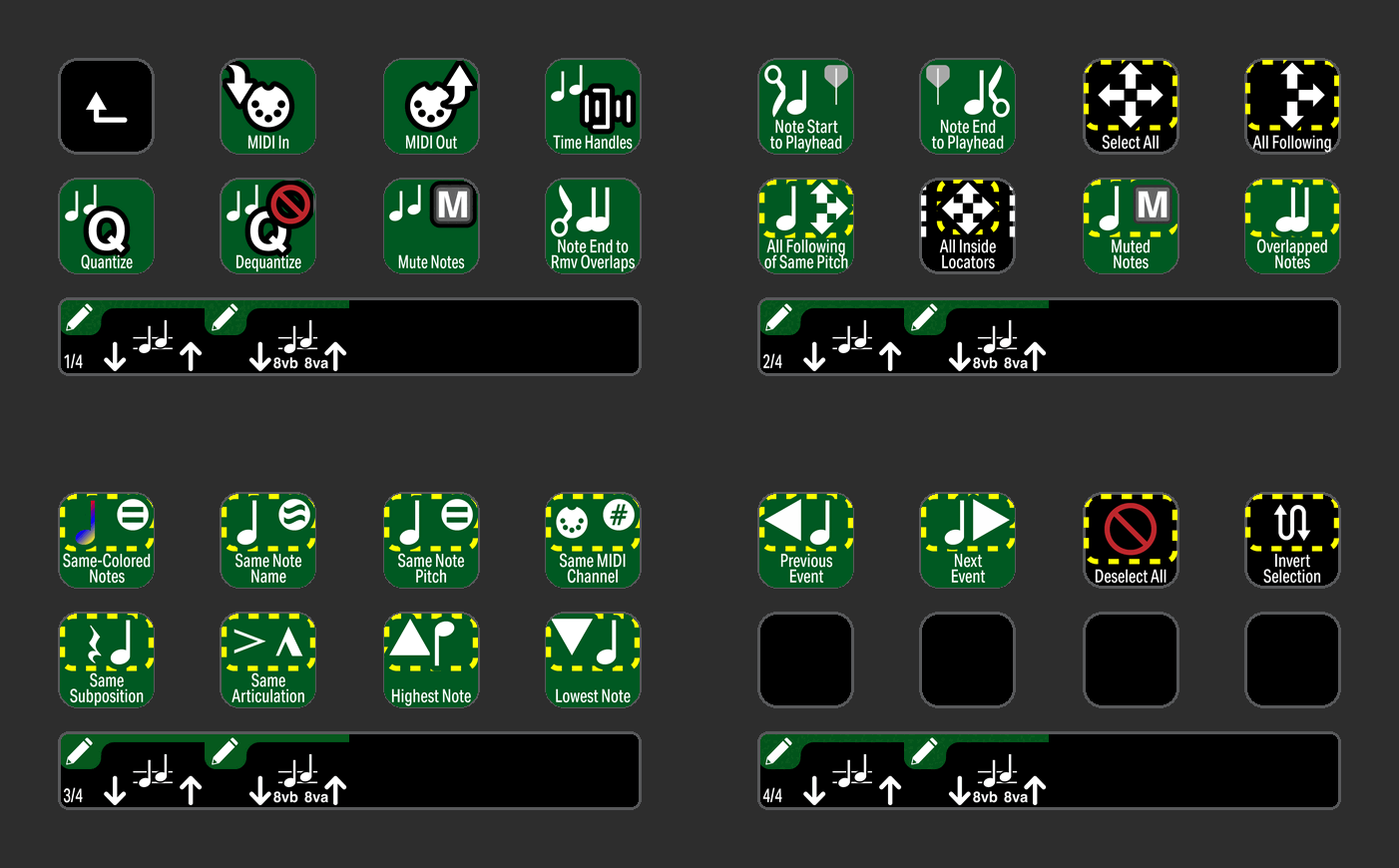
MIDI
Icons for MIDI related commands are color coded and neatly organized in folders.
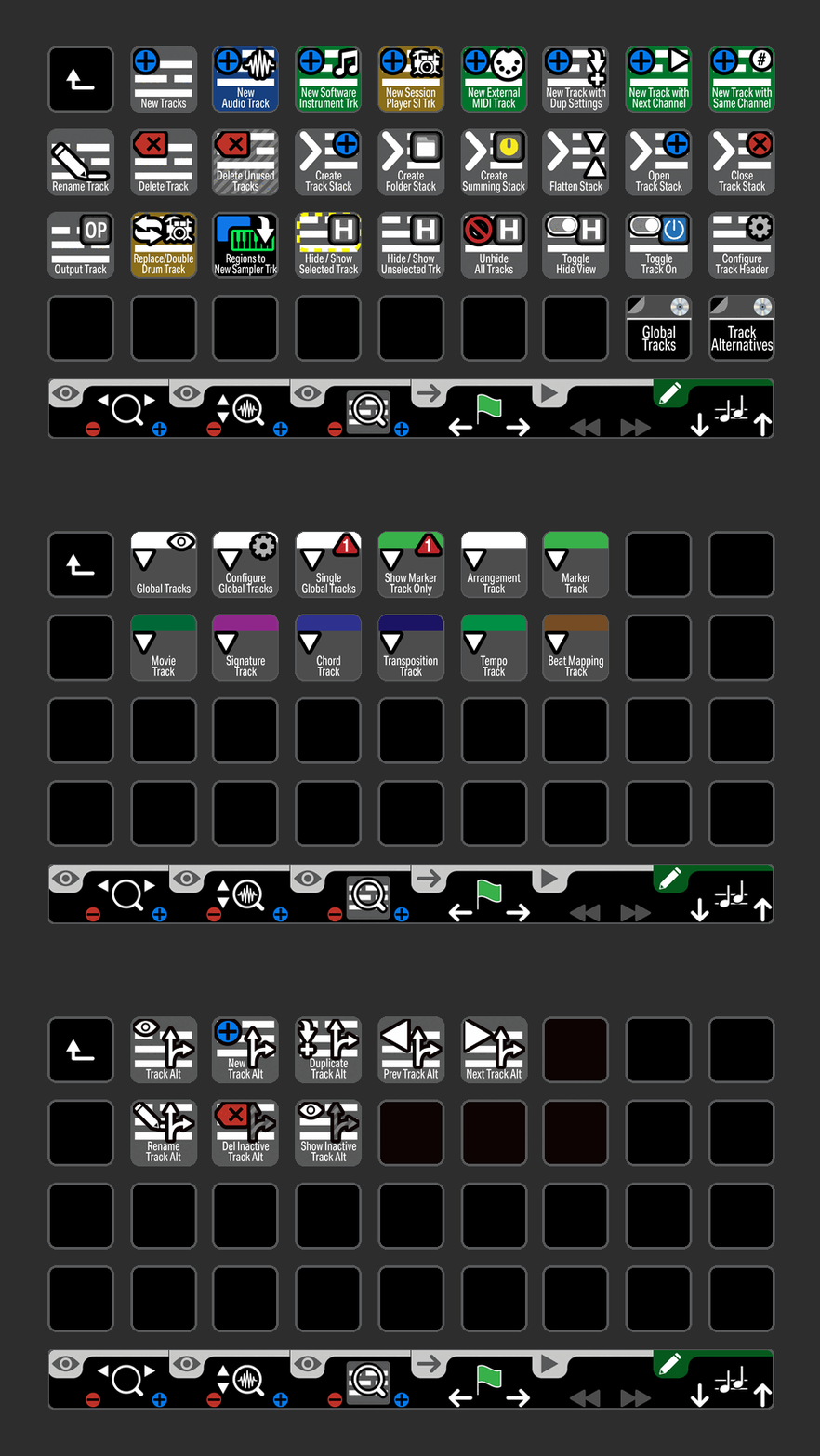
TRACK
Track related icons are color coded for easy identification on the Stream Deck XL+.
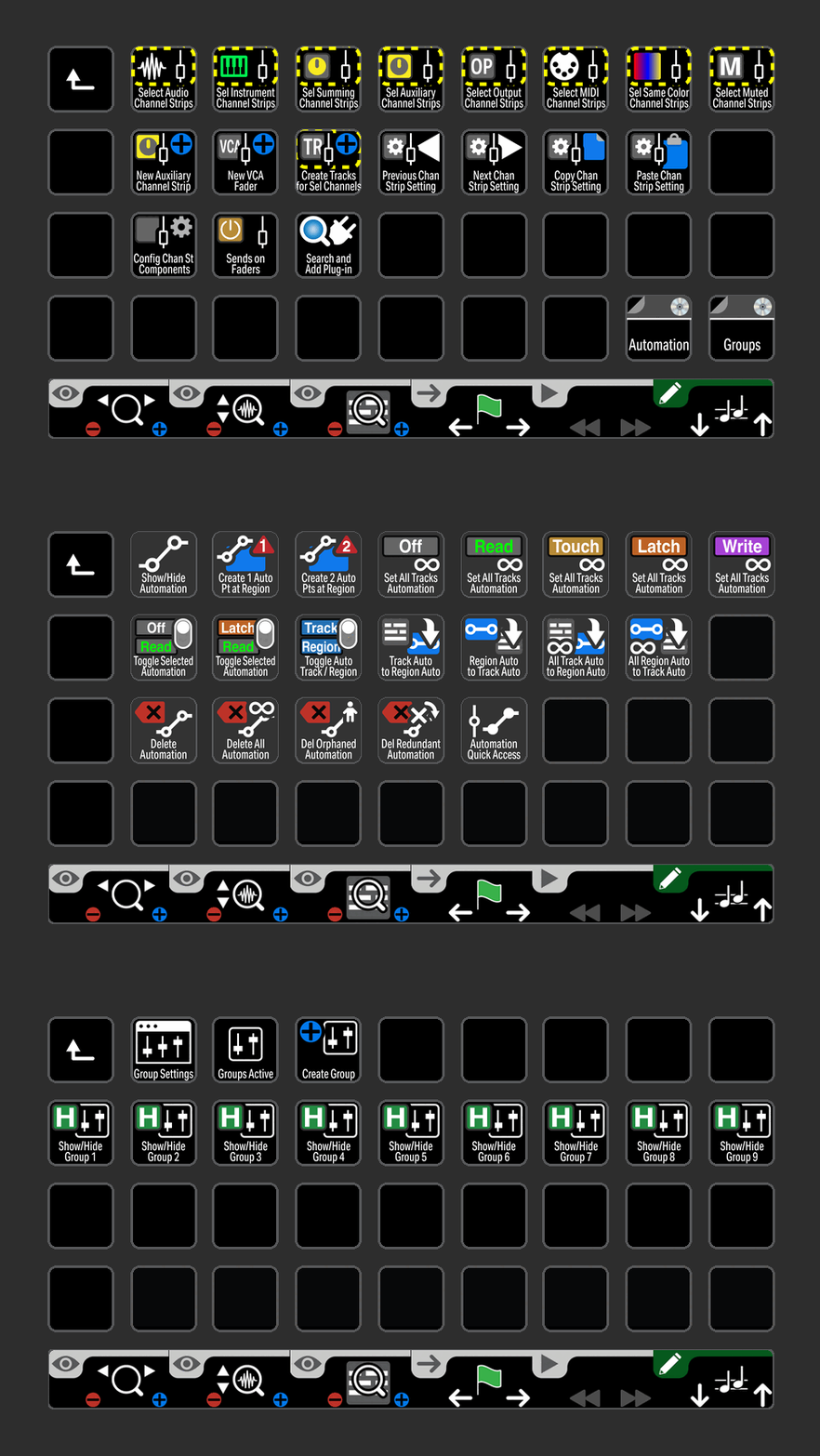
MIX
Commands related to the Mix window organized into a folder for the Stream Deck XL+.
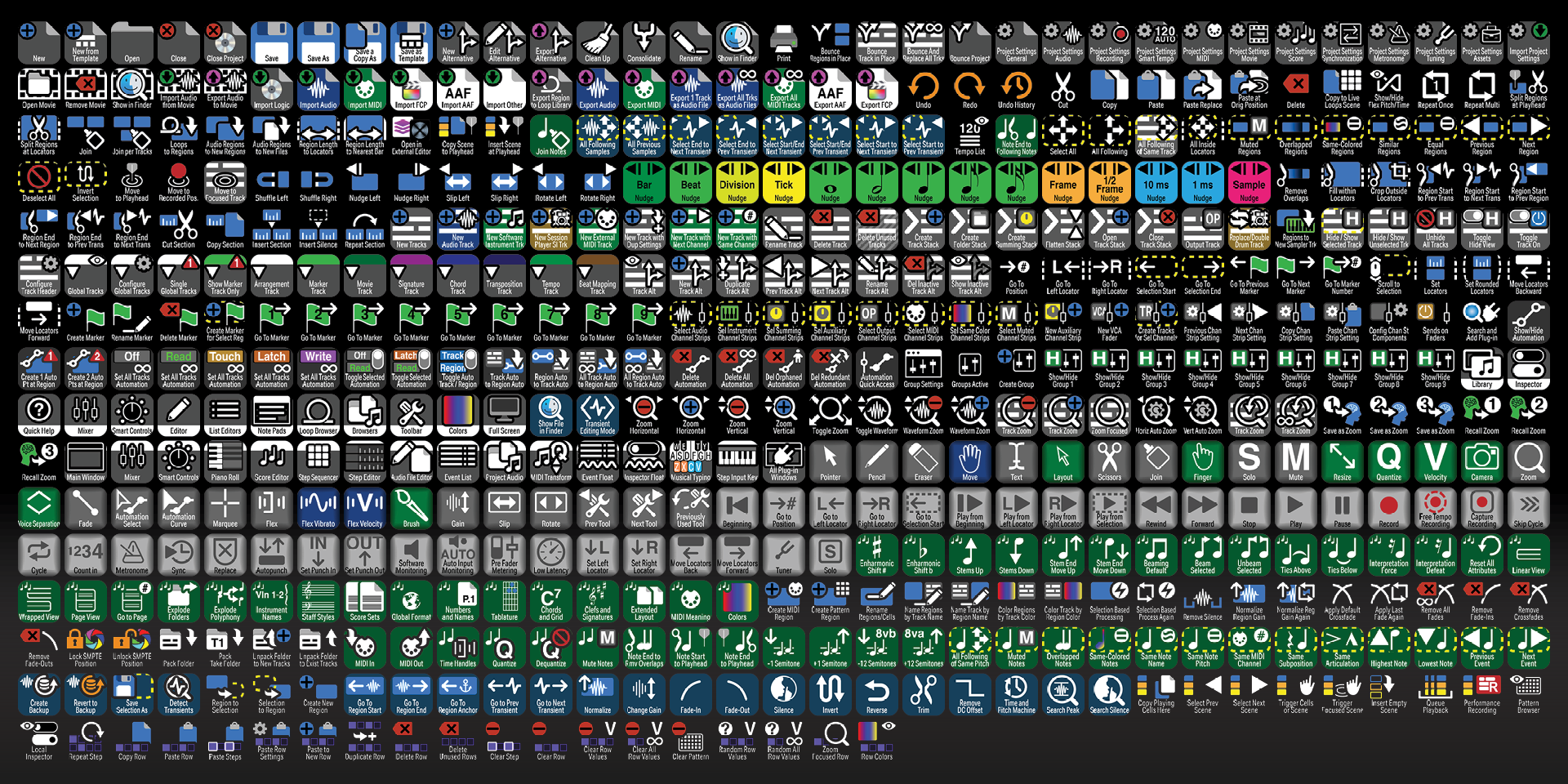
Labelled
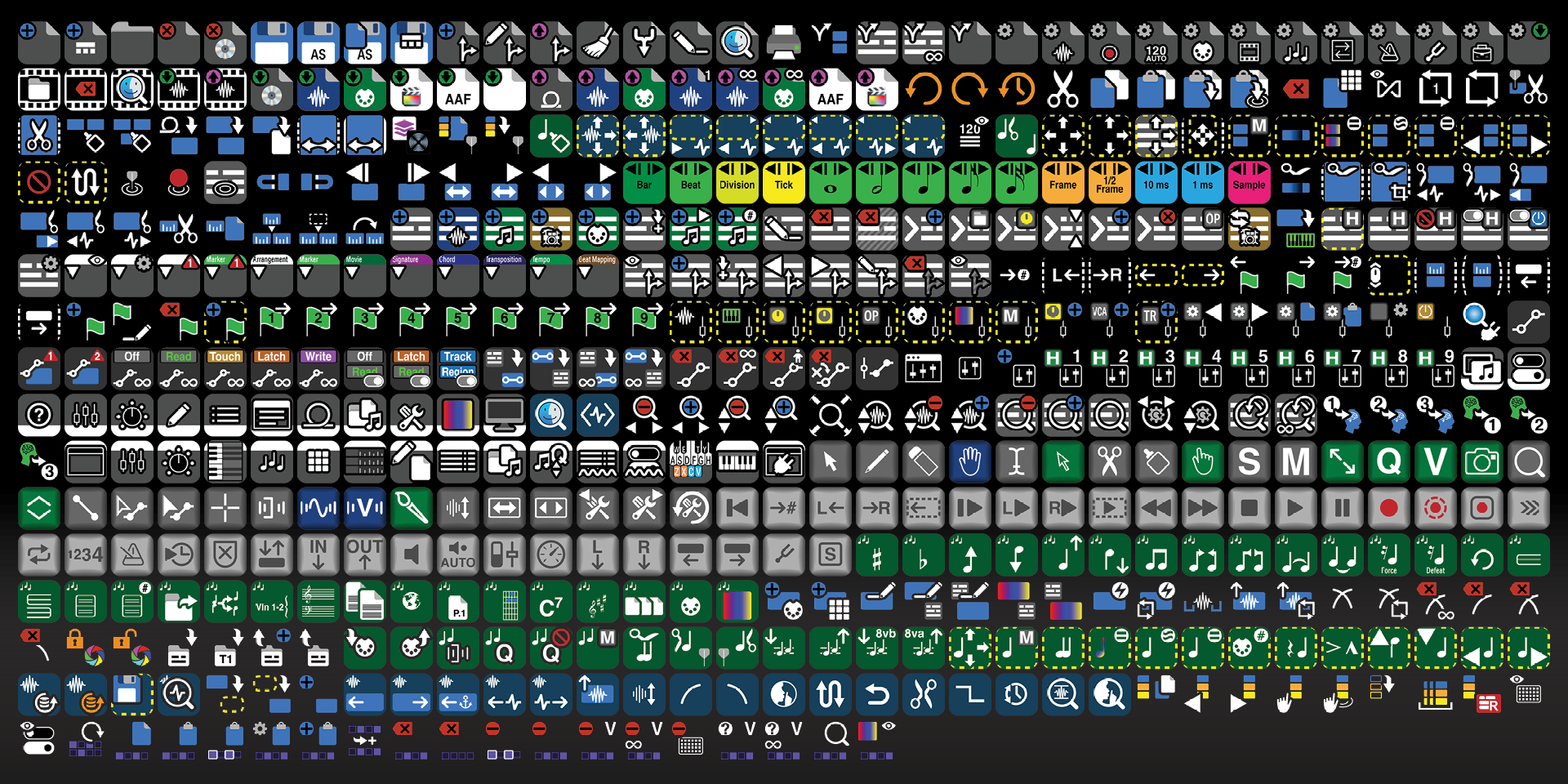
Unlabelled
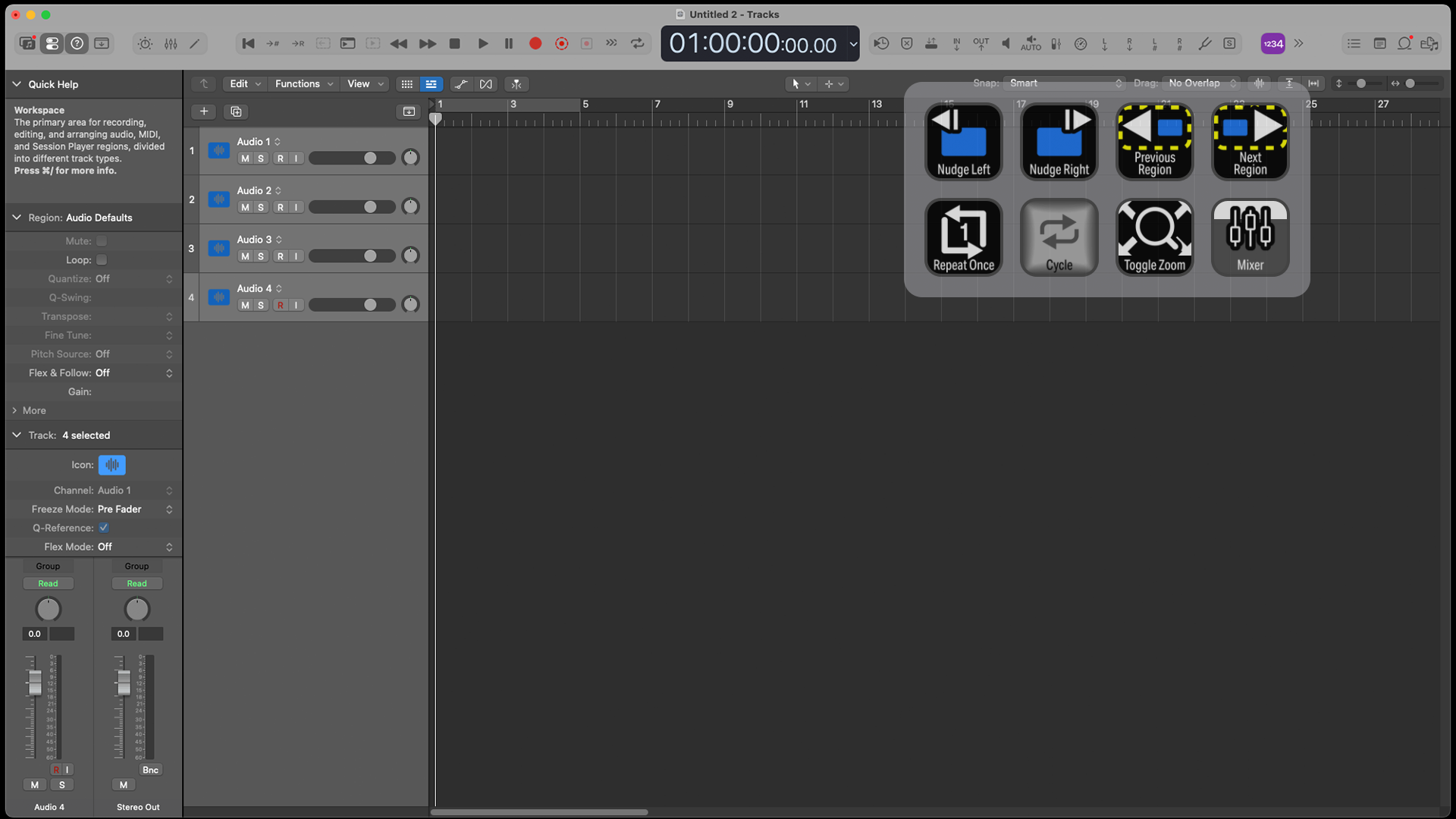
CUSTOMIZE
Create your own workflow profiles or pages for the common tasks in Logic Pro.
What’s Included
.streamDeckIconPack File
Labelled / Unlabelled Icons
Stream Deck XL Profile and Stream Deck Regular Profile (Mac ONLY) for both Labelled and Unlabelled Icons Sets
Stream Deck Plus Profile (Mac ONLY)
Stream Deck XL+ Profile (Mac ONLY) for both Labelled and Unlabelled Icon Sets
Manuals (browse the sample manual)