KM Runner Plugin for Stream Deck
What’s Included
KM Runner Plugin (com.deckly.km-runner.sdPlugin)
Plugin Installation Guide
For macOS ONLY
KM (Keyboard Maestro) Runner Plugin
Stream Deck Plugins for Mac OS
Run any Keyboard Maestro macro from your Stream Deck with a single press.
Works with every Stream Deck model on macOS.
Features
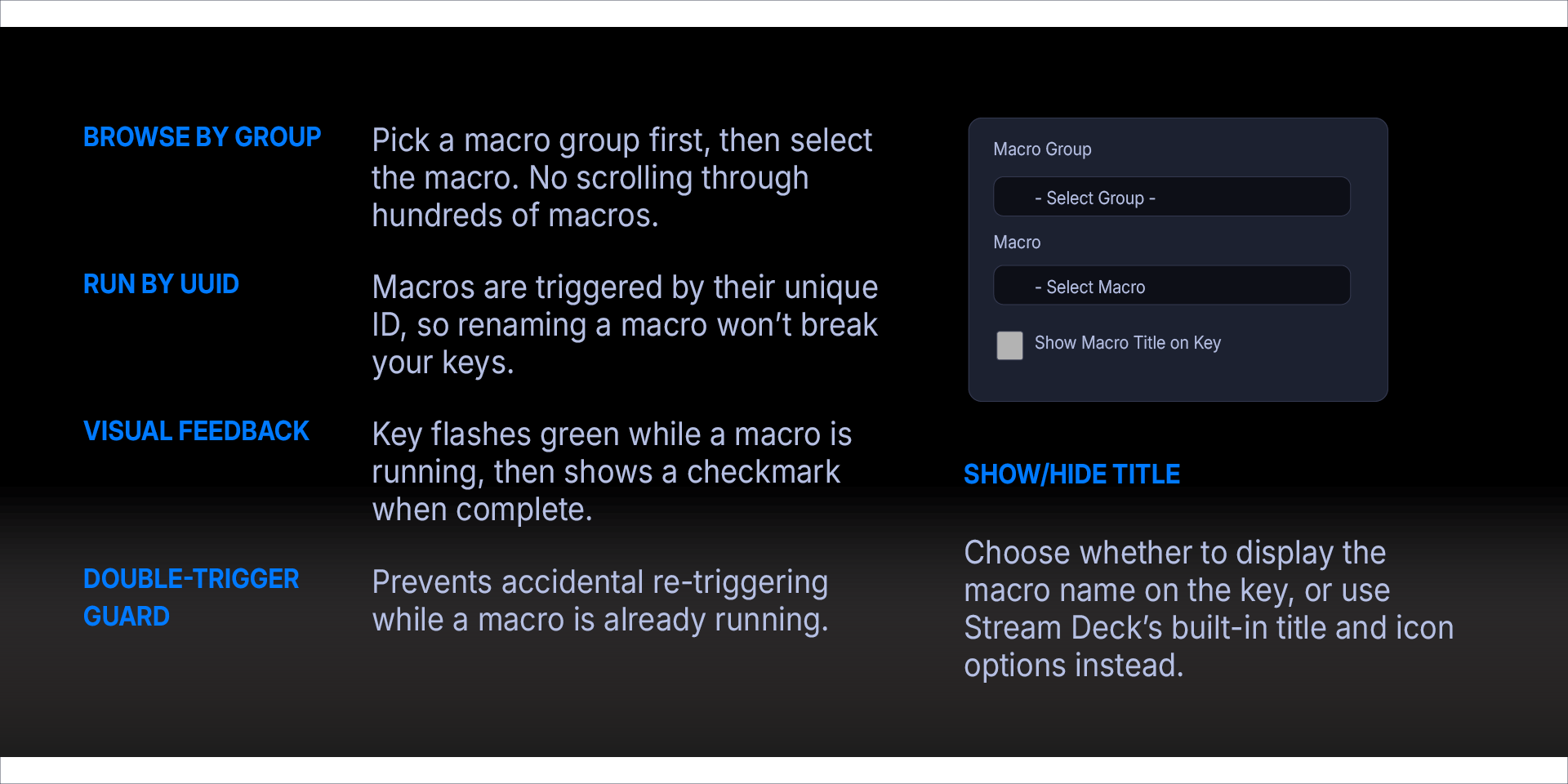
Browse by Group — Pick a macro group first, then select the macro. No scrolling through hundreds of macros.
Run by UUID — Macros are triggered by their unique ID, so renaming a macro won't break your keys.
Visual Feedback — Key flashes green while a macro is running, then shows a checkmark when complete.
Double-Trigger Guard — Prevents accidental re-triggering while a macro is already running.
Show/Hide Title — Choose whether to display the macro name on the key, or use Stream Deck's built-in title and icon options instead.
Options
Show macro title on key — When checked, the macro name is displayed below the icon on the key. When unchecked, only the icon is shown — use Stream Deck's built-in Title field or set a custom icon.
Requirements
macOS 12 (Monterey) or later
Elgato Stream Deck software version 6.9 or later
Keyboard Maestro installed and running
What’s Included
KM Runner Plugin (com.deckly.km-runner.sdPlugin)
Plugin Installation Guide
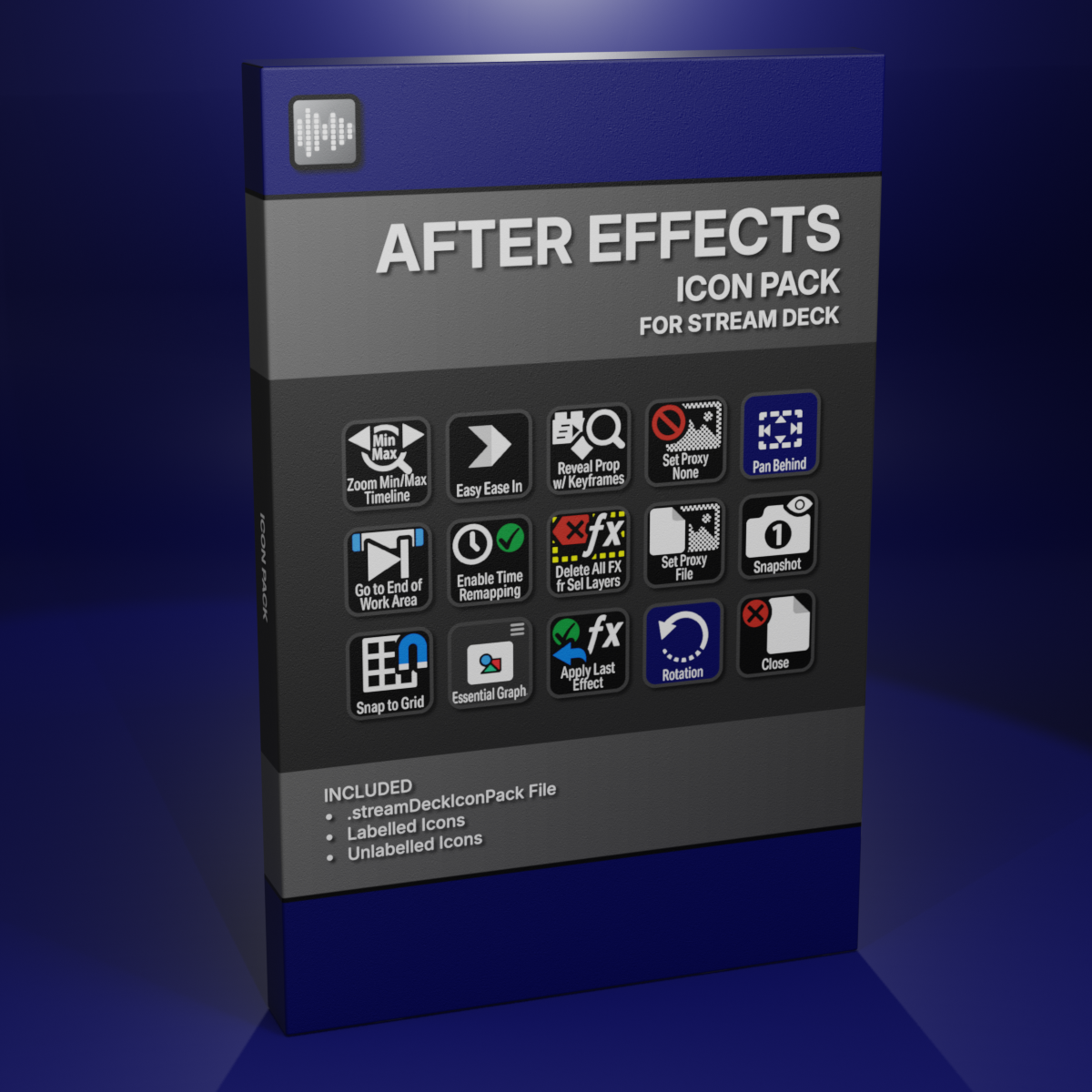
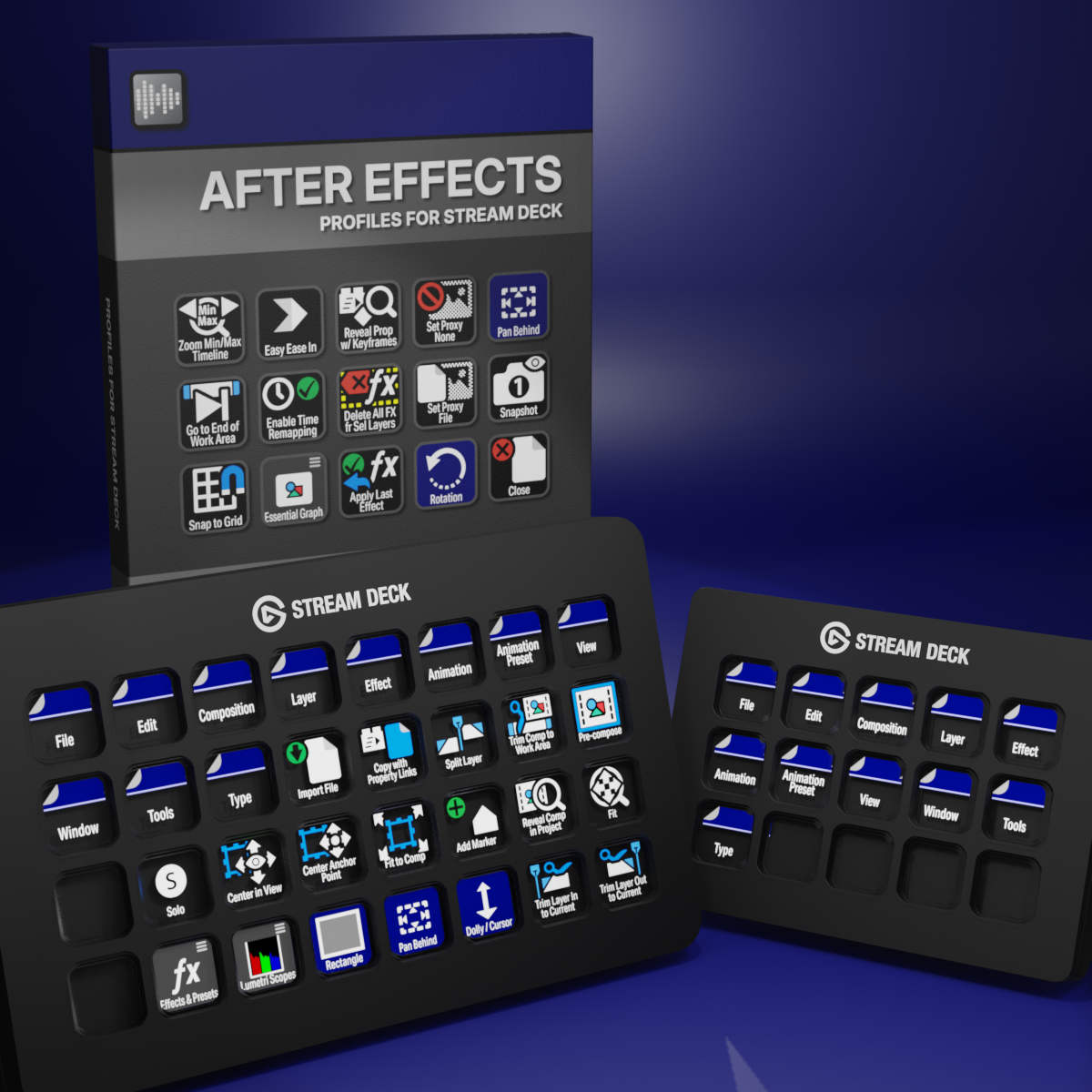
Custom Icons for Adobe After Effects. A sampler pack of both labelled and unlabelled icons for Stream Deck XL and Stream Deck Regular.