Final Cut Pro
Profiles for Stream Deck XL/Regular/Plus/XL+ (Mac)

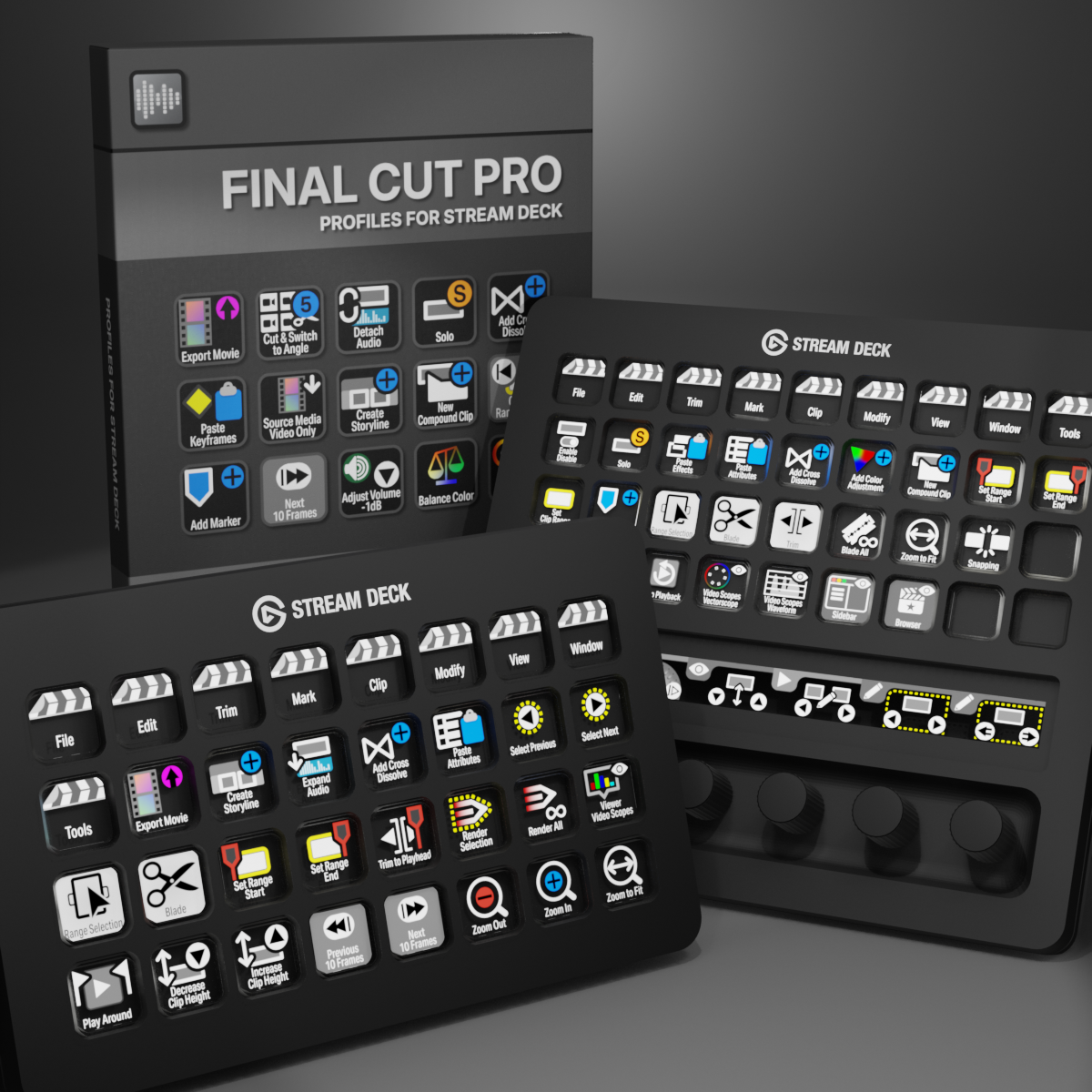
Final Cut Pro Profiles for Stream Deck XL - Reg - Plus - XL+
English (QWERTY) keyboard layout required for profiles.
What’s Included
com.schwabmusic.finalcutpro.streamDeckIconPack
Labelled / Unlabelled Icons
Stream Deck XL Profile and Stream Deck Regular Profile (Mac)
Stream Deck Plus Profiel (Mac)
Stream Deck XL+ Profile (Mac)
Manuals
Transform your Final Cut Pro workflow with our comprehensive Elgato Stream Deck profile collection, featuring over 340 professionally designed icons and 280 pre-programmed keys. This complete package puts every essential editing function at your fingertips, from basic cuts and transitions to advanced color grading and effects controls. Whether you're a professional editor working on tight deadlines or a content creator streamlining your production process, these custom icons and profiles eliminate menu diving and keyboard shortcuts, letting you focus on your creative vision. Each key is thoughtfully mapped to maximize efficiency, while the clean, intuitive icon designs ensure you'll never lose your place in the heat of an edit. Simply install, customize to your preferences, and experience Final Cut Pro editing at a whole new speed.
Also available is a separate ICON PACK (icons only).
Browse the store for a FREE SAMPLER.

280+ Programmed Keys

280+ Programmed Keys

280+ Programmed Keys

280+ Programmed Keys

340+ Labelled Icons
340+ Unlabelled Icons
English (QWERTY) keyboard layout required.
Stream Deck XL or Stream Deck Regular required for profile.
Shortcut commands may need to be altered to work with custom profile.
Stream Deck XL / Regular Mac Profile ONLY
Stream Deck Plus Profile Mac ONLY
Stream Deck XL+ Profile Mac ONLY
Keyboard Shortcuts
280+ programmed commands for the Stream Deck XL, Stream Deck Regular, Stream Deck Plus and Stream Deck XL+. Many of the menu items available via shortcut keys in Final Cut Pro at the tip of a finger. Organized into folders for easy access.
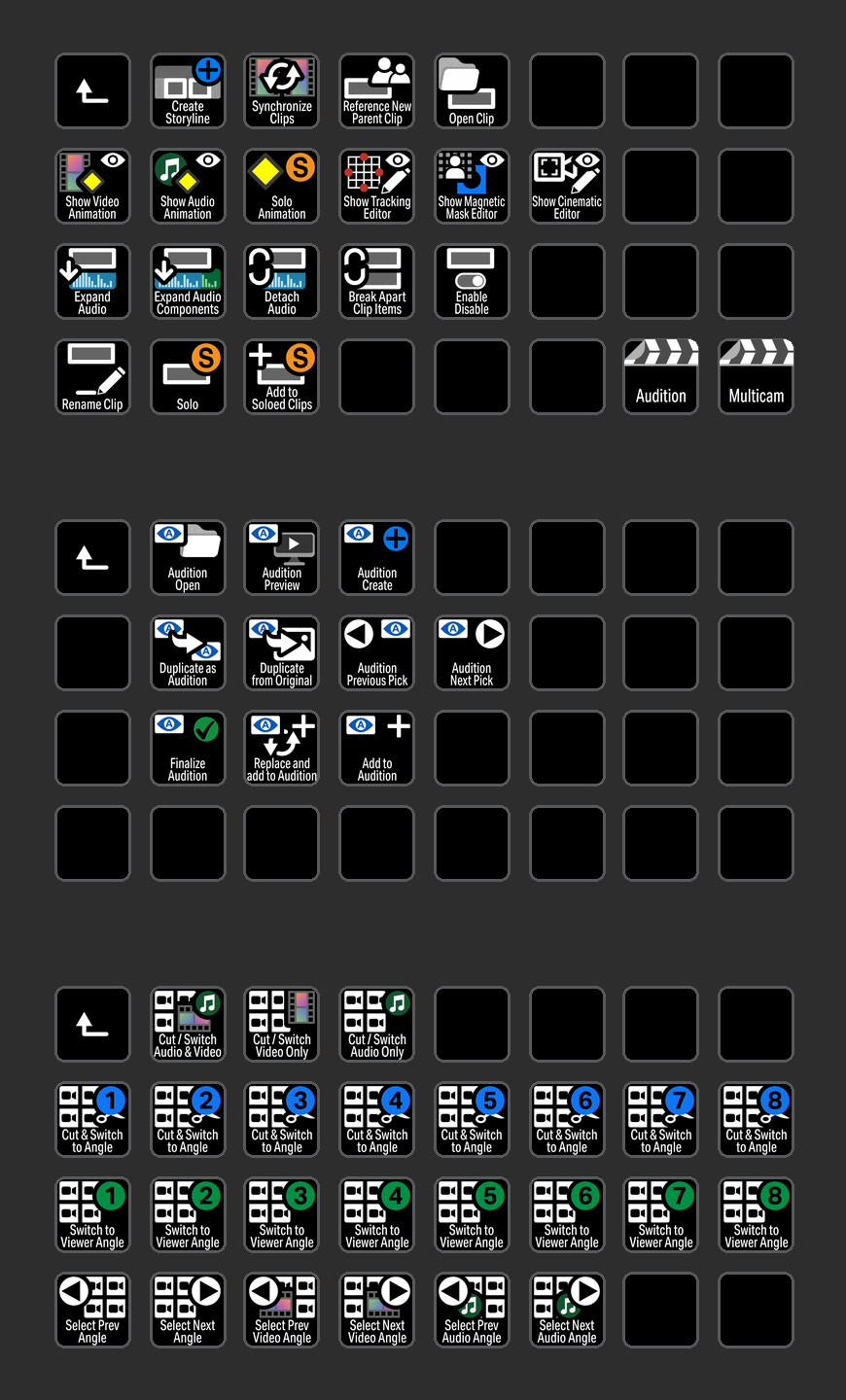
CLIP
Access all of the most common Clip commands including Multicam commands used in Final Cut Pro with the click of a button.
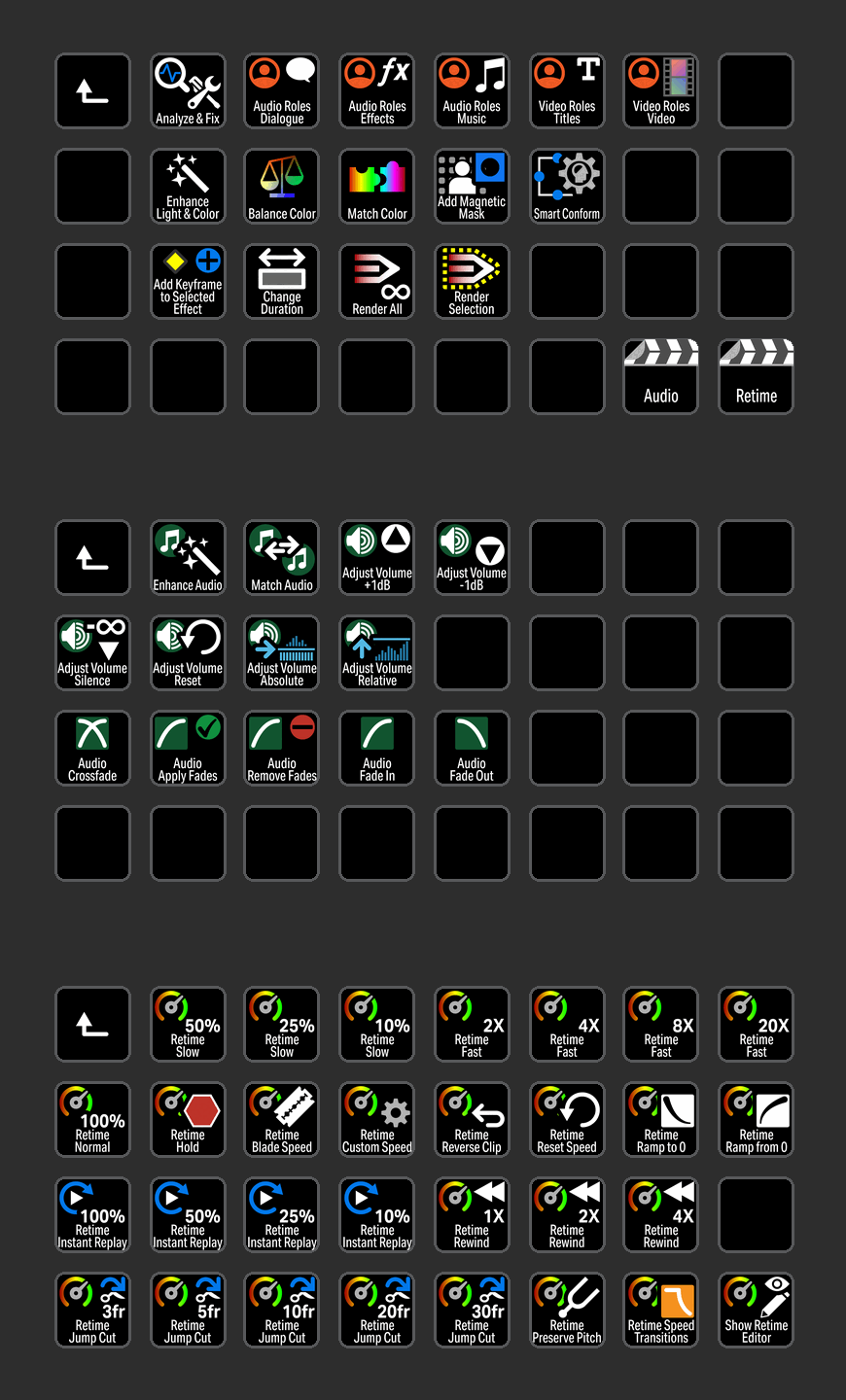
MODIFY
Modify commands neatly organized into folders for easy identification.

VIEW
View commands grouped in a profile for the Stream Deck Plus device with useful encoders.

MARK
Navigate to Mark commands easily when organized into a folder for easy identification.

MODIFY
Modify commands neatly organized into folders for easy identification with useful encoders for the Stream Deck XL+.

CLIP
Access all of the most common Clip commands including Multicam commands used in Final Cut Pro with the click of a button on the Stream Deck XL+.
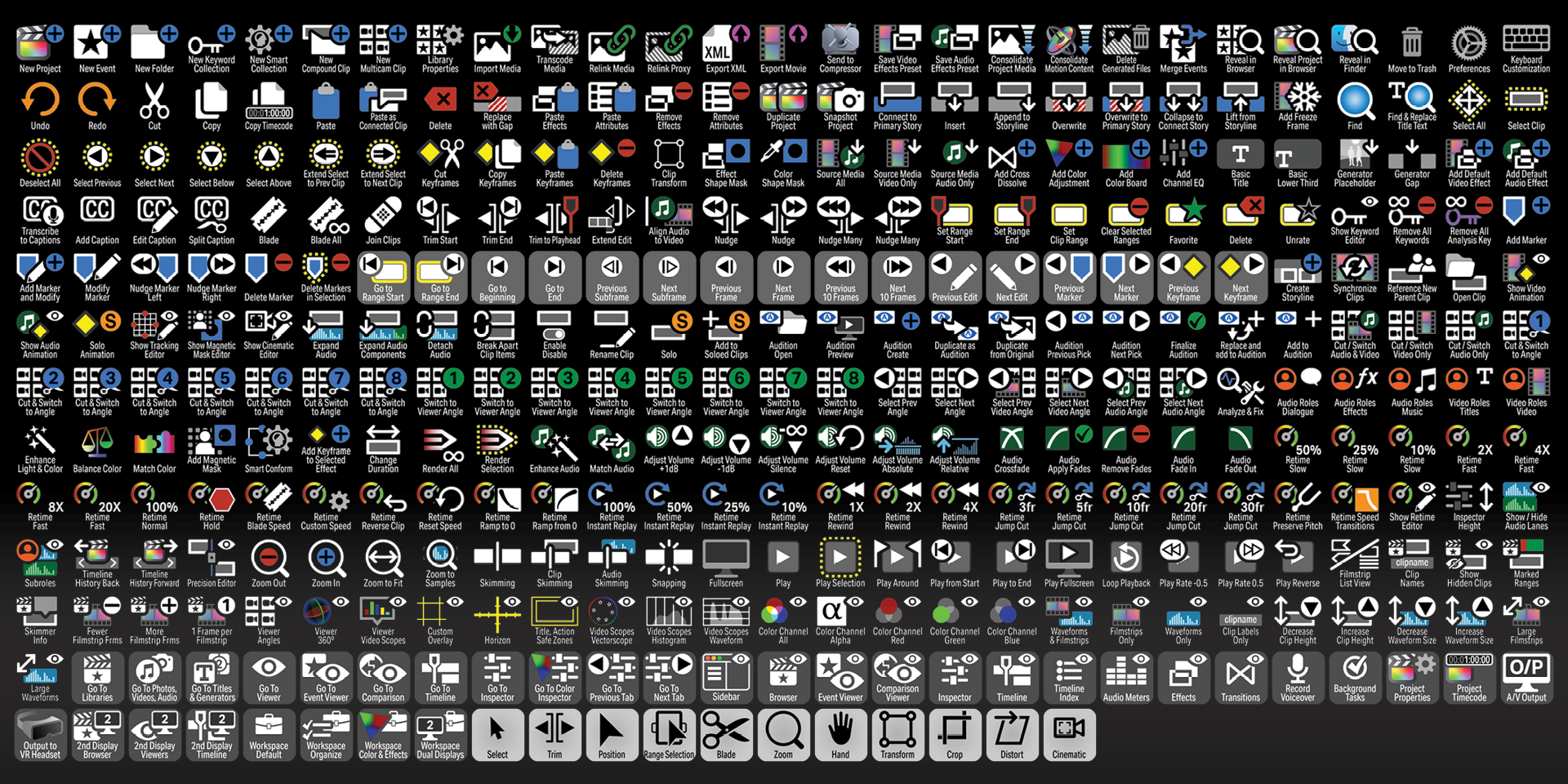
Labelled
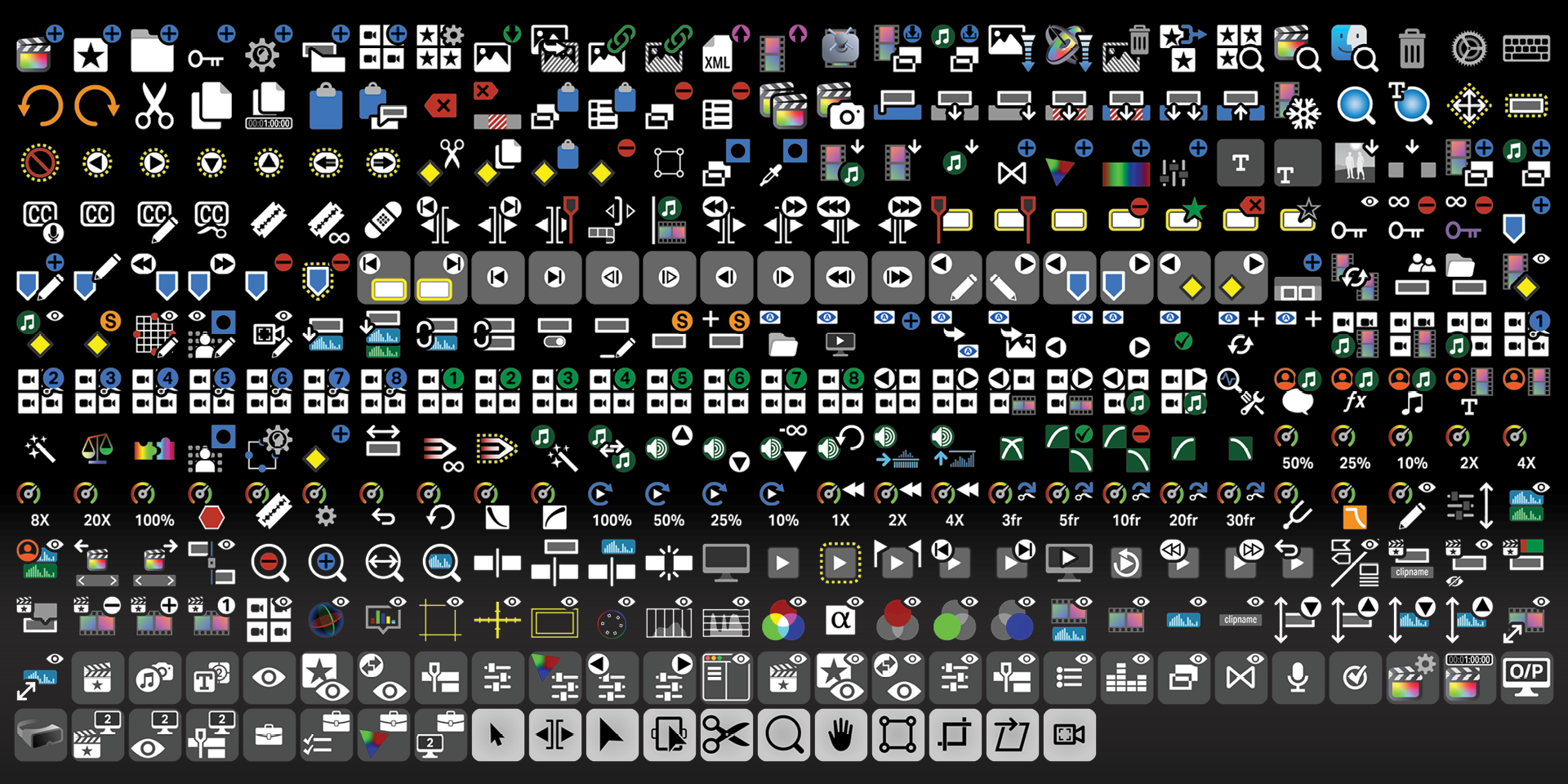
Unlabelled
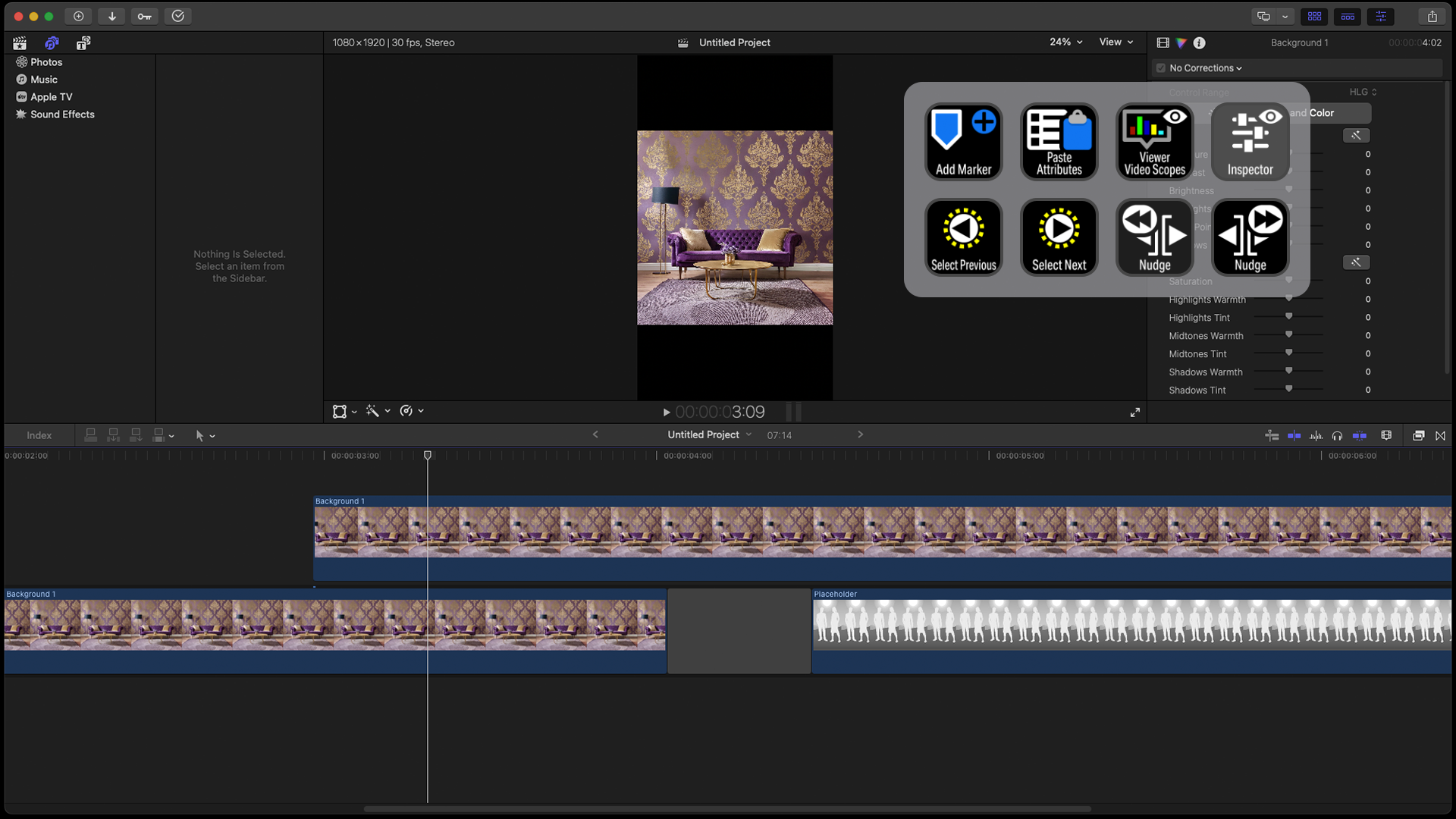
CUSTOMIZE
Create your own workflow profiles or pages for the common tasks in Final Cut Pro.
What’s Included
.streamDeckIconPack File
Labelled / Unlabelled Icons
Stream Deck XL Profile and Stream Deck Regular Profile (Mac ONLY) for both Labelled and Unlabelled Icons Sets
Stream Deck Plus Profile (Mac ONLY)
Stream Deck XL+ Profile (Mac ONLY)
Manuals (browse the sample manual)