DaVinci Resolve
Profiles for Stream Deck XL/Regular/Plus/XL+ (Mac/Win)
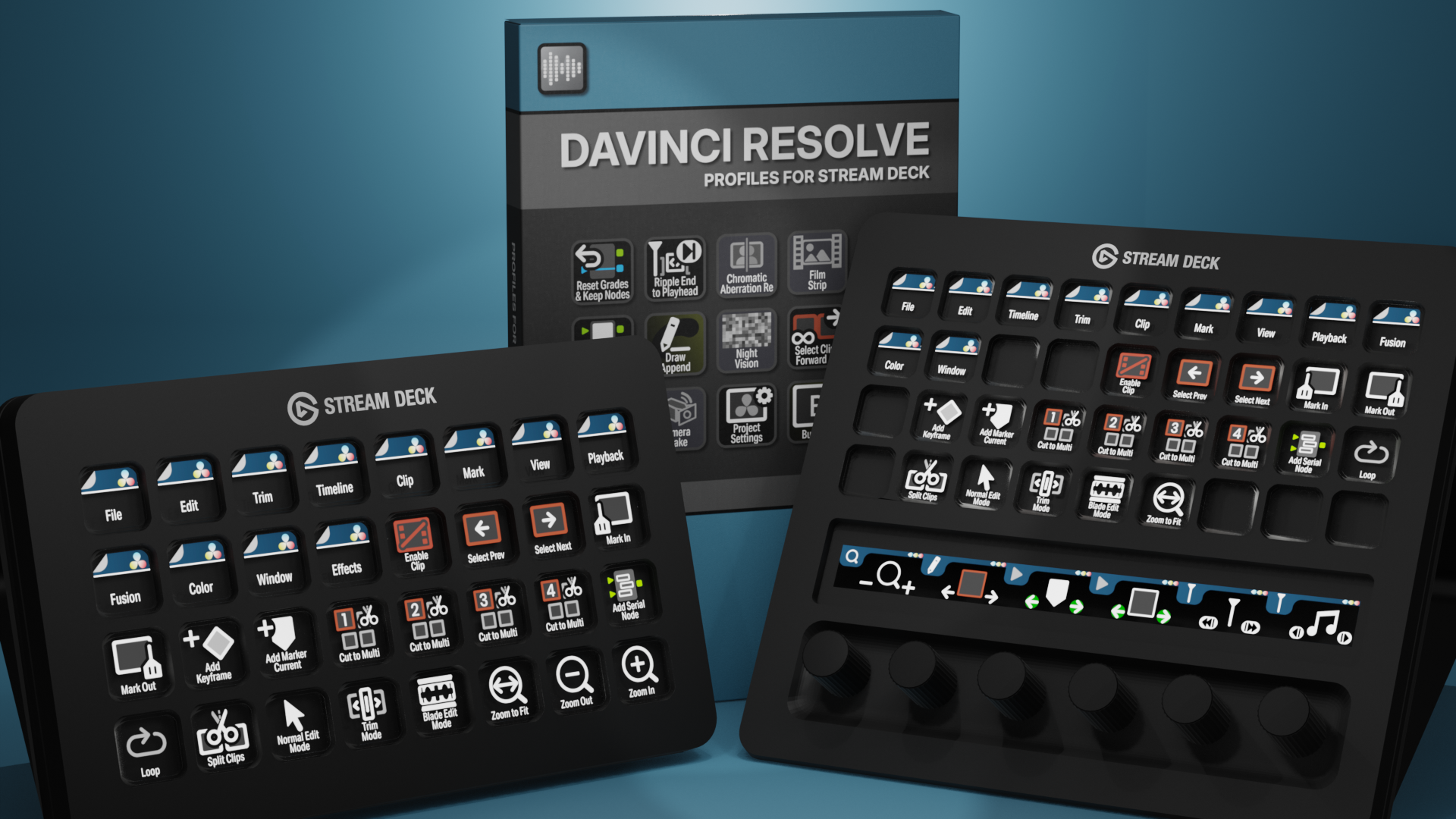
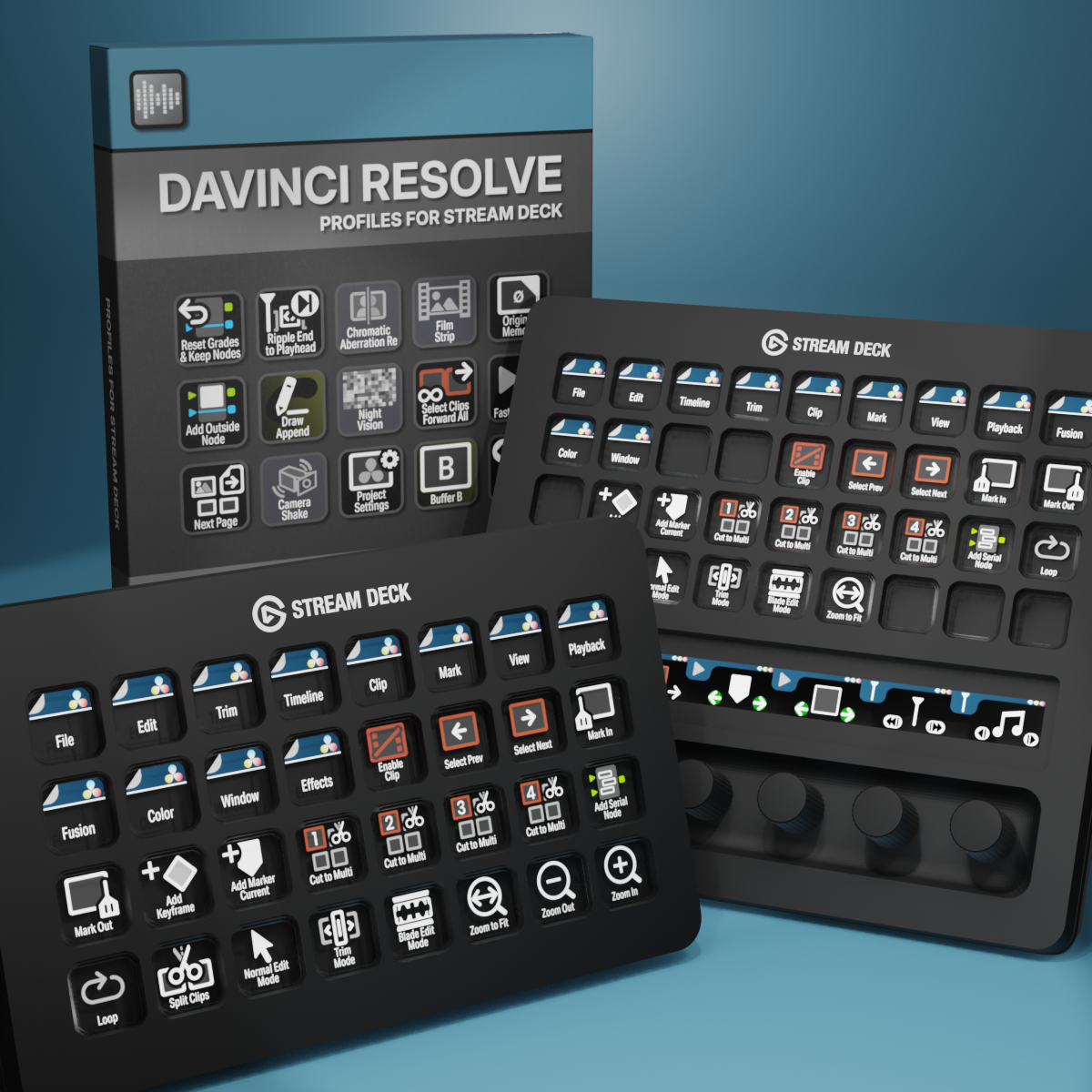
DaVinci Resolve Profiles for Stream Deck XL - Reg - Plus
English (QWERTY) keyboard layout required for profiles.
What’s Included
.streamDeckIconPack File
Labelled / Unlabelled Icons
Stream Deck XL Profile and Stream Deck Regular Profile (Mac/Win)
Stream Deck Plus Profile (Mac/Win)
Stream Deck XL+ Profile (Mac/Win)
Manuals
Take control of your DaVinci Resolve workflow with the Elgato Stream Deck and over 790 labelled custom icons and over 540 unlabelled custom icons designed for color grading, editing, and audio post-production. Instantly trigger cuts, transitions, color tools, and Fusion effects at the touch of a button — keeping your timeline moving and your focus on the story. These custom Stream Deck profiles for DaVinci Resolve streamline everyday editing tasks, reduce repetitive keystrokes, and give you faster, more intuitive control over your Edit, Color, and Fusion pages.
Also available is a separate ICON PACK (icons only).
Browse the store for a FREE SAMPLER.
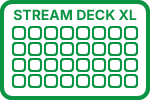
630+ Programmed Keys
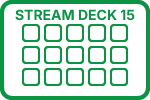
590+ Programmed Keys
540+ Programmed Keys
630+ Programmed Keys

790+ Labelled Icons
540+ Unlabelled Icons
English (QWERTY) keyboard layout required.
Stream Deck XL, Regular, Plus or XL+ required for profile.
Shortcut commands may need to be altered to work with custom profile.
Stream Deck XL / Regular Mac AND Windows Profile
Stream Deck Plus Mac AND Windows Profile
Stream Deck XL+ Mac AND Windows Profile
Keyboard Shortcuts
540 + programmed commands for the Stream Deck XL, Stream Deck Regular, Stream Deck Plus and Stream Deck XL+. Many of the menu items available via shortcut keys in DaVinci Resolve at the tip of a finger. Organized into folders for easy access. Many pages of Effects that use the Command Find (Shift + Spacebar) as a trigger.
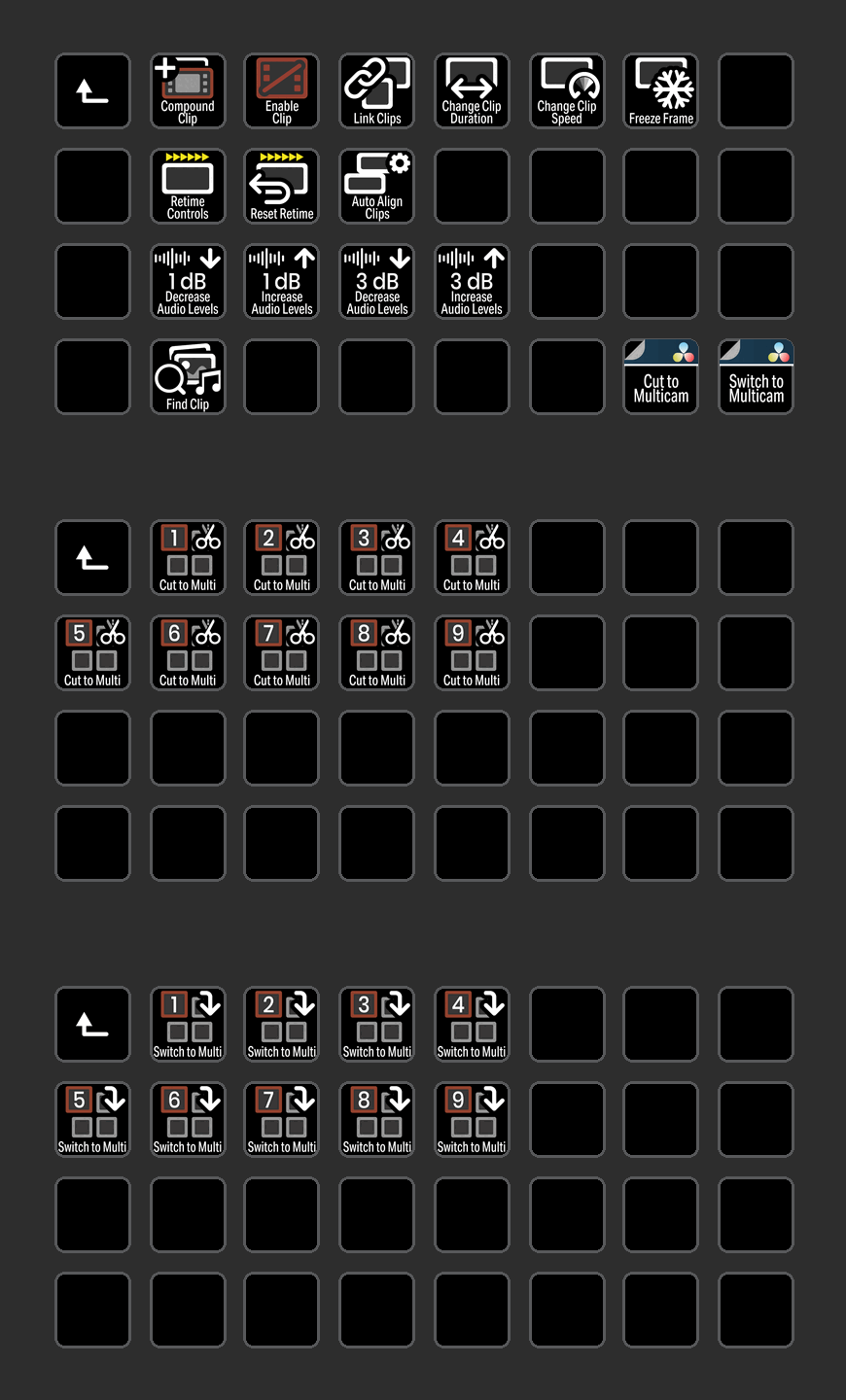
CLIP
Access all of the most common Clip commands used in DaVinci Resolve with the click of a button including Cut and Switch to Multicam angles.
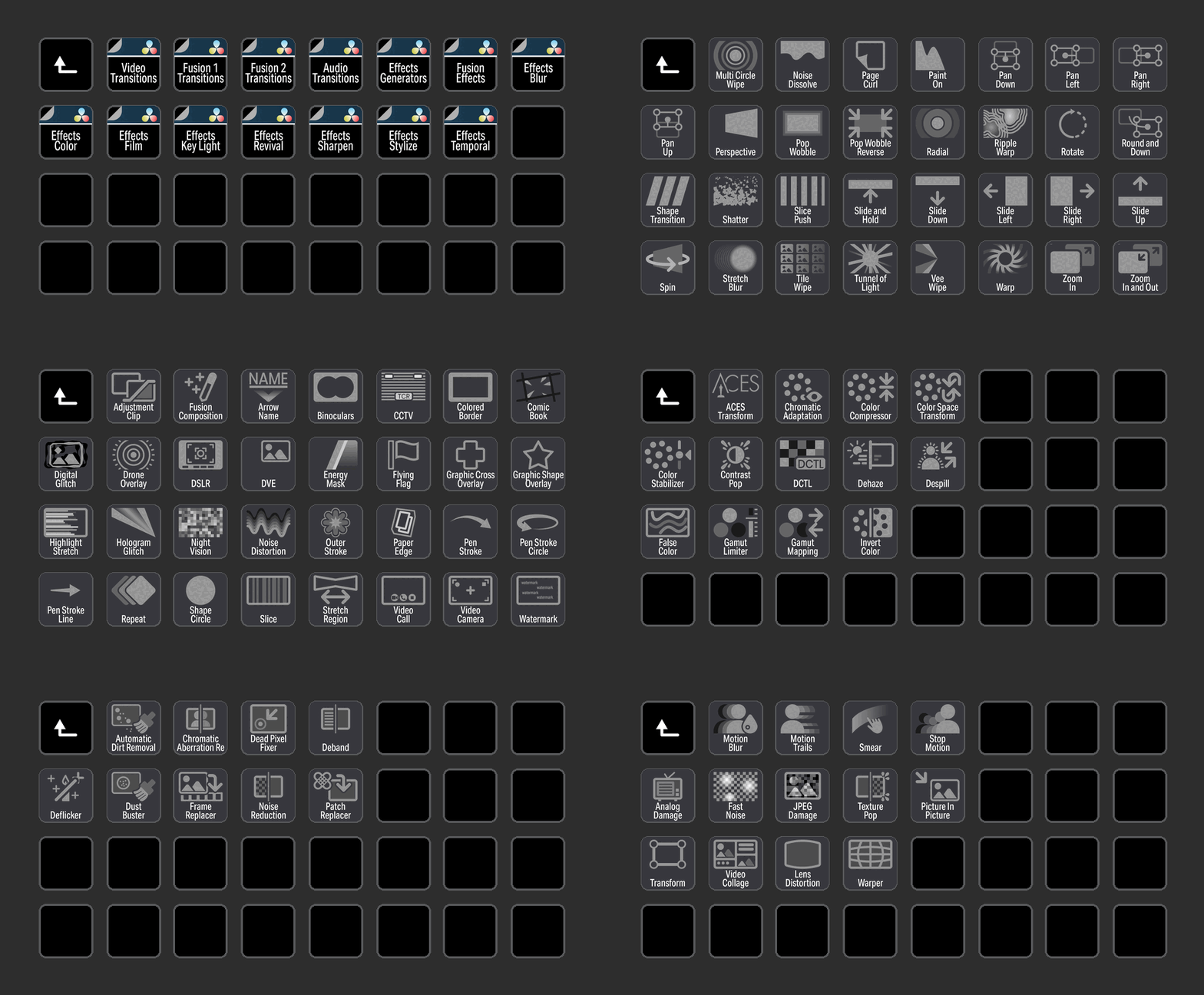
EFFECTS and FILTERS
Effects commands organized into a folders that utilizes the Command Find to trigger the commands. Some effects may only be present in the full Studio version. Effects and Filter have a distinct background to aid in identification.
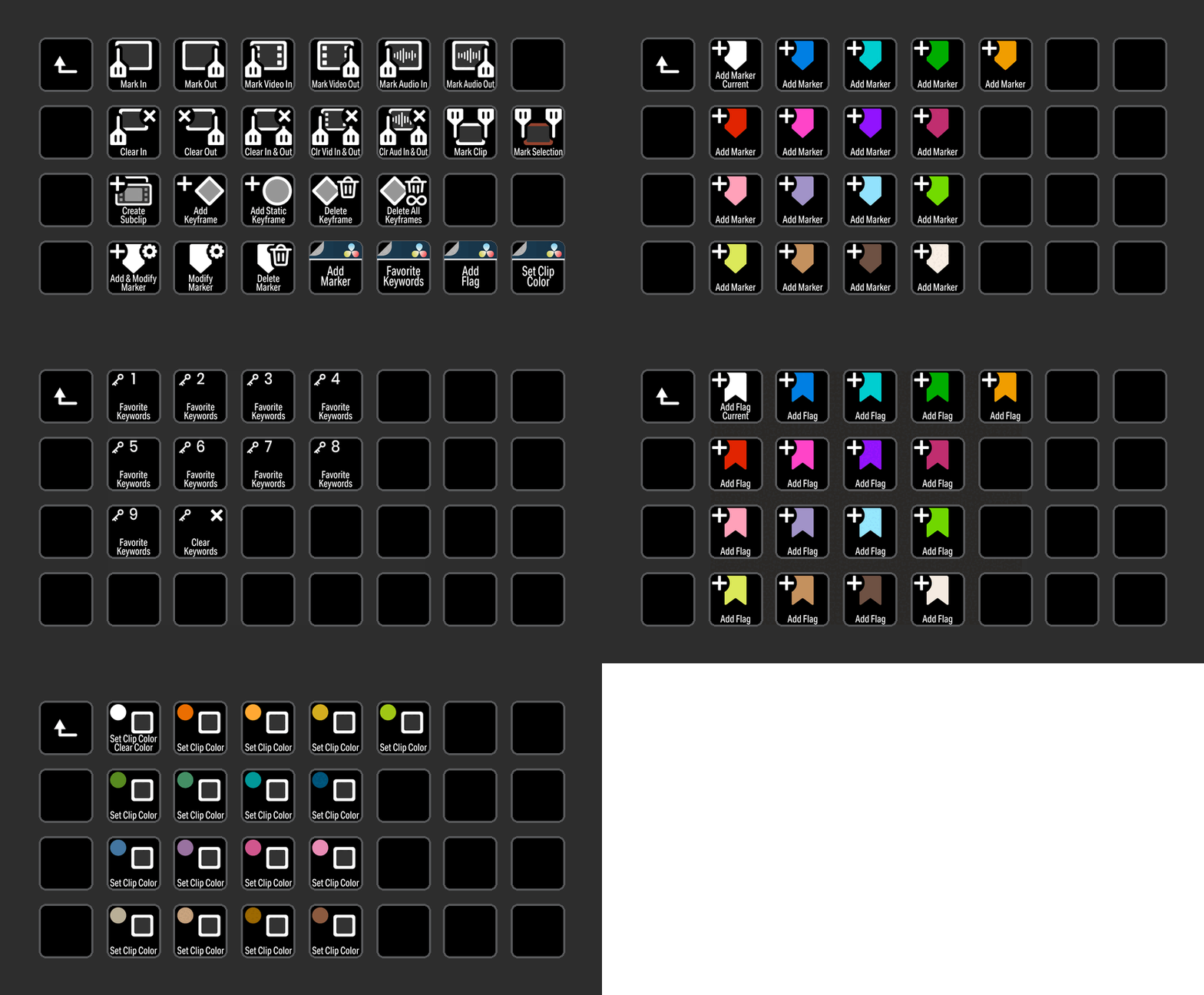
MARK
Control Mark commands with a button press. This includes adding Flags, Markers and Clip Color icons that can be customized with your shortcuts.
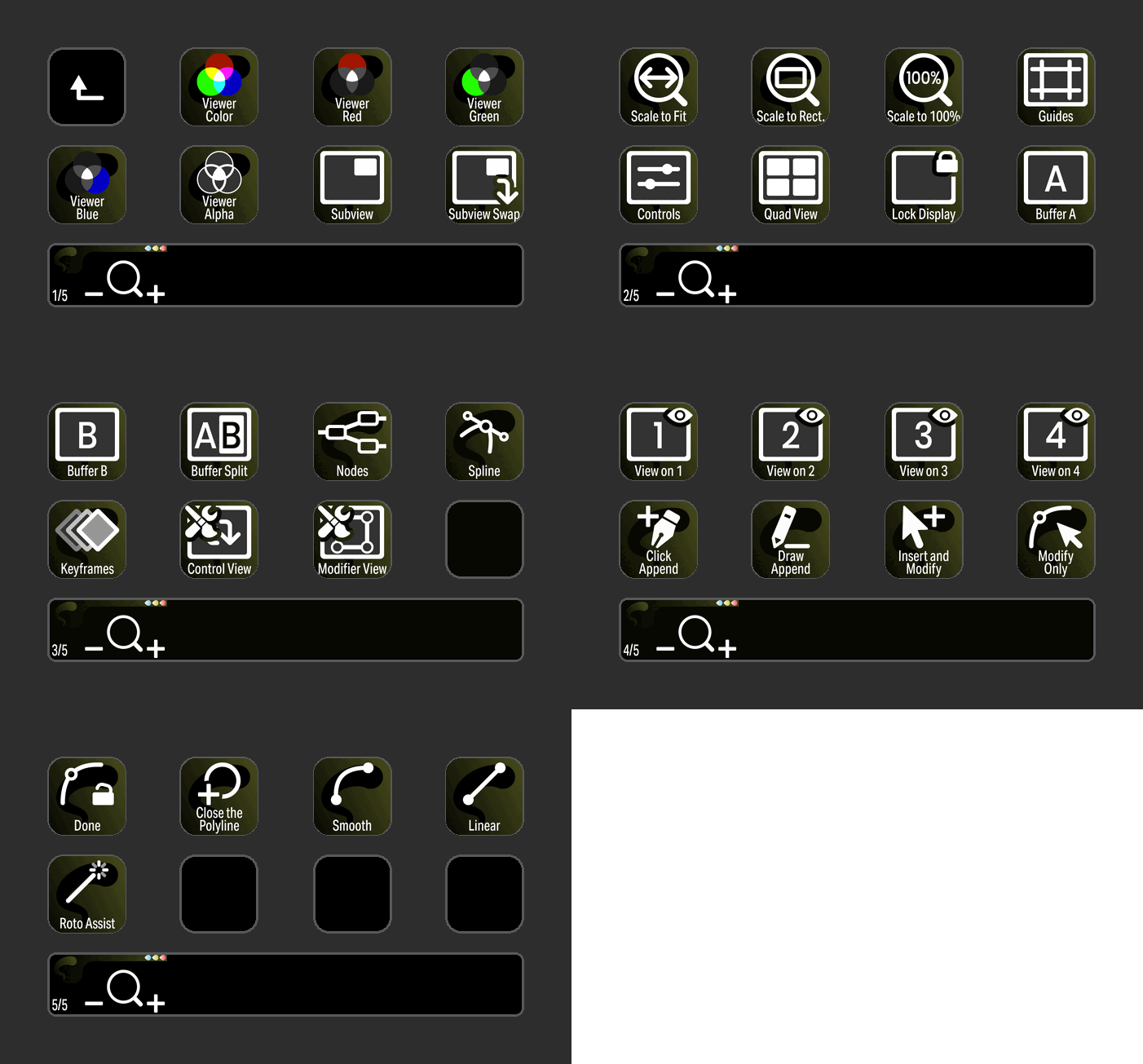
FUSION
Fusion commands and encoders grouped into a Stream Deck Plus profile with elegant icons and useful encoder controls. Fusion icons have a distinct background to aid in identification.

COLOR
Encoders using the Printer Light Hotkeys can adjust Master, Red, Gree, Blue, Cyan, Magenta and Yellow controls for Full and Quarter movements.
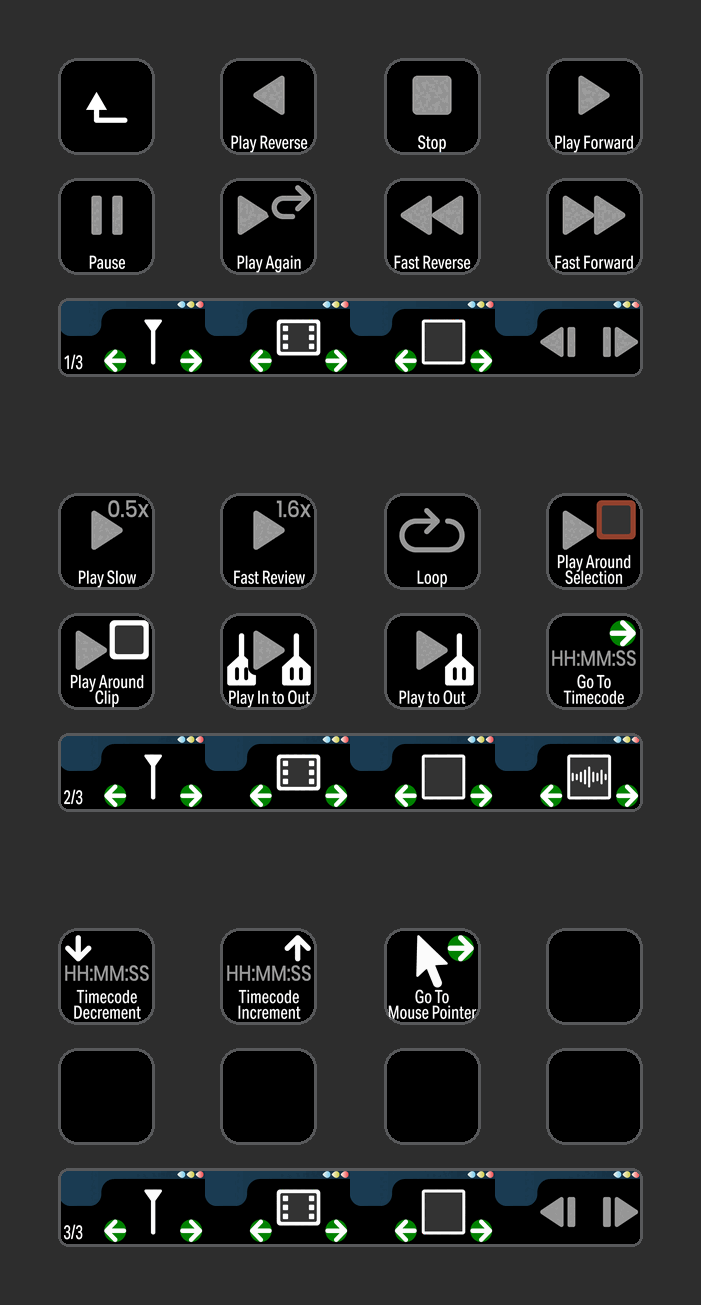
PLAYBACK
Buttons and encoders for Playback functions with easily identifiable icons.

COLOR
Control Color commands with a button press or an encoder. Encoders using the Printer Light Hotkeys can adjust Master, Red, Gree, Blue, Cyan, Magenta and Yellow controls for Full and Quarter movements on the Stream Deck XL+.
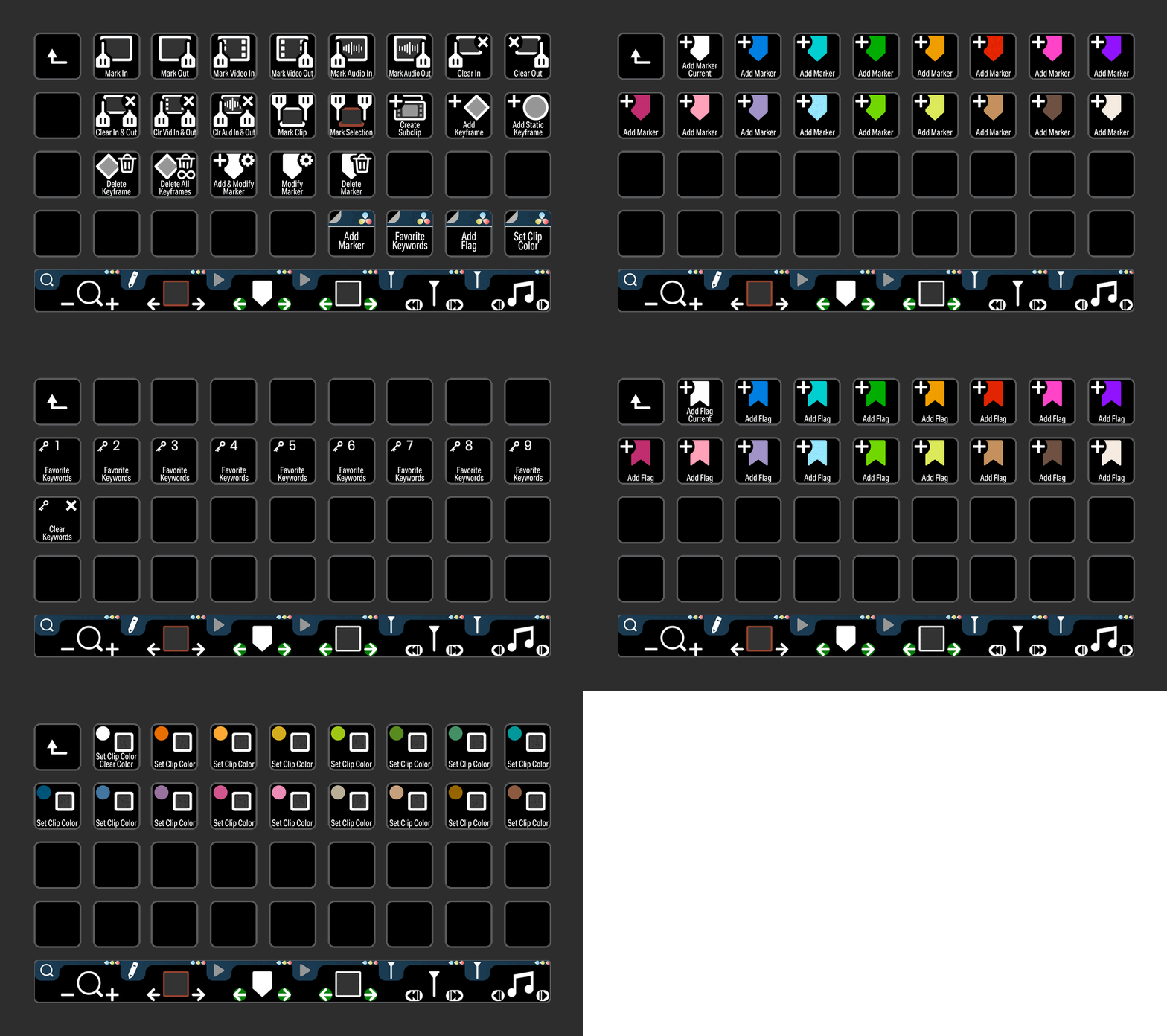
MARK
Control Mark commands with a button press. This includes adding Flags, Markers and Clip Color icons that can be customized with your shortcuts on the Stream Deck XL+.
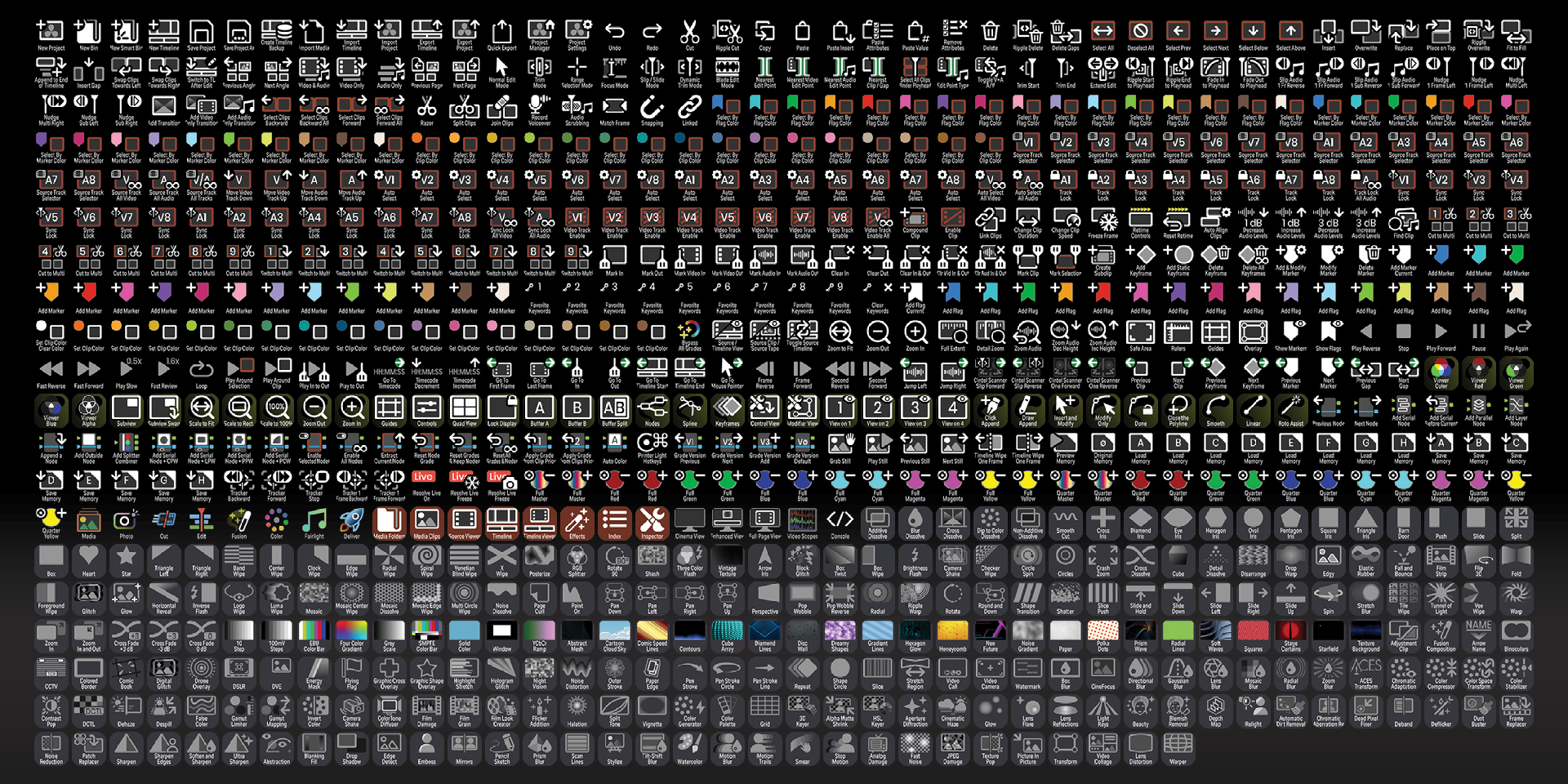
Labelled
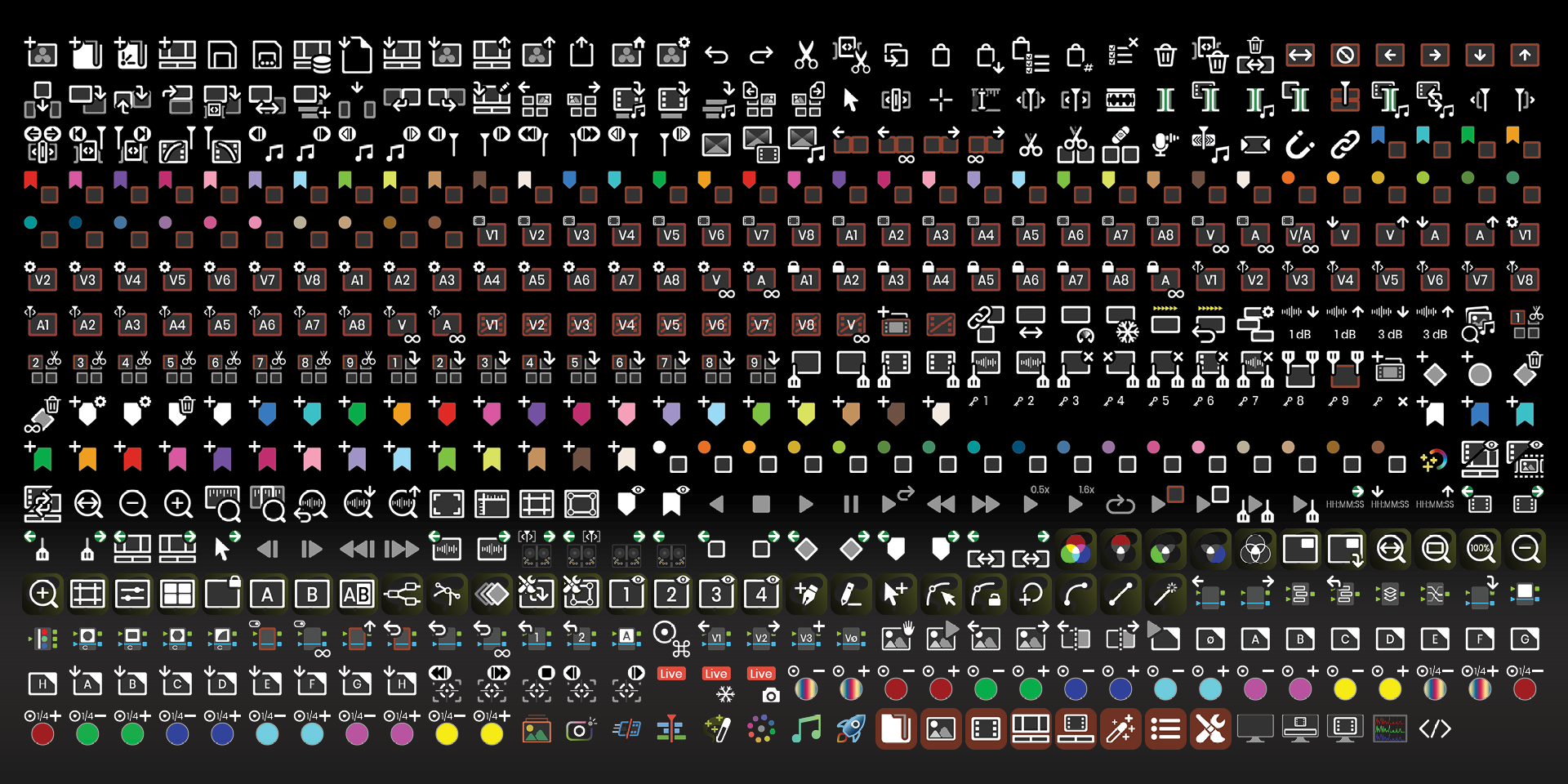
Unlabelled
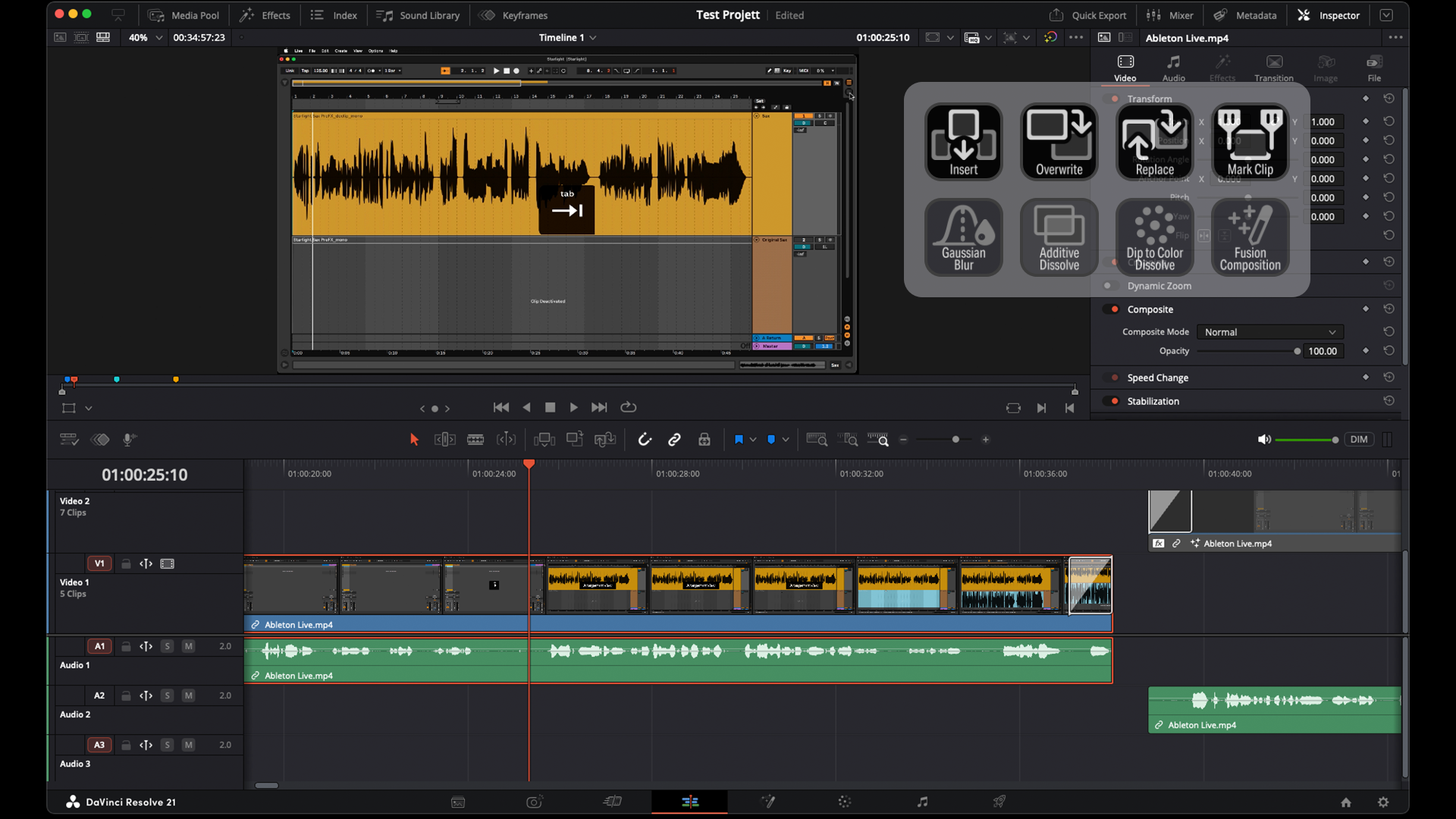
CUSTOMIZE
Create your own workflow profiles or pages for the common tasks in DaVinci Resolve.
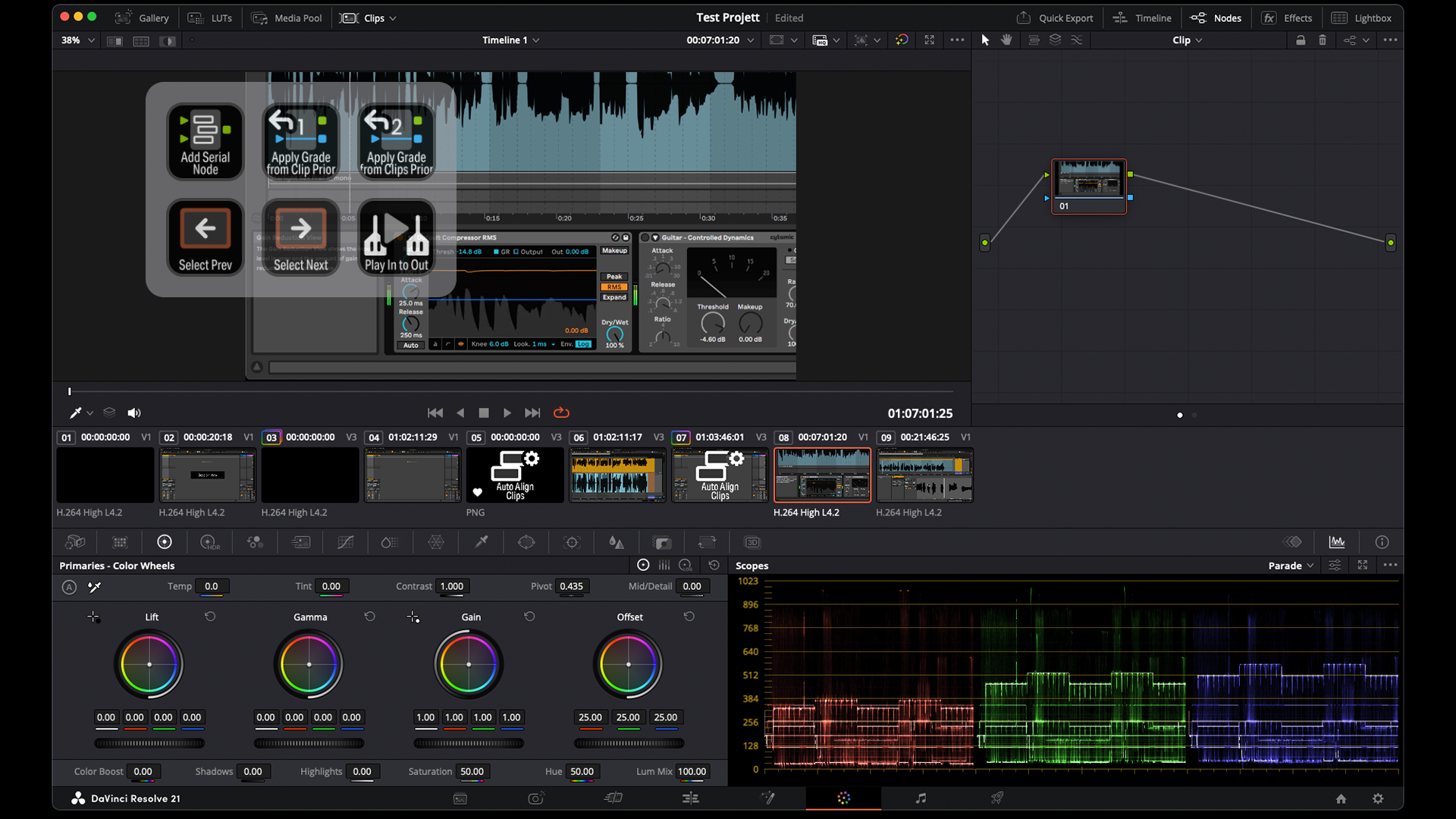
CUSTOMIZE
Choose your layout and customize the icons you need for the workflows in DaVinci Resolve.
What’s Included
.streamDeckIconPack File
Labelled / Unlabelled Icons
Stream Deck XL Profile and Stream Deck Regular Profile (Mac / Windows) for both Labelled and Unlabelled Icons Sets
Stream Deck Plus Profile (Mac / Windows)
Stream Deck XL+ Profile (Mac / Windows) for both Labelled and Unlabelled Icon Sets
Manuals (browse the sample manual)