Affinity
Profiles for Stream Deck XL/Regular/Plus/XL+ (Mac/Win)
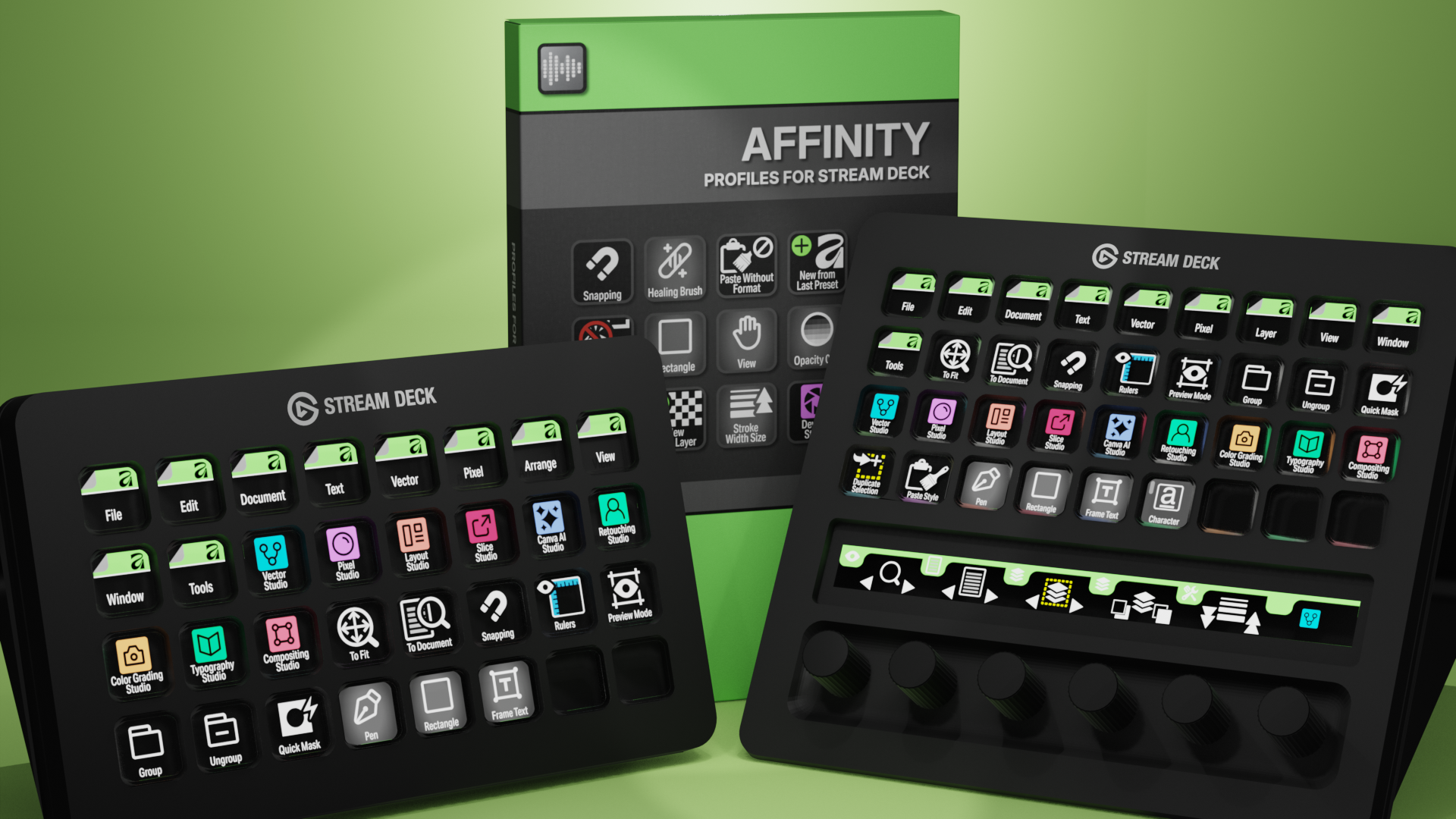
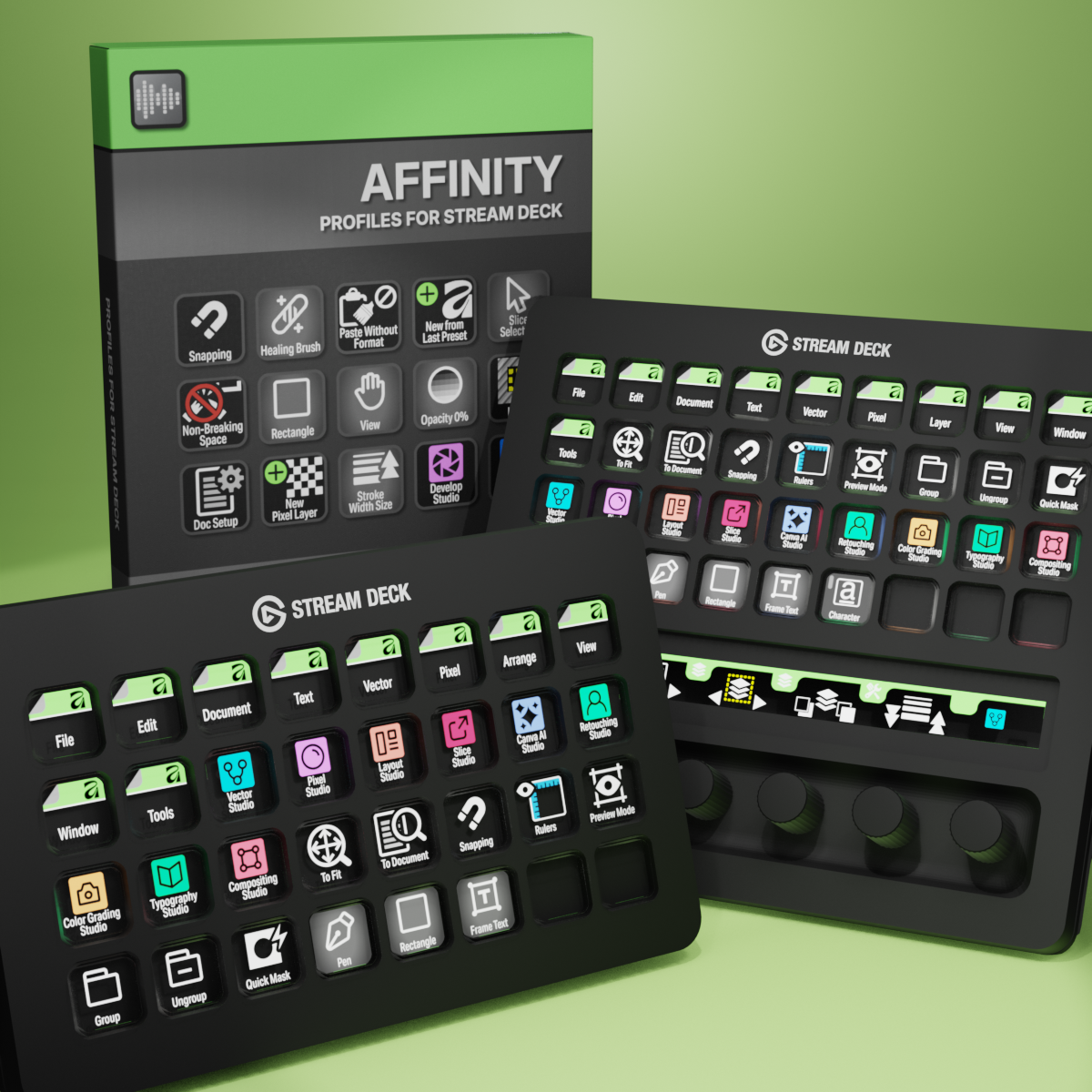
Affinity Profiles for Stream Deck XL - Reg - Plus - XL+
English (QWERTY) keyboard layout required for profiles.
What’s Included
.streamDeckIconPack File
Labelled / Unlabelled Icon Set
Stream Deck XL Profile and Stream Deck Regular Profile (Mac/Win)
Stream Deck Plus Profiles (Mac/Win)
Stream XL+ Profile (Mac/Win)
Manuals
Speed up your Affinity for Desktop workflow with custom Elgato Stream Deck profiles and over 630 icons. Compatible with Stream Deck XL, Stream Deck (15-key), Stream Deck +, and Stream Deck XL+, these profiles deliver 250+ pre-programmed keys covering Affinity's Vector, Pixel, and Layout Studios. Trigger commands, tools, and shortcuts at the touch of a button as you move between studios, with labelled and unlabelled icons to keep your workspace clean. Cut repetitive keystrokes and get faster, more intuitive control over every Affinity project.
Also available is a separate ICON PACK (icons only).
Browse the store for a FREE SAMPLER.
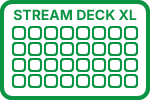
280+ Programmed Keys
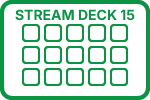
240+ Programmed Keys
220+ Programmed Keys
280+ Programmed Keys

630+ Labelled Icons
630+ Unlabelled Icons
English (QWERTY) keyboard layout required.
Stream Deck XL or Stream Deck Regular required for profile.
Shortcut commands may need to be altered to work with custom profile.
Stream Deck XL / Regular Mac AND Windows Profile
Stream Deck Plus Mac AND Windows Profile
Stream Deck XL+ Mac AND WIndows Profile
Keyboard Shortcuts
280 + programmed commands for the Stream Deck XL, Stream Deck Regular, Stream Deck Plus and Stream Deck XL+. Many of the menu items available via shortcut keys in Affinity at the tip of a finger. Organized into folders for easy access.
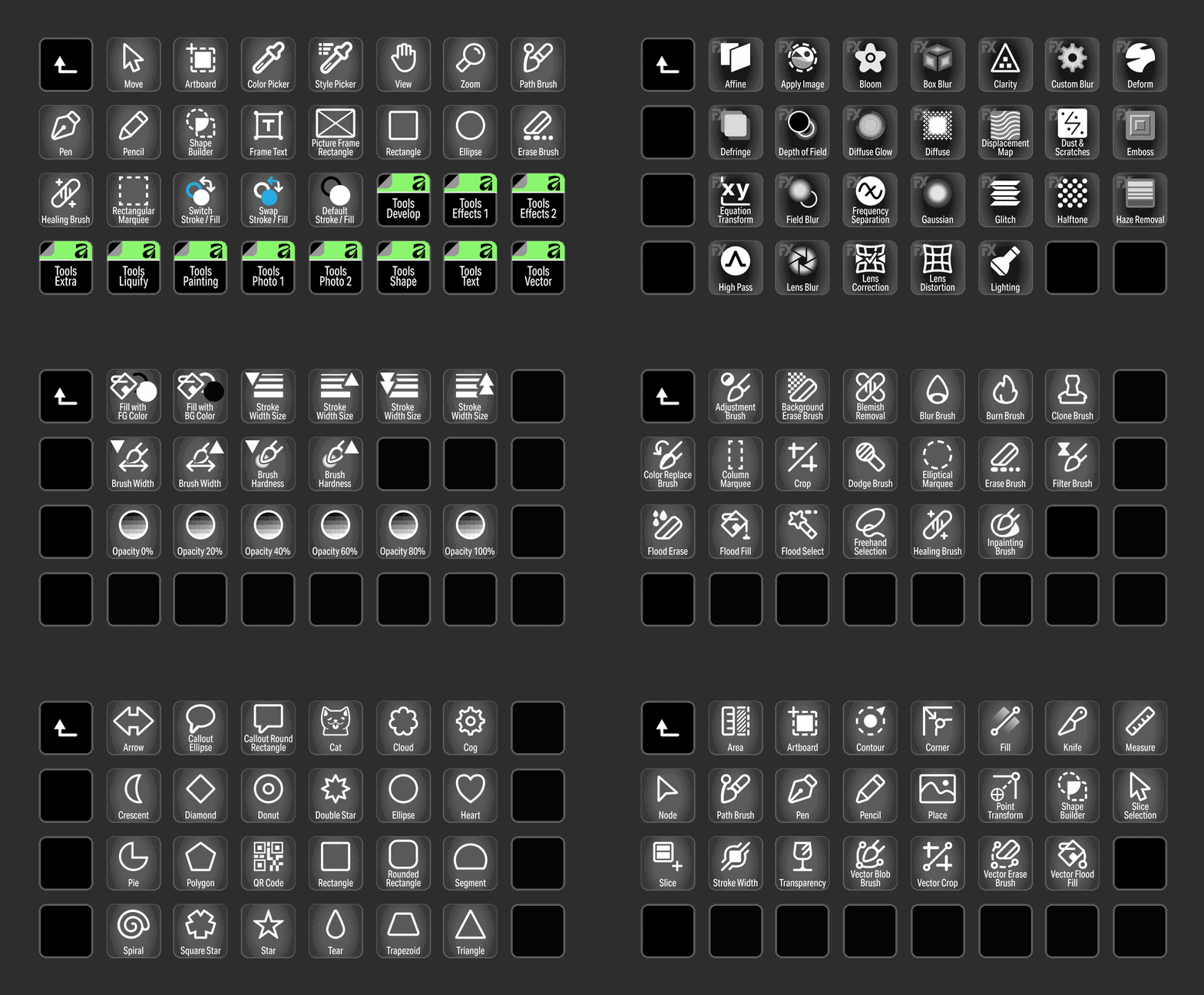
TOOLS
Access all of the most common Tools used in Affinity with the click of a button
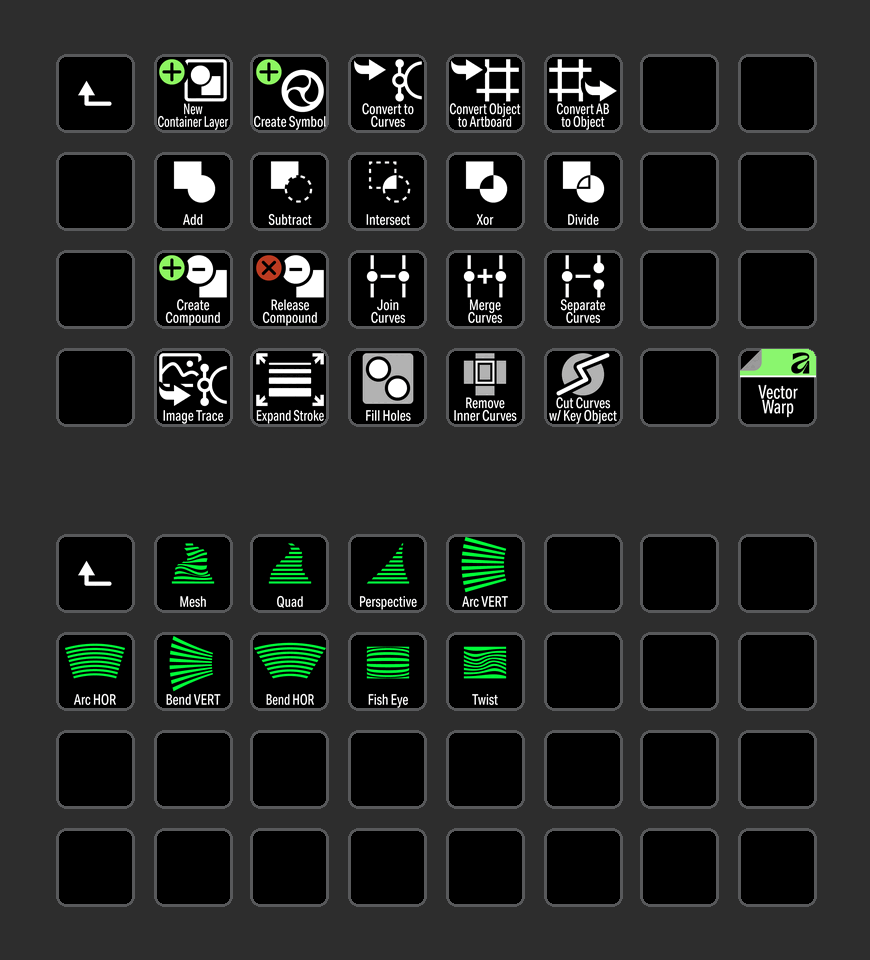
VECTOR
Vector commands organized into a folder including Vector Warp for easy identification.
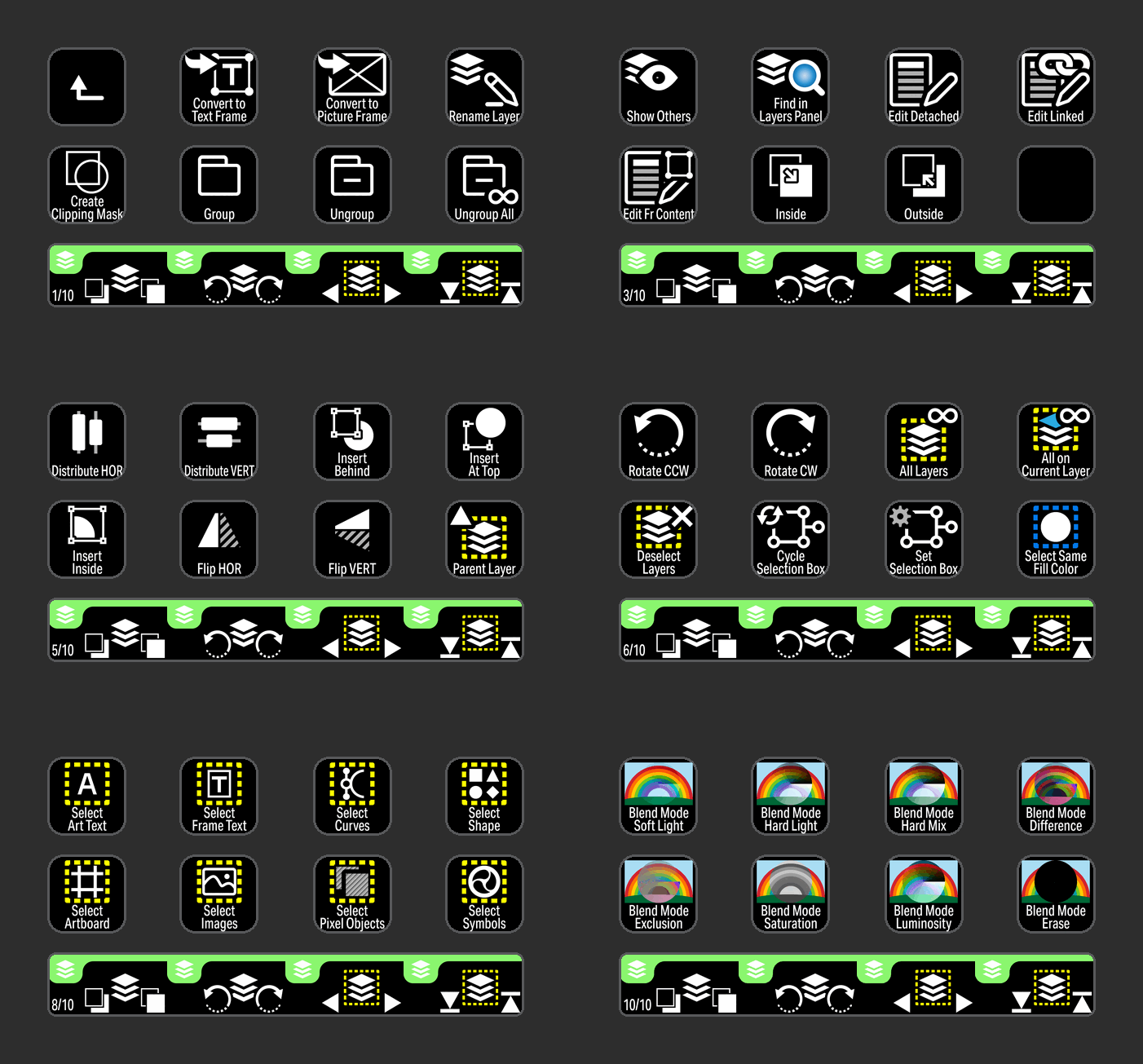
LAYER
Menu commands and encoders for Layer grouped into a Stream Deck Plus profile with elegant icons and useful encoder controls.
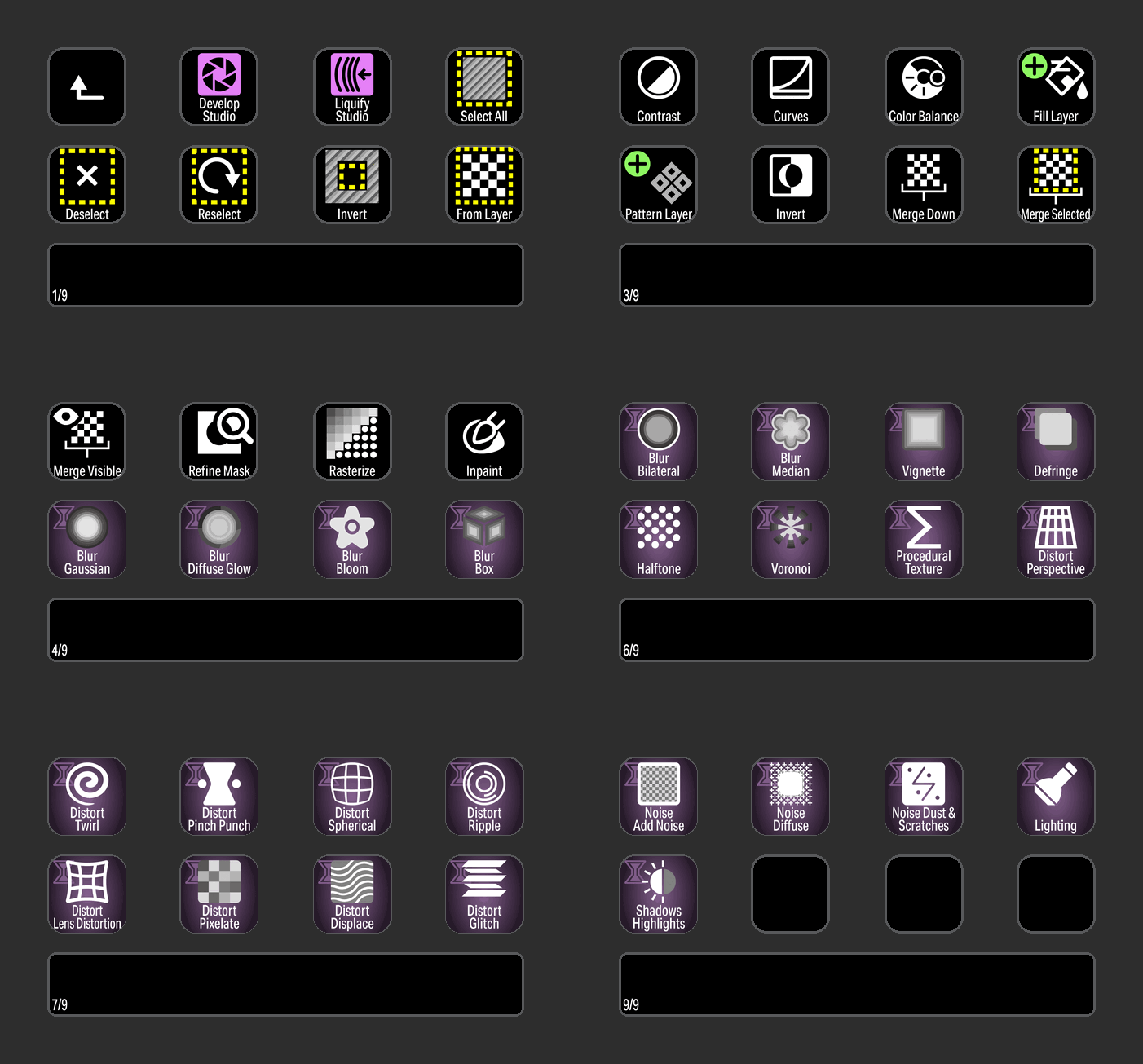
PIXEL
Pixel commands in one location including live filters.
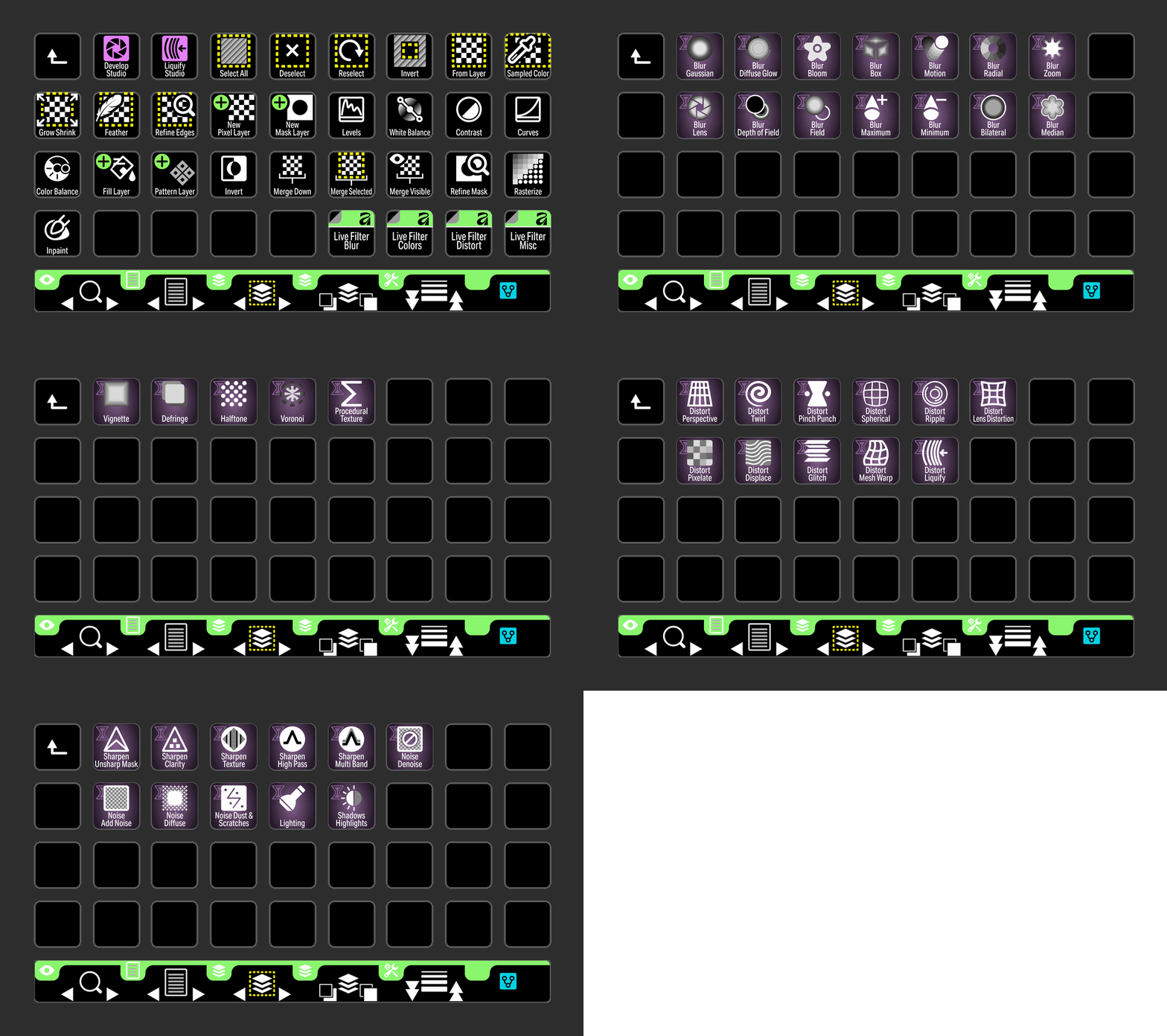
PIXEL
Pixel commands in one location including live filters formatted for the Stream Deck XL+.
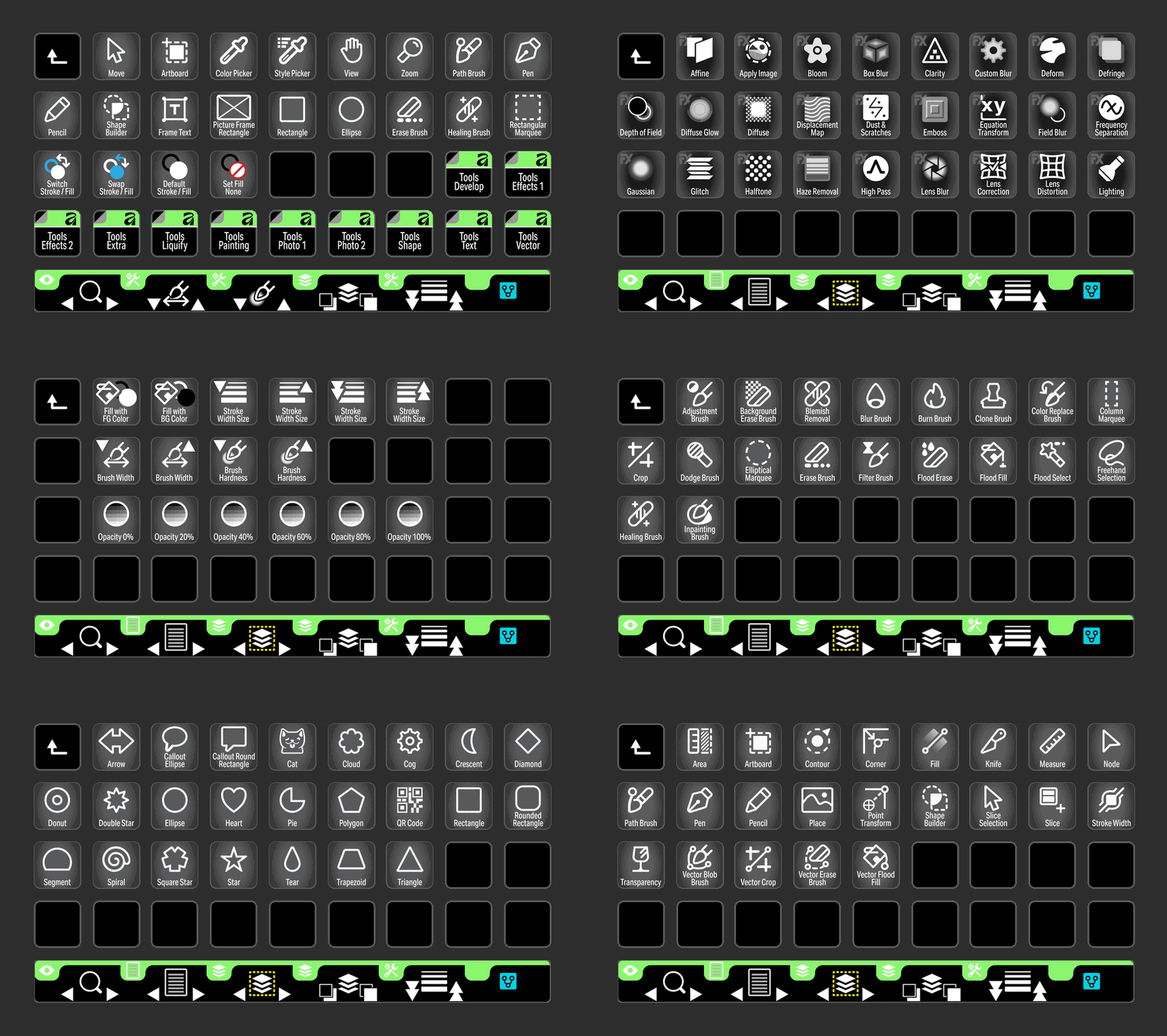
TOOLS
Access all of the most common Tools used in Affinity with the click of a button for the Stream Deck XL+.
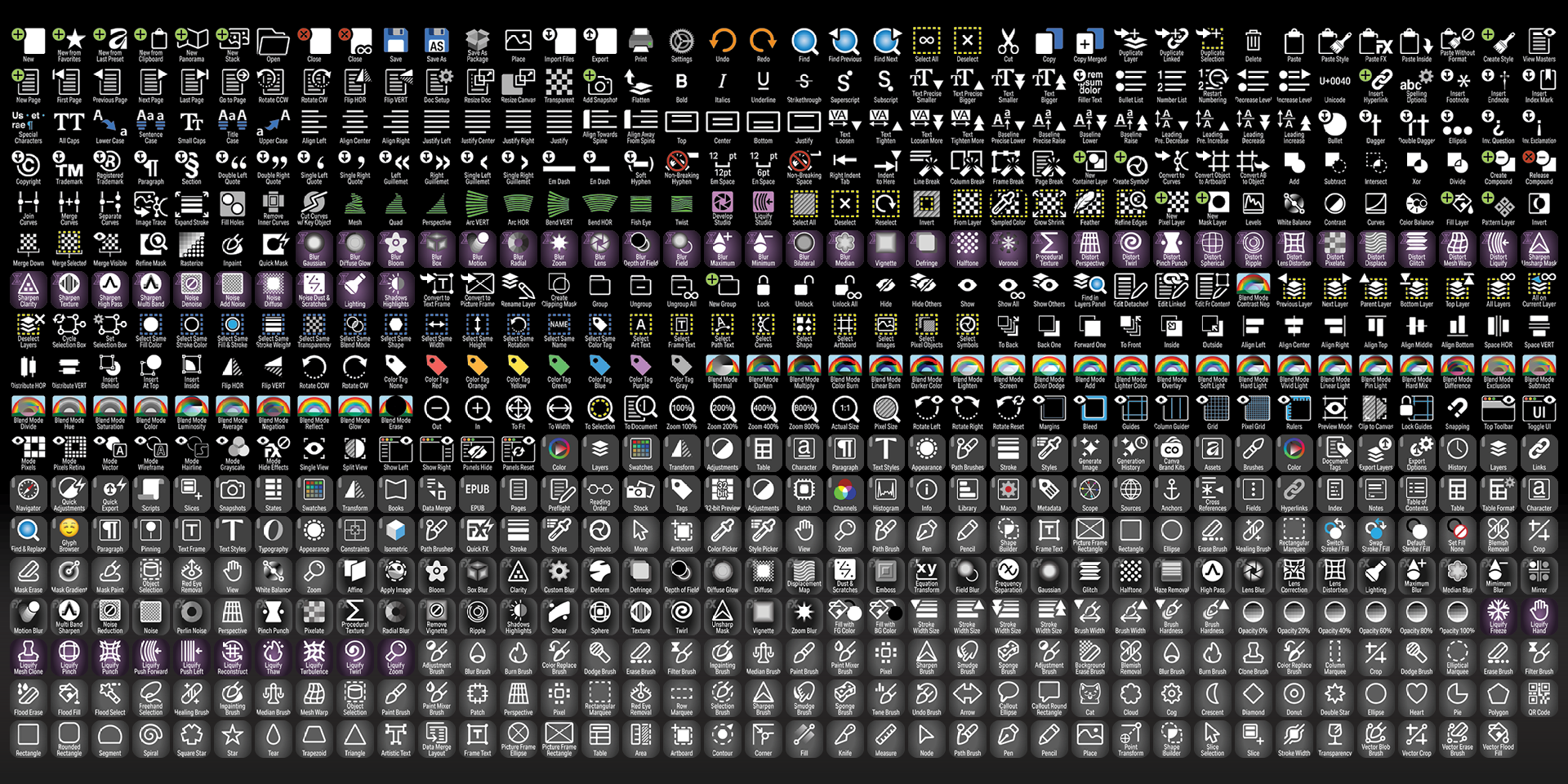
Labelled
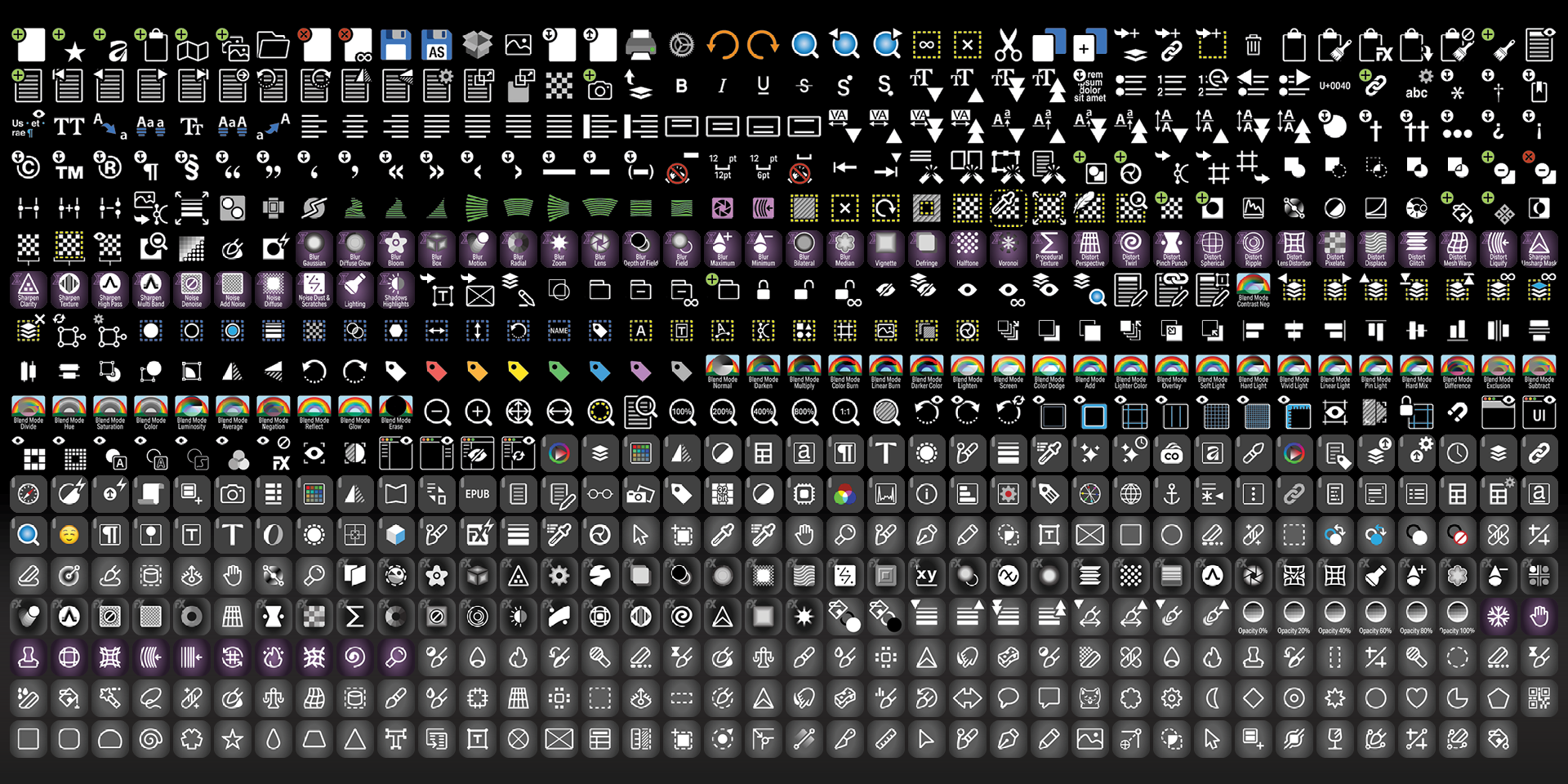
Unlabelled
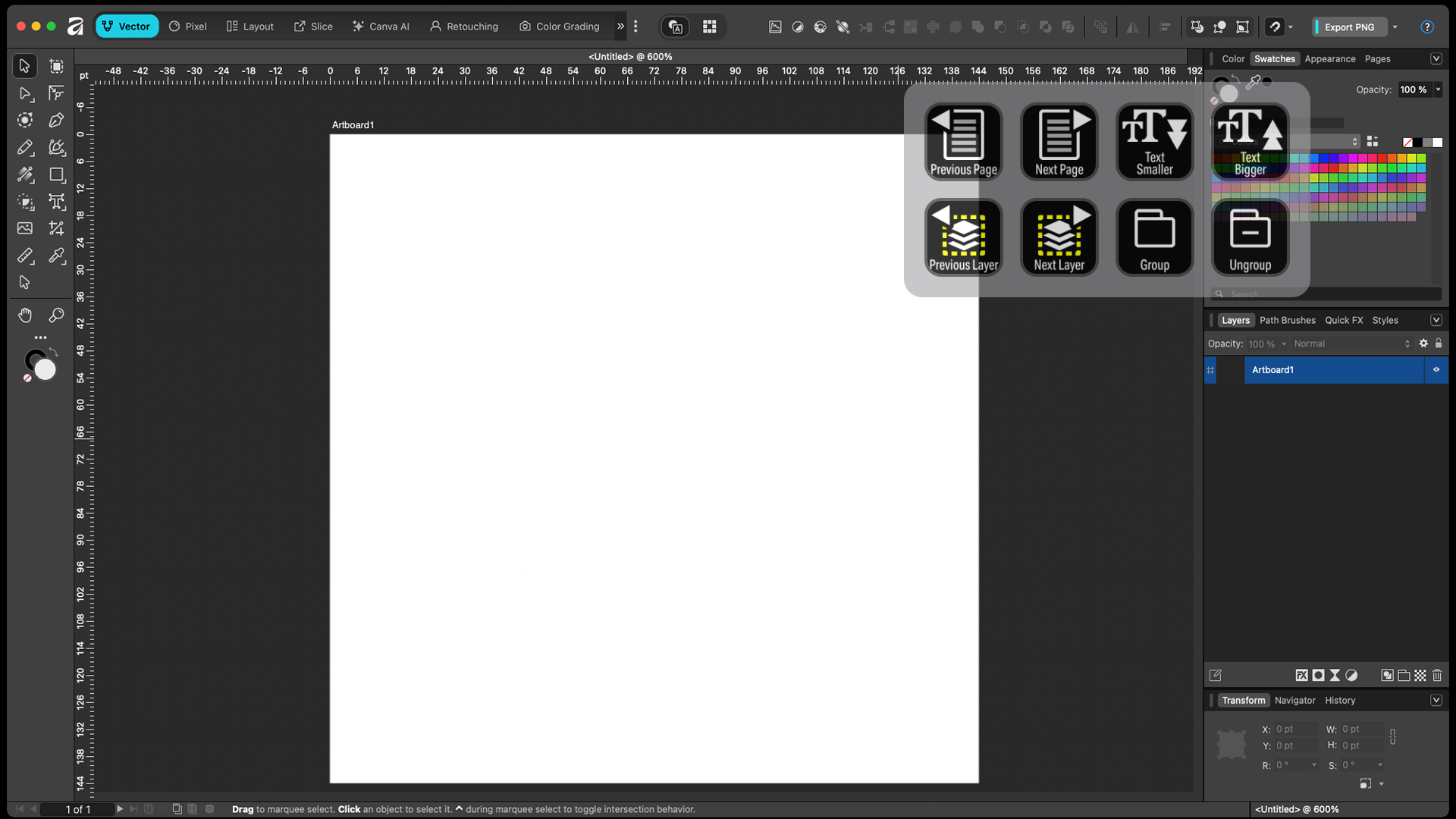
CUSTOMIZE
Create your own workflow profiles or pages for the common tasks in Affinity.
What’s Included
.streamDeckIconPack File
Labelled / Unlabelled Icons
Stream Deck XL Profile and Stream Deck Regular Profile (Mac / Windows) for both Labelled and Unlabelled Icon Sets
Stream Deck Plus Profile (Mac / Windows)
Stream Deck XL+ (Mac / Windows) for both Labelled and Unlabelled Icon Sets
Manuals (browse the sample manual)