1.
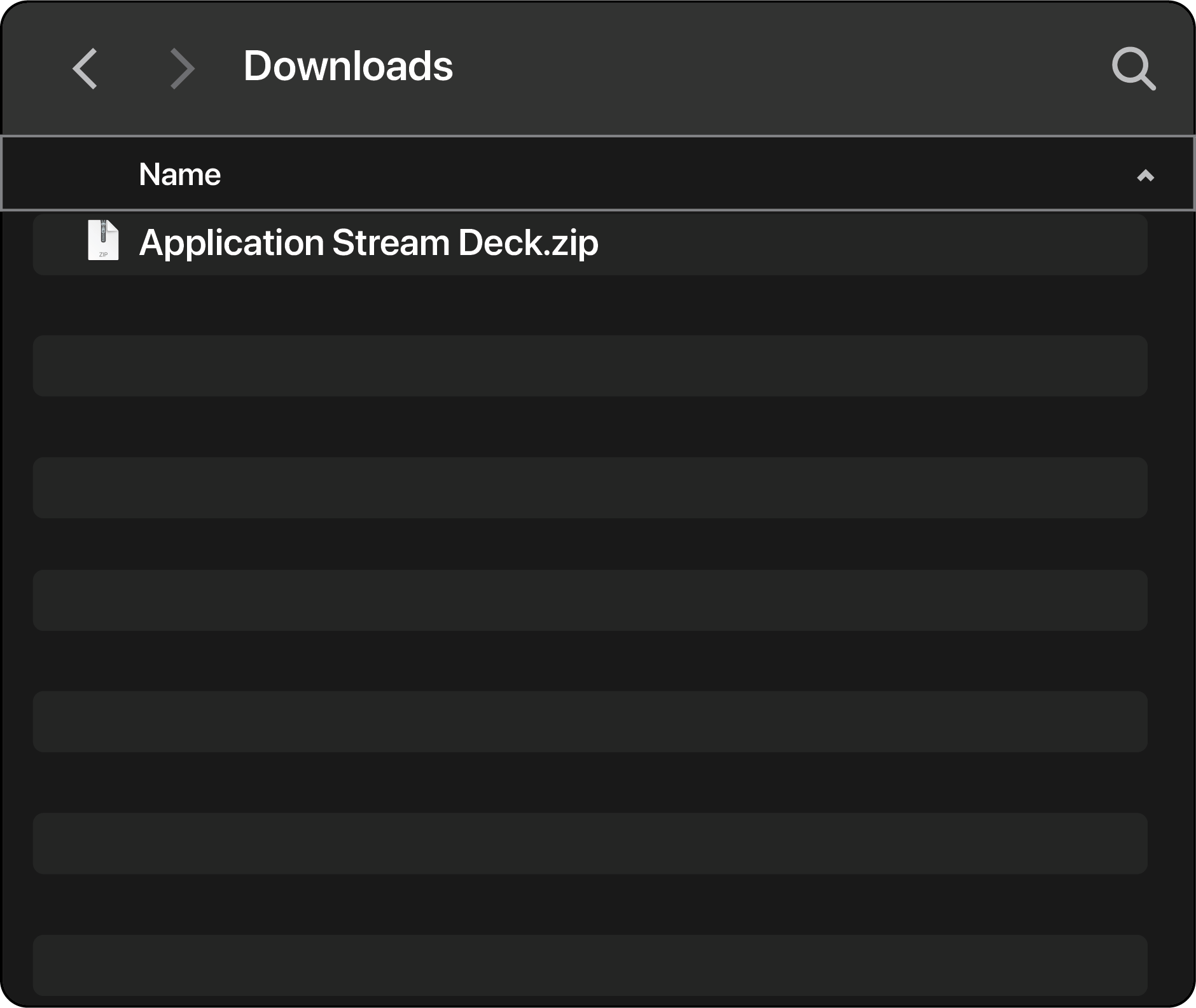
Locate the downloaded Application Stream Deck file (usually found in your Downloads folder)
Installing the Stream Deck Profiles
2.
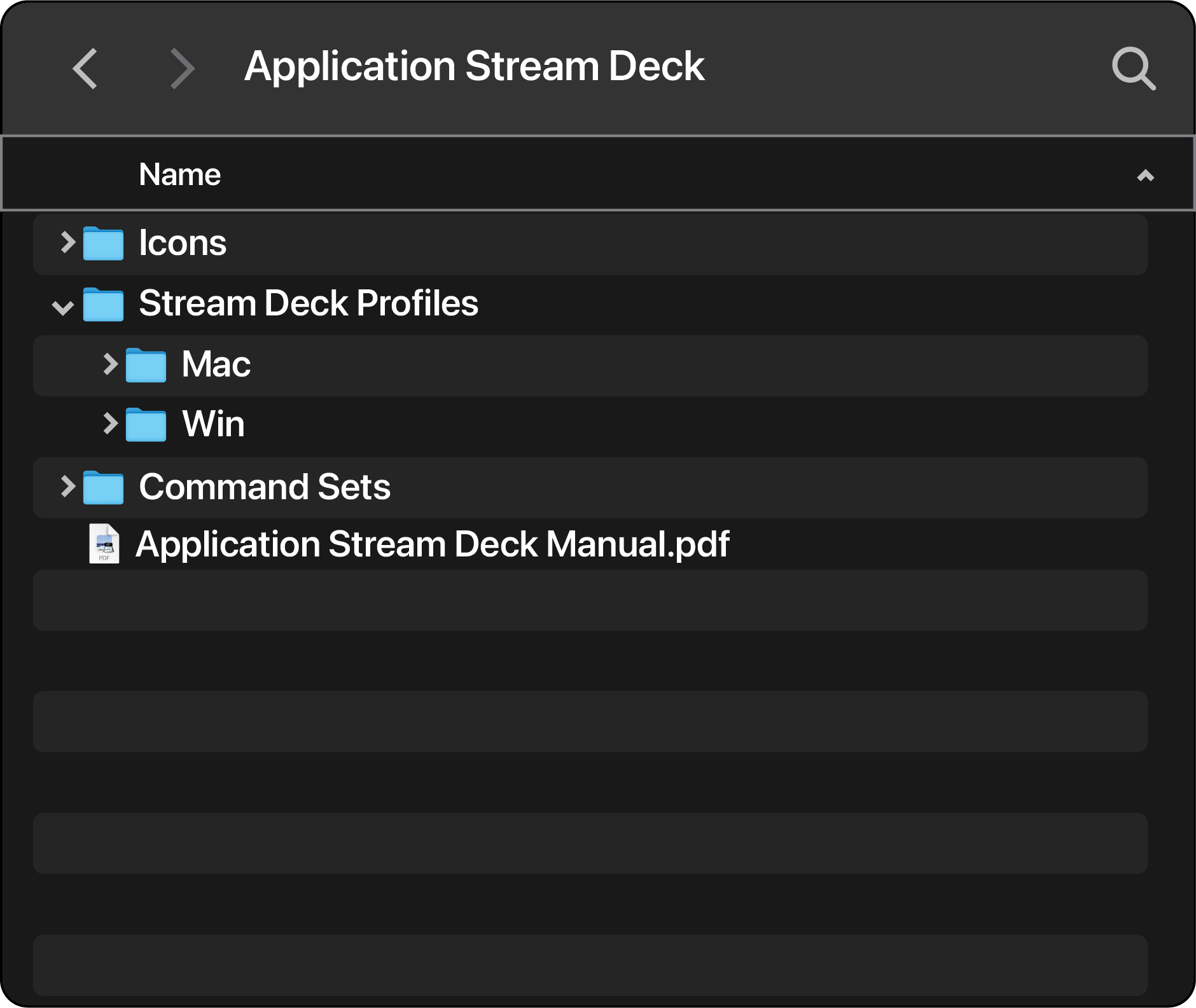
Unzip the file to reveal its contents
3.
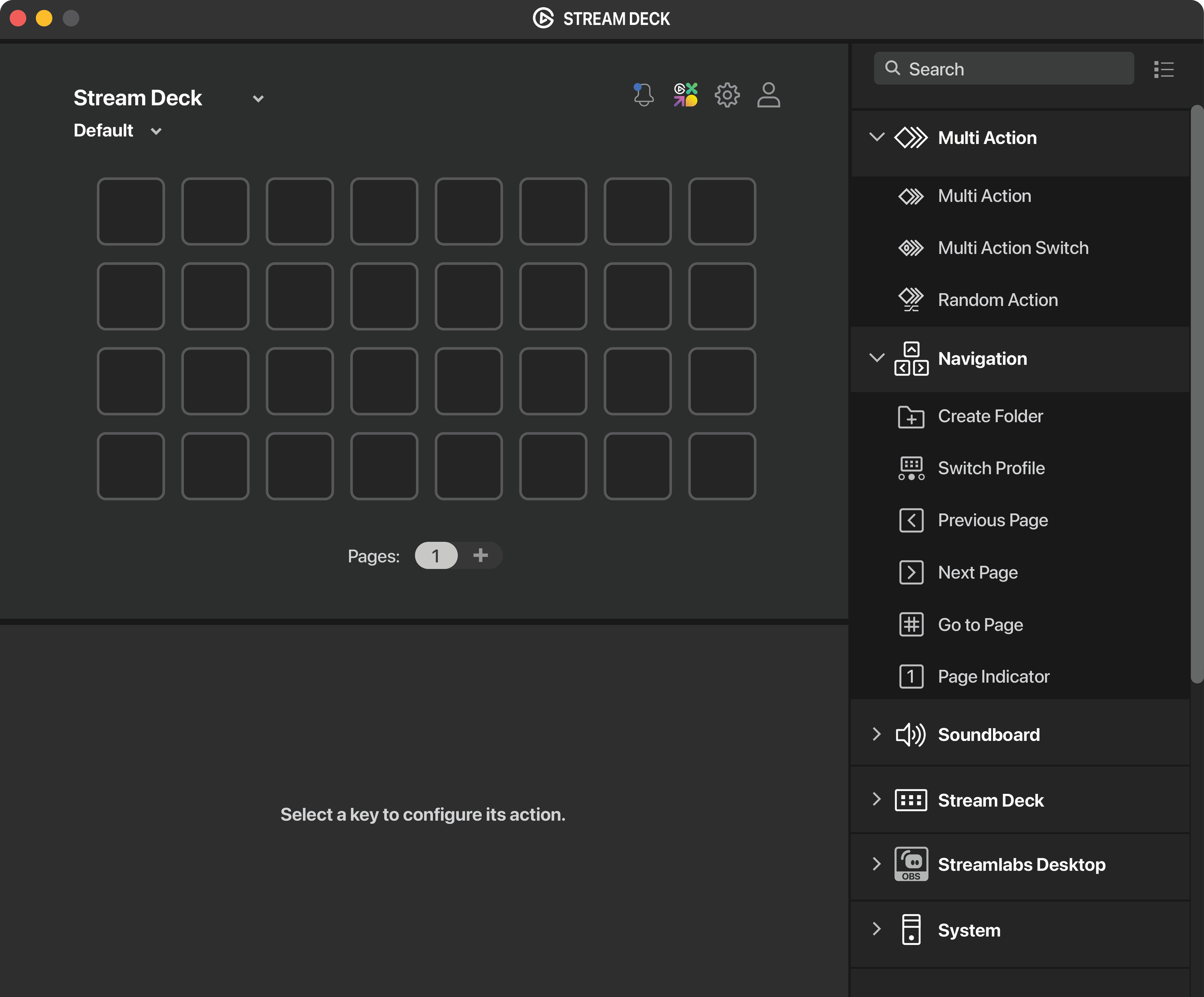
Open the Stream Deck software
4.
Click the gear icon to open Preferences
5.
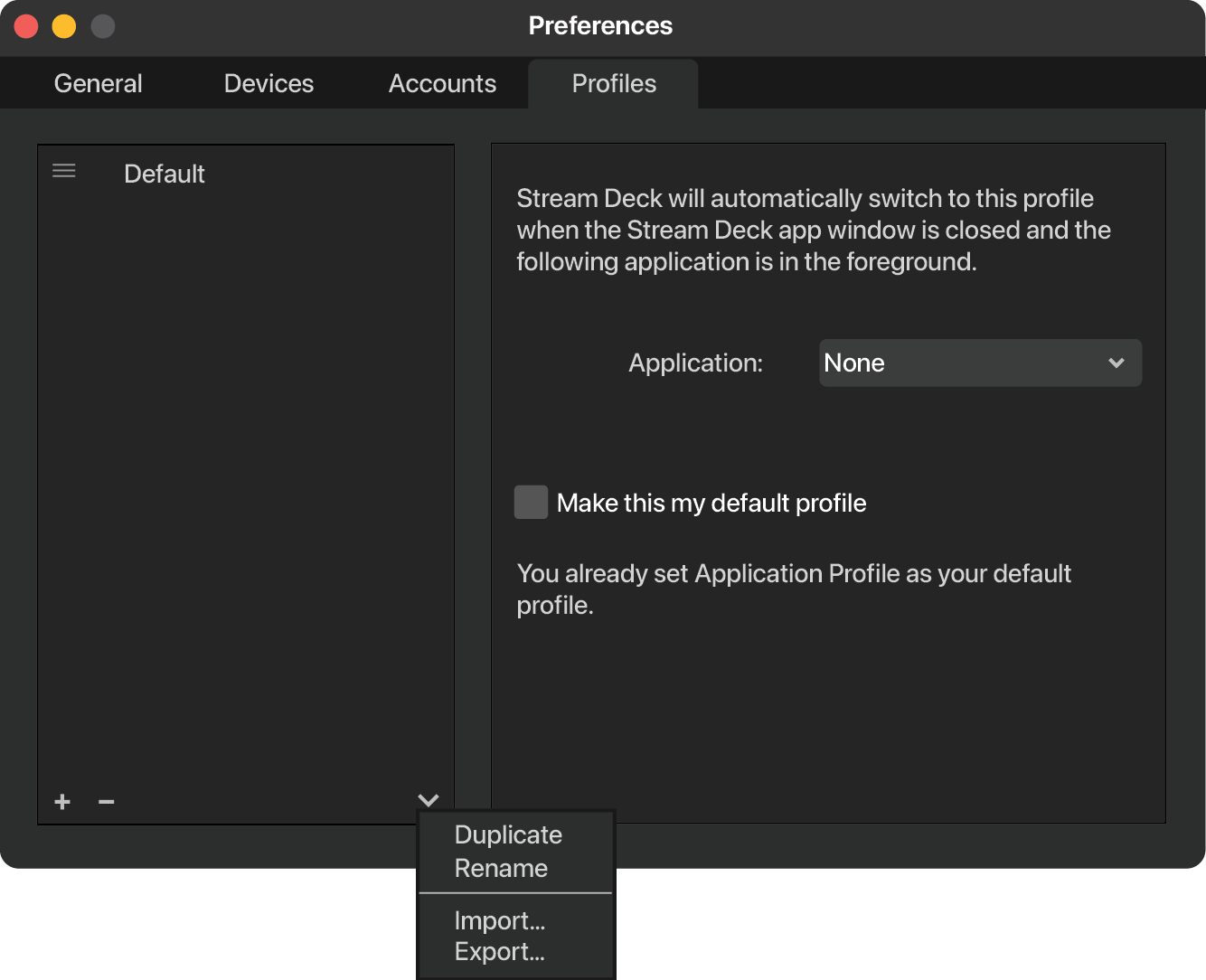
In the Preferences window, select the Profiles tab
6.
Click the down arrow next to the profile list, then select Import
7.
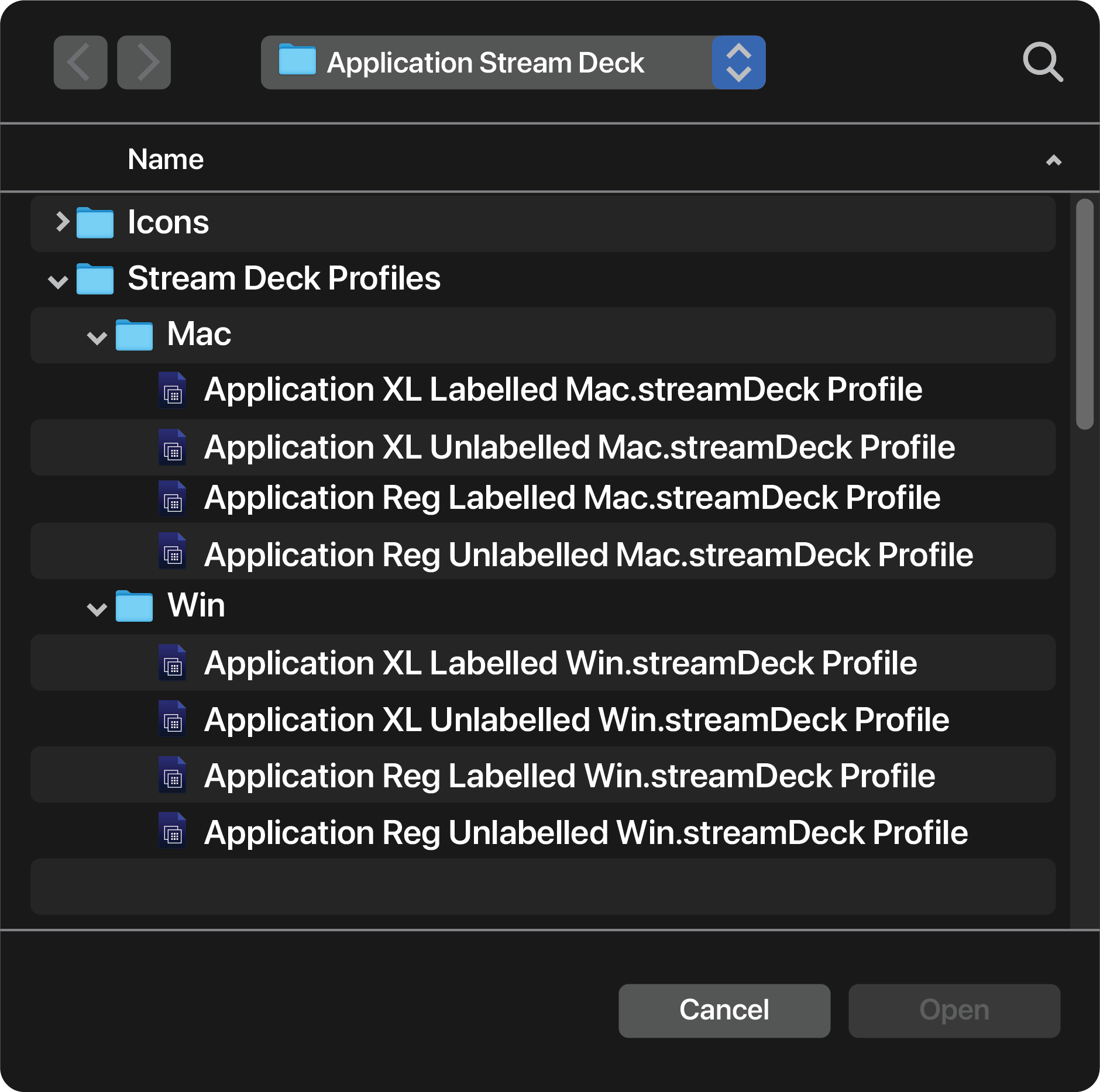
In the file dialog, choose the correct profile for your Stream Deck setup, and click Open