Pro Tools Keyboard Shortcuts Installation
Profiles for Stream Deck XL/Regular/Plus/XL+ (Mac)

Loading the Keyboard Shortcuts
Most of the shortcuts in the Stream Deck Profiles use the default shortcut keys in Pro Tools. There are over 100 that have been added and are listed in the manual.
In the Pro Tools application navigate to the Setup Menu and select Keyboard Shortcuts to bring up the Keyboard Shortcuts dialog.
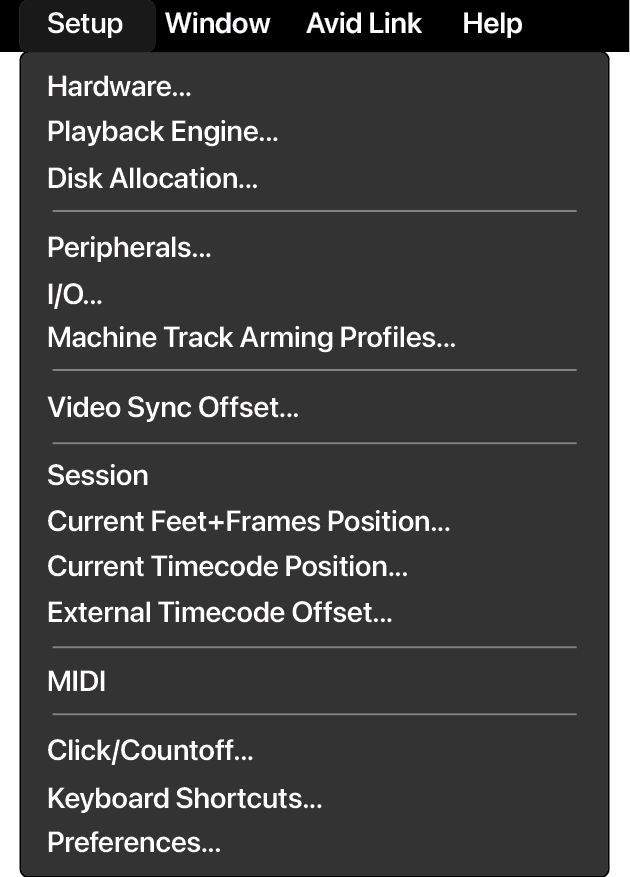
This will bring up the Keyboard Shortcuts dialog.
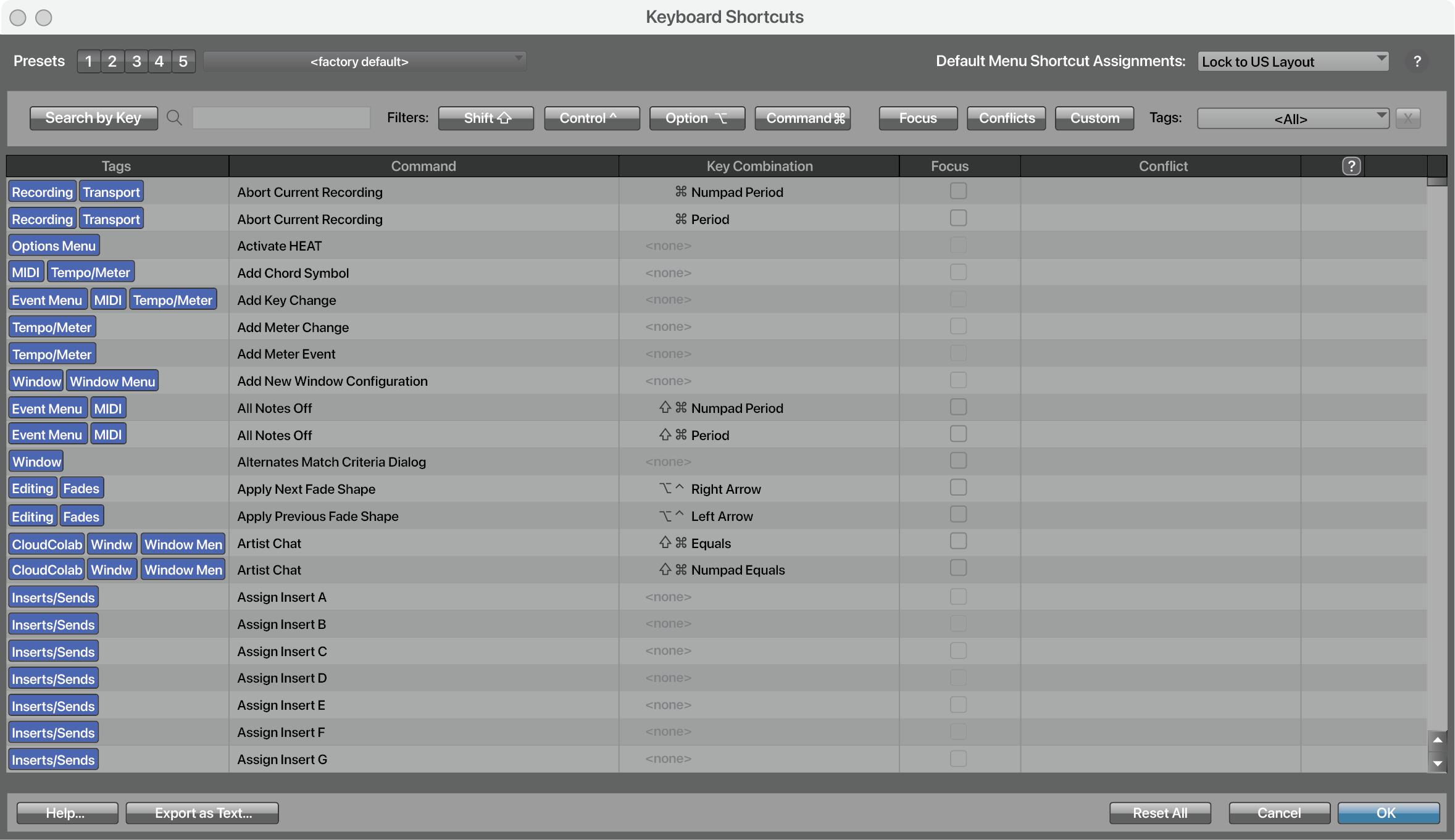
Click on the drop down menu near the upper left of the Keyboard Shortcuts dialog by the Presets display to show the menu for importing shortcuts.
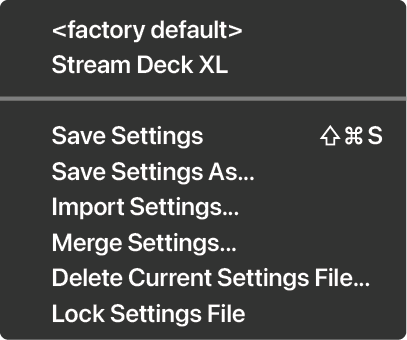
Choose Import Settings and navigate to your downloaded purchase to install the Stream Deck preset file located in the Keyboard Shortcuts folder of your installable profiles.